
For clinics that run a pet hotel
Software for veterinary clinics that run a pet hotel
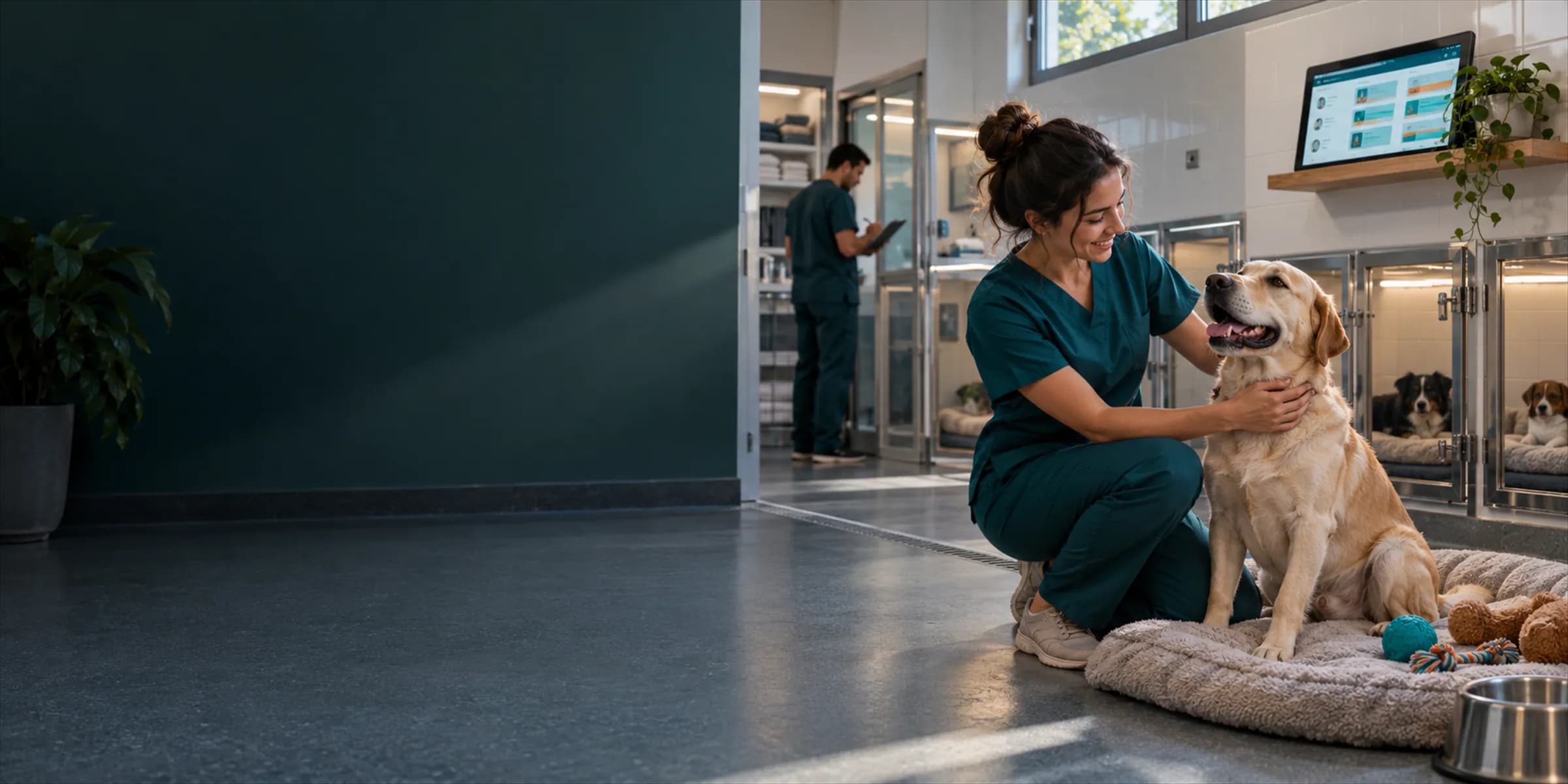
VetBis is built for vets who run a pet hotel or boarding service next to the clinic: reservations and room assignment, the daily care log and the checkout invoice sit in the same file as the guest's exam and vaccination record. Extra items go on the same invoice, and the boarding animal's medical history is at hand.
Occupancy calendar · this week
| Mon | Tue | Wed | Thu | Fri | Sat | Sun | |
|---|---|---|---|---|---|---|---|
| Room 1 · dog | KarabaşMon–Wed | DumanFri–Sun | |||||
| Room 2 · dog | RexTue–Fri | ||||||
| Room 3 · cat | PamukWed–Sat | ||||||
| Room 4 · cat | MiaSat–Sun |
- In the room
- Reserved
- New reservation
Live flowOccupancy up to date 3 / 3
Steps
- 1Reservation receivedCheck-in and check-out dates and the room type are chosen.
- 2Room assignedThe reservation takes its place in the room's row on the calendar.
- 3Occupancy up to dateNew reservations also show on the calendar; empty rooms are clear at a glance.
Sample calendar; guest names are fictional.
Reservations, room types and consent
A boarding service runs on a different rhythm from the clinic: check-ins and check-outs come in groups, care is logged every day, and the bill is cut at checkout. When reservations live in the same account you do not need two record systems.
Reservations by check-in and check-out date
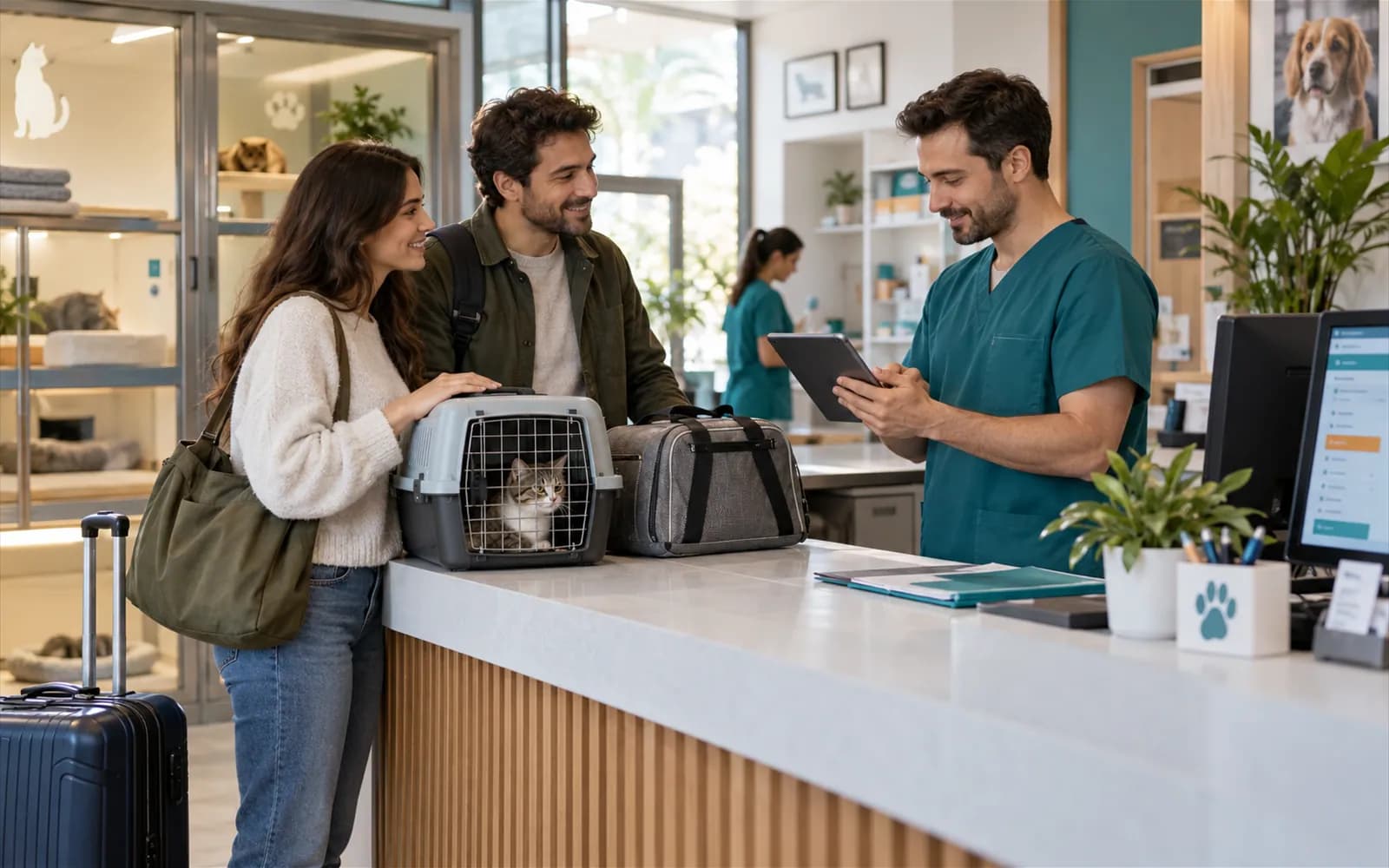
A reservation taken before the holidays turns into a check-in when the guest arrives. You define the room categories to match your layout.
Room assignment and the occupancy board
The occupancy board shows which room is taken on which date; guests arriving and leaving today are listed.
Consent and instructions at intake
At intake the feeding and medication instructions the owner leaves are added to the stay record together with the consent form. If the guest is a patient of your clinic you check the vaccination status and complete anything missing on site.
From reservation to checkout invoice
From the occupancy calendar to check-in, from the daily care log to the checkout invoice: the four steps of a stay. Sample data is fictional.
Checkout invoice
| Boarding · 3 nights | TRY 1,950.00 |
|---|---|
| Bath | TRY 250.00 |
| Special food | TRY 200.00 |
| Total | TRY 1,950.00 |
Live flowCheckout invoice 4 / 4
Steps
- 1Occupancy calendarThe reservation takes its place on the room × day calendar.
- 2Check-inThe guest arrives, a room is assigned, and feeding and medication instructions are added to the record.
- 3Daily care logFeeding, medication and a status note are logged every day; if an animal falls ill the vet reads the medical history from the same file.
- 4Checkout invoiceNights and extra items are totalled on one invoice, and payment is followed in the same place as the clinic cash desk.
Daily care log and play area
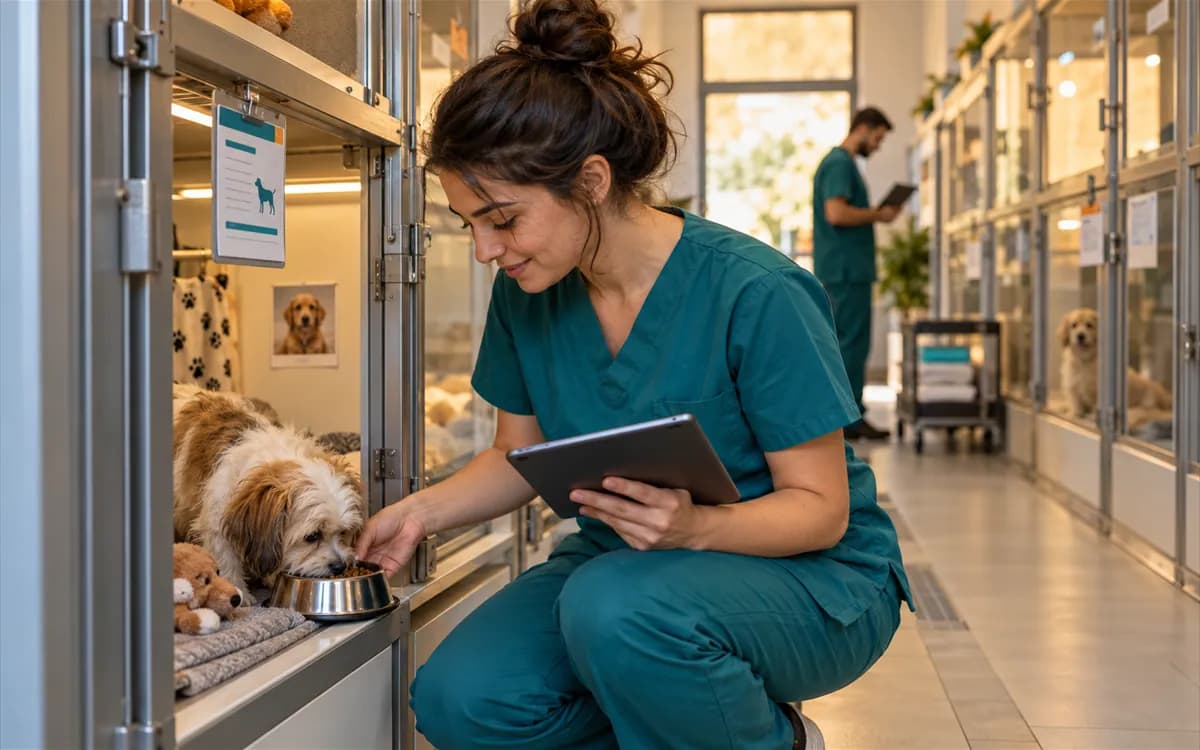
The care attendant logs feeding, medication and general condition for each guest. The log builds up during the stay and remains in the file at checkout.
A care note for every day
Feeding, medication and a status note are added to the guest's record day by day. If an animal falls ill the vet reads the medical history from the same file and, if needed, runs treatment during the stay in the same record.
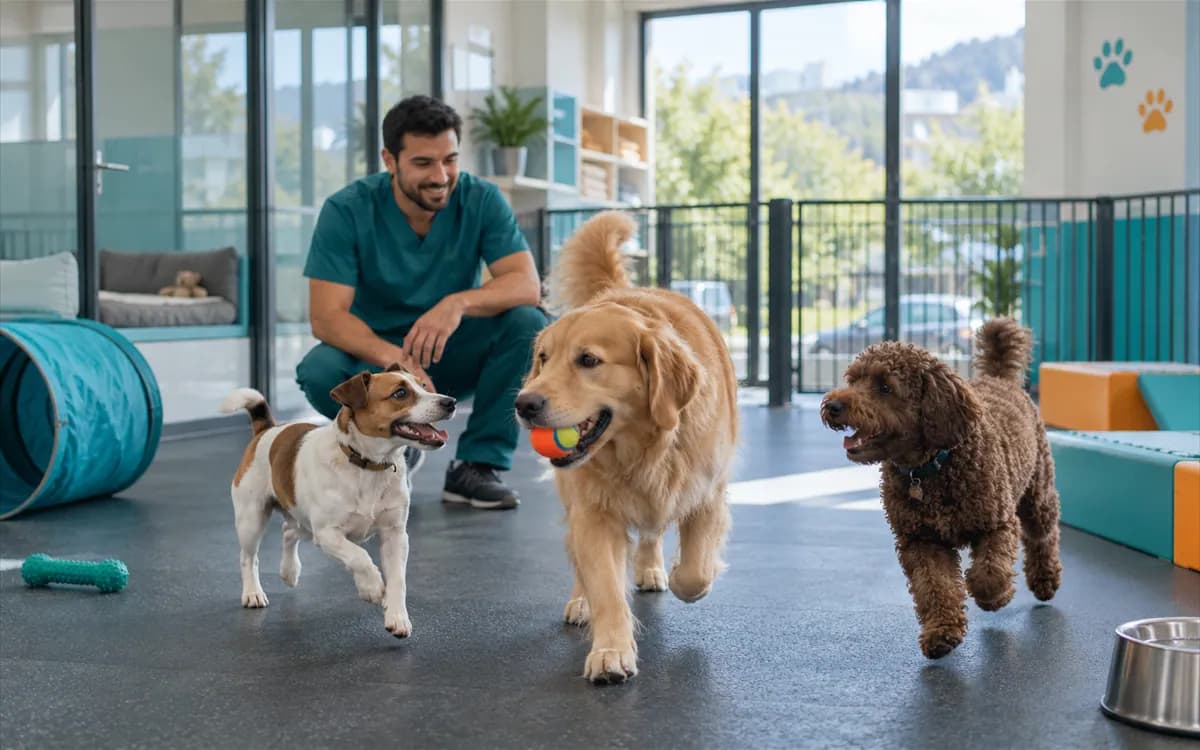
Play area and extra services
Services such as the play area, a bath or special food are added to the stay's bill as line items, so no item is forgotten at checkout.
Checkout invoice and occupancy report
At checkout the invoice is prepared from the nights stayed and the extra items; payment is taken and the guest is handed back. Payment is followed in the same place as the clinic cash desk.
Nights and extras on one invoice
Boarding and extra services are totalled on the same invoice; the owner gets a single bill.
Occupancy report
The occupancy board shows which room is taken on which date; you see from the calendar which periods are busy and which stay empty.
Transport service
The pet taxi module records pick-up and drop-off for guests; the pricing page states which plan includes it.
You do not buy a new product for the pet hotel; the module works inside your account. Plans and current prices are on the pricing page.
Explore the modules in detail
Pet hotel software
Reservations, room management and the daily care log.
Veterinary billing software
Invoices, payments and cash desk tracking.
Veterinary patient management
Patient file and vaccination history.
Pet taxi software
Pick-up and drop-off service for guests.
Reminder rules
Notification channels and contact permissions.
Integration in preparation
Frequently asked questions
Yes. The stay record, the patient file and the invoice live in the same account. If the guest is a patient of your clinic, the vaccination and exam history is ready at intake.
Yes. You define room categories to match your layout. You also set the boarding price and the extra service items yourself.
The daily care log keeps feeding, medication and a general status note for each day. Records build up over the stay.
Boarding nights and added extra items are totalled on a single invoice at checkout. Payment is followed at the clinic cash desk.
Not at the moment. Daily summaries and check-in and check-out notices need a notification provider connection and are not open yet. The daily care log is kept inside the clinic.
Yes. The occupancy board shows which room is taken on which date.
The pet taxi module records pick-up and drop-off. The pricing page states which plan includes it.
Run your boarding service with the clinic record
Open an account, add your rooms and try a guest's path from reservation to checkout invoice with your own data. Free for 7 days, no credit card required.