
ATS and ITS filings
Official link in preparationATS and ITS filings: queue, status and follow-up
Vaccine applications drop into the ATS queue automatically, and you record drug movements for the ITS queue. Status, attempt count and error show in one list. The official gateway is not connected yet, so no filing is ever marked as accepted.
Official filing queue (sample)
Animal filing (ATS)
- Rabies vaccineRex (sample patient)Pending · not connected
- Combination vaccineBuddy (sample patient)Pending · not connected
Drug filing (ITS)
- Drug dispatchSample drug · Serial 000123Pending · not connected
Live flowWaiting for provider 4 / 4
Steps
- 1Record enters the queueA vaccine application drops into the ATS queue; a drug movement is recorded in the ITS queue.
- 2Becomes dueFilings sit in the list as records waiting to be sent.
- 3Sending is attemptedAn authorised user sends the due filings.
- 4Waiting for providerThe official gateway is not connected, so records stay pending; nothing is marked accepted.
What works today, what waits
VetBis puts every application recorded in vaccination tracking into the ATS queue, and drug dispatch, return and disposal movements into the ITS queue; serial and batch details stay consistent with inventory management. The queue, status and retry work. Sending to the official services starts once an authenticated connection is set up; the connection state is stated plainly on the integration status page.
- Automatic ATS queue record from a vaccine application
- ITS record for a drug movement (manual)
- Status, attempt count and last error
- Bulk send of due items and manual reopen
- Live sending to the ATS official service
- Live sending to the ITS official service
- Acceptance confirmation from the official system
Send everything that is due in one action
An authorised user processes due records together. If the provider is not connected, the record remains Pending; this check does not consume a send attempt.
3 records selected
ATS
- Rabies vaccineRex (sample)Pending · not connected
- Combination vaccineBuddy (sample)Pending · not connected
ITS
- Drug disposalSample drug · Serial 000456Pending · not connected
When a filing fails
A failed filing is tried again automatically a limited number of times, then waits for an authorised user.
- Waiting for provider
- Tried again automatically
- Needs attention
- Reopened by authorised user
Live flowWaiting for provider 3 / 3
Steps
- 1Due items selectedThree records are waiting to be sent.
- 2Bulk sendConnection and dispatch eligibility are checked.
- 3Waiting for providerThe official gateway is not connected; records stay pending.
Animal and drug filings
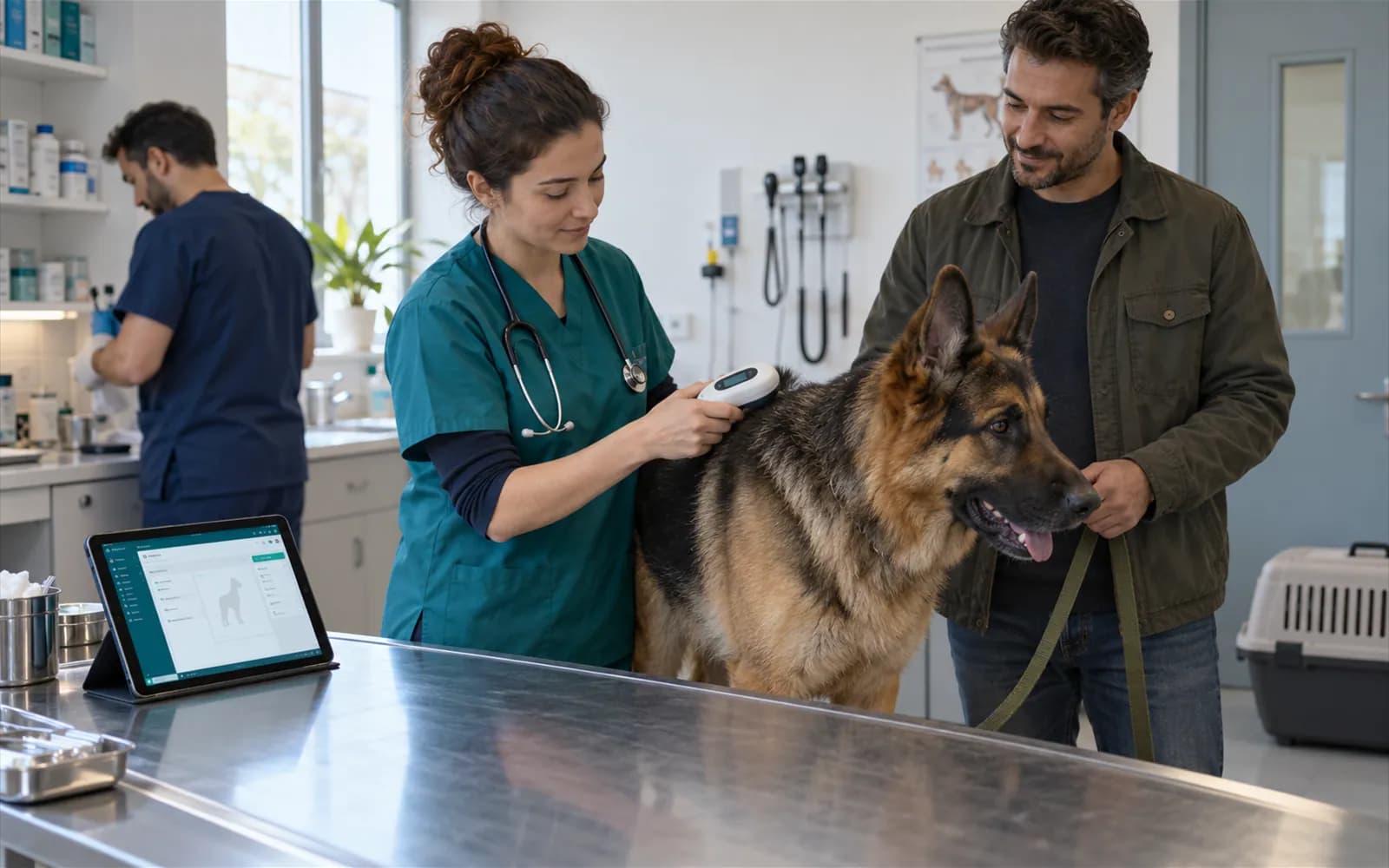
ATS: from the vaccine application to the queue
The moment a vaccine dose is recorded, the ATS filing is added to the queue by itself; a second filing is never created for the same application. Vaccine name, patient, next vaccine date and application time are stored with the filing.
- Automatic queue with the dose record
- One filing per application
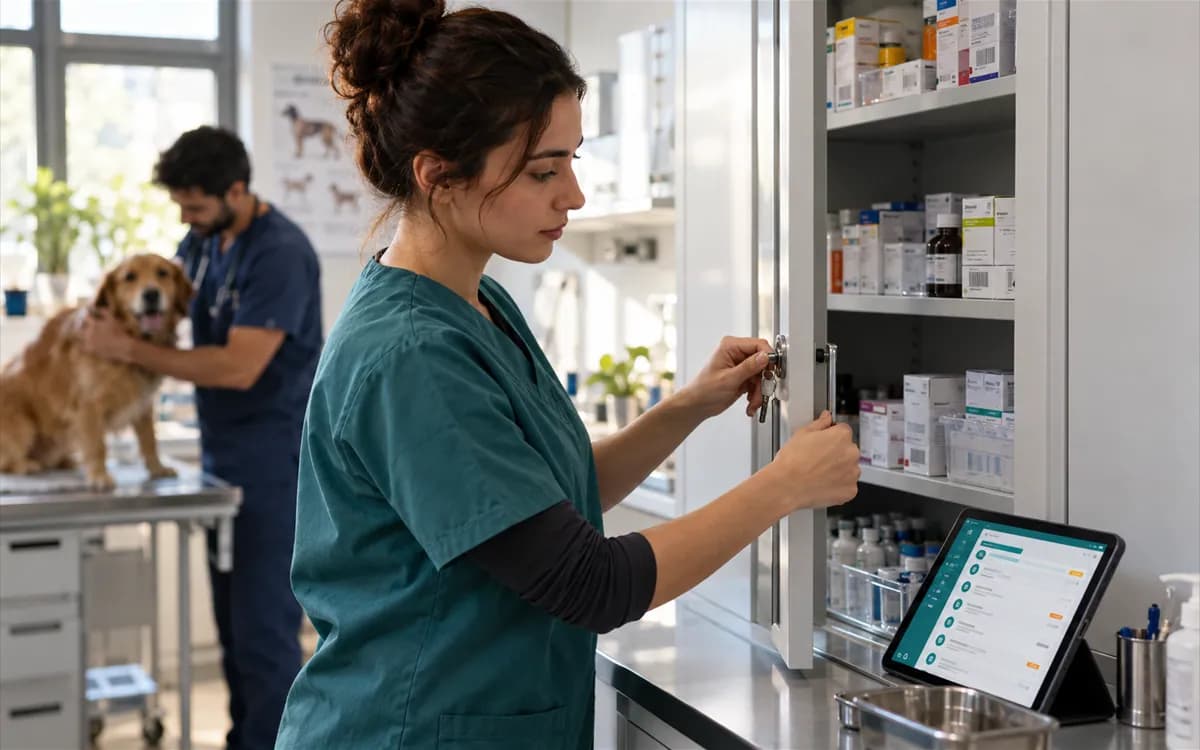
ITS: record drug movements manually
You open the record for a drug dispatch, return or disposal. Because ITS tracks a box rather than a unit, the serial number is mandatory; barcode, quantity, batch, expiry date, patient and note are entered.
- Dispatch, return and disposal
- Serial number required
Statuses and what they mean
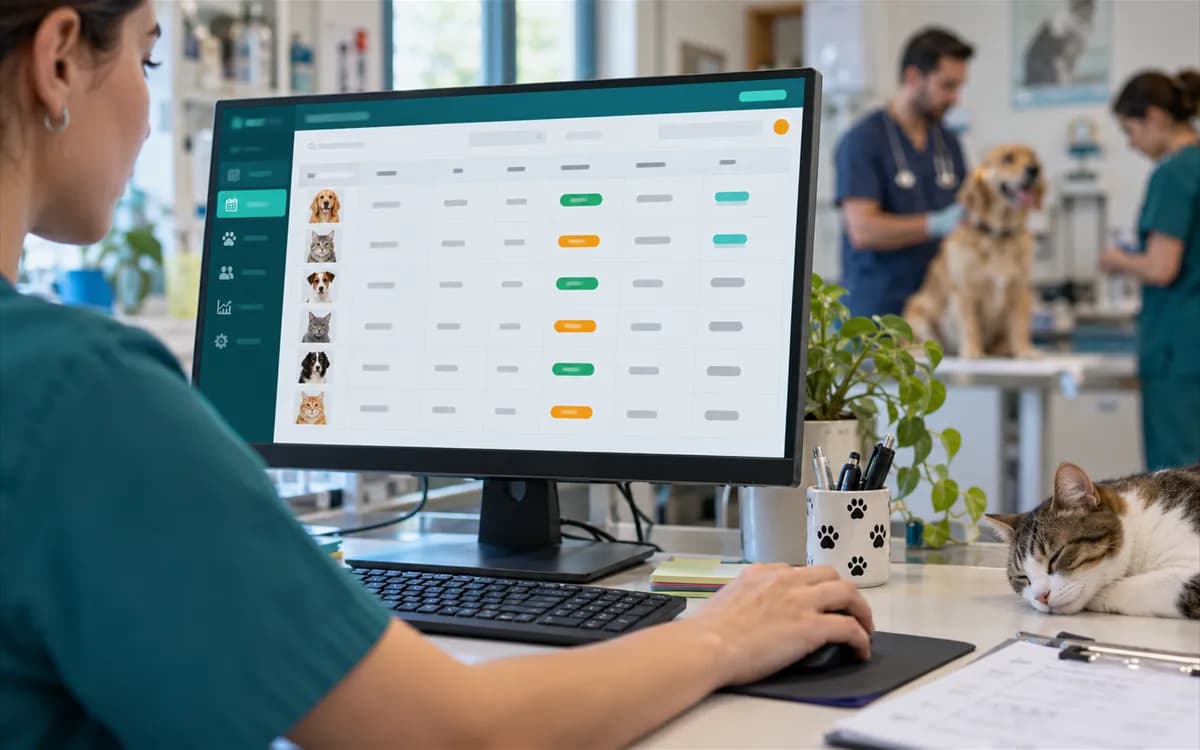
| Status | Meaning | Today |
|---|---|---|
| Pending | The filing awaits dispatch. Without a provider it stays here, the attempt count does not increase, and the connection reason is shown separately. | Works |
| Failed | The attempt failed; it is tried again when the wait is over. | Works |
| Accepted | Only when the official system confirms. Without a connection no record reaches this status. | No record is in this status |
| Rejected | The official system rejected it for its content; sending the same record again does not help, it needs review. | After connection |
| Needs attention | Attempts are used up; an authorised user fixes the problem and reopens it. | Works |

Branch and permission separation
The queue shows the filings of the branch you work in. Sending and reopening need a separate filing management permission; an unauthorised user sees the list but cannot send. The provider connection state is written in the integration settings and on the public status board.
Frequently asked questions
No. The queue, status tracking and automatic retry work; sending to the official services starts once the official connection is set up. Without a connection filings stay pending and none is marked as accepted.
Vaccine applications. The moment a vaccine dose is recorded the ATS filing is added to the queue by itself, and no second filing is created for the same application.
From the queue screen you open a record for a drug dispatch, return or disposal. Barcode, serial number and quantity are entered; batch, expiry date, patient and note are optional.
The system tries again automatically a limited number of times. When attempts run out the filing moves to needs attention and an authorised user can reopen it after fixing the problem.
No. VetBis is a clinic management software; official filings are passed to the official services once a provider is connected.