
Inventory management
Veterinary inventory software: lots, expiry dates and low-stock tracking
VetBis veterinary inventory software keeps medicine, vaccine, food and supply stock with lot numbers and expiry dates, and warns when a product falls below its minimum. The need to reorder moves to purchasing and warehouses, barcode sales go to quick sale, and stock value and best sellers go to reports.

Low stock
7
2.0 new alertsLots nearing expiry
4
Pending orders
3
Example data: the gauges are for illustration only.
Stock drops, the threshold warns, order and goods receipt connect
When a product is sold, the stock gauge drops. Below the minimum level a warning appears, the reorder need becomes a purchase order, lot and expiry date are entered at goods receipt, and a scheduled check warns again as the date approaches.
Combination vaccine, 10 doses
Sufficient28 boxes
- CheckApproaching
Rabies vaccine, lot L-1187
Expiry date is approaching
- CheckExpired
Syringe, lot L-0932
Expiry date has passed
- RecordWastage
Lot L-0932 recorded as wastage
The wastage movement is deducted from stock
7 stock movement types
- Purchase
- Sale
- Consumption from visit
- Transfer
- Adjustment
- Return
- Wastage
Live flowExpiry alert 5 / 5
Steps
- 1SaleWhen food or medicine is sold, a stock movement is created and the gauge drops.
- 2Below thresholdWhen stock falls below the minimum level, a low-stock alert appears.
- 3Purchase orderThe need to reorder becomes a purchase order to the supplier.
- 4Goods receiptOn delivery, lot number, expiry date and warehouse are entered; stock rises.
- 5Expiry alertA scheduled check lists lots nearing expiry; an expired lot is recorded as wastage.

Counts, transfers, price lists and bulk edits in the same catalogue
The stock card is the single source for a product: SKU, barcode, unit, VAT rate and category live together. Multi-item warehouse transfers and supplier deliveries are covered on the purchasing and warehouses page.
Goods receipt
Lot, expiry date and target warehouse are entered for received goods; stock and the movement record are created together.
Stock count
The quantity counted on the shelf is compared with the recorded quantity. Counts are tracked as in progress, completed or cancelled; the difference is posted to stock.
Warehouse transfer
Products move from one warehouse to another with lot details. The sender decreases, the receiver shows the stock.
Price lists
Product and service prices are kept in lists and list items are editable.
Applied automatically on the invoice and in quick sale once assigned to a clientBulk price update
The price of selected products is updated in one operation; no need to open each product.
Bulk product edit
Shared fields of several products are edited together on one screen.
Brand and service catalogue
The product brand shows on the card. Examinations and procedures without a barcode are defined in the service catalogue and added to sales and invoices.
Wastage and adjustment
Expired products are recorded as wastage, count differences as adjustments; the two are reported as separate movement types.
Lots, expiry dates and alerts at shelf level
Lots and expiry
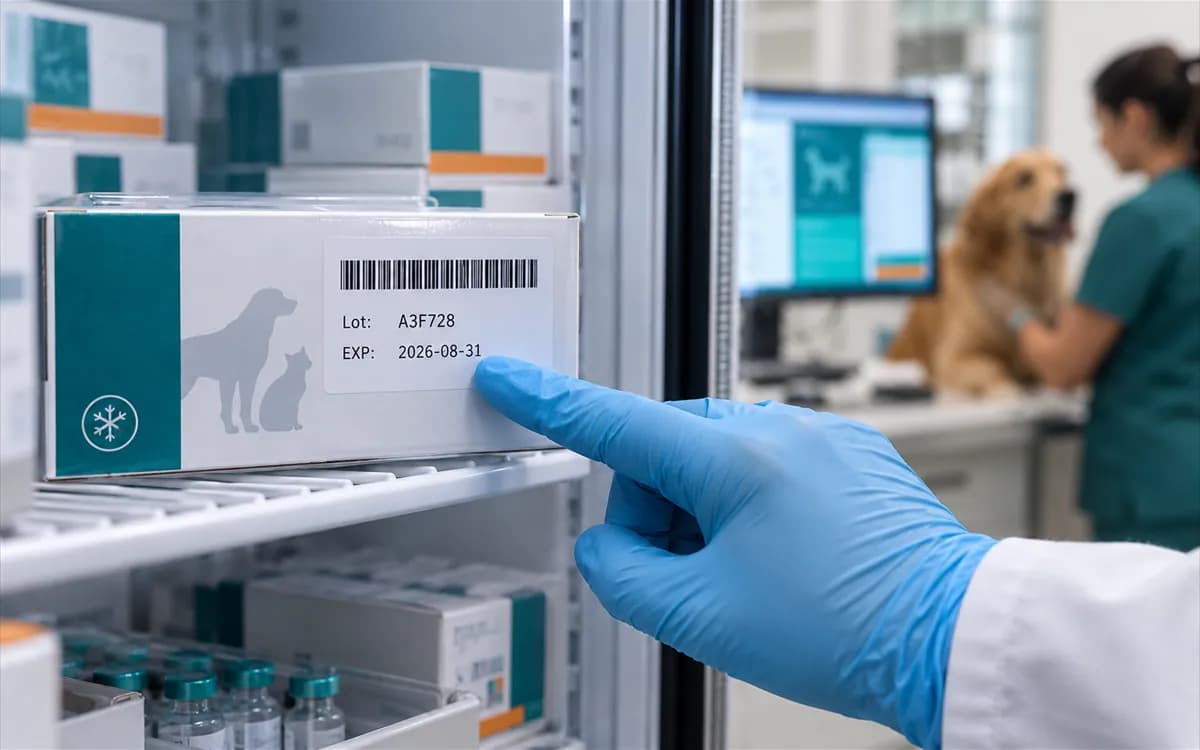
The product card lists its lots: lot number, expiry date and quantity. Different lots of the same product are tracked separately.
Minimum and maximum level
A lower and an upper level is set per product. Below the lower level the product appears on the low-stock screen.
Scheduled alerts
Low-stock and approaching-expiry alerts are produced by a scheduled check and show on the stock alerts screen and the dashboard stock card.
Consumption from visits
Products used in an examination are deducted from stock and recorded as consumption from visit; no manual entry is needed.
Find products by barcode
Scan a barcode and the product is found. Stock scanning and sales use the same barcode record.

Best sellers, stock value and stock movement reports
Best-selling products
See which product sold how much over a period.
Stock value
The value of the stock on hand in one report.
Stock movements
Purchase, sale, transfer, adjustment and wastage movements are tracked.
Box-level medicine tracking
Track medicine box by box with its serial number; a dispensed box leaves the shelf and cannot be dispensed again.
Package content and GTIN
On a product you define the content of a box (for example 10 ampoules: quantity and unit) and its GTIN-14 number. The form checks both before saving.
Serial and Tarbil serial number per box
On a batch receipt, each box gets a serial number and a Tarbil serial number. The same serial number cannot be entered twice for one product; the record is branch-scoped.
2D code scanning
When a box's GS1 DataMatrix code is scanned, the product is found from the GTIN and the serial number, batch and expiry date fill in. A GTIN with a wrong check digit is refused.
Dispensing one box
When a box is dispensed, the box status, the batch balance and the stock movement are updated in one operation. A dispensed box cannot be dispensed again; if two people try the same box at once, only one succeeds.
A filled drug-tracking filing from a dispensed box
The drug-tracking filing form opens already filled with the dispensed box's barcode, serial, batch and expiry, and is queued.
Add from the product pool
Copy from VetBis's shared product catalogue into your own products in one step.
Search the catalogue, copy into your product
You search the catalogue by name, brand, GTIN, type and category and add the product you pick to your own products: name, GTIN, pack content and VAT come ready; category, sale price, purchase price and minimum stock are yours.
It stays linked to the catalogue
The product you add stays linked to its catalogue entry; if the catalogue is updated you see "update available" on the product card. Your price and stock are not touched.
The same product is not added twice
Trying to add the same catalogue product a second time is refused.
Only VetBis operators manage the catalogue
VetBis operators fill the catalogue one by one or by CSV; clinics only read it.
Frequently asked questions about inventory software
Medicine, vaccines, supplies, food and accessories are kept as products; SKU, barcode, unit, VAT rate and category live on the product card. Examinations and procedures without a barcode are defined separately in the service catalogue.
At goods receipt, lot number, expiry date and warehouse are entered for each lot. The product card lists the lots; a scheduled check raises alerts for lots nearing expiry.
You set a minimum level per product. When stock falls below it, the product appears on the stock alerts screen and the dashboard stock card.
A draft, yes; an order, no. You set the reorder rule from the clinic screen; when stock falls below the threshold a draft purchase order is created in the background, using the supplier and price of the last order received for that product. With no purchase history no draft is created. You pass the order to the supplier yourself.
No. Lots and expiry dates are tracked, but the consumption order is not determined automatically by FIFO.
In a count you enter the quantity counted on the shelf; the difference is posted to stock as an adjustment. Expired or damaged goods are recorded with a wastage movement.
Price list and bulk price update screens are usable. When a list is assigned to a client its price is applied automatically on the invoice and in quick sale; without an assigned list a sale uses the price on the product card.
Yes. The product catalogue can be moved with data import, which includes a validation step before import.
See stock loss on screen, not on the shelf
Import your product list; we set up lots, expiry dates and minimum levels together.