

One software for your veterinary clinic: patients, appointments, exams, stock and billing
VetBis is cloud-based veterinary clinic software for practices from a solo clinic to a multi-branch animal hospital. Patient records, appointments, exams, stock and billing run in one place, alongside modules standard veterinary software does not offer, such as pet hotel, pet taxi and an online shop.
24
modules in use today
17
modules in preparation
0
modules on the roadmap
Counts are calculated from the feature inventory.
Live flow
A patient's day: from the appointment to the vaccine reminder
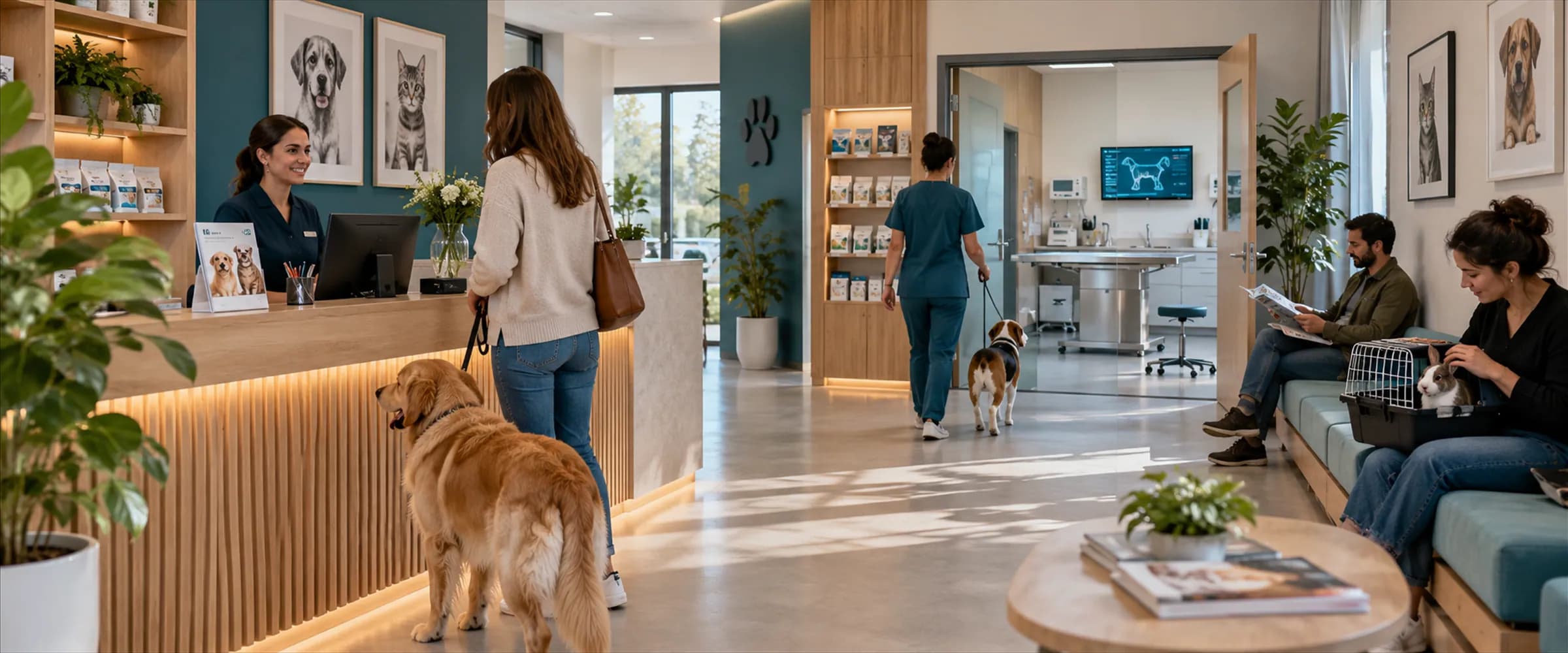
Scroll to follow one patient through the clinic step by step. Every step links to the page of the module behind it.
Vaccine reminder
- Pamuk · next vaccinein 3 weeksQueued
A reminder record is created. SMS and WhatsApp delivery waits until the route the clinic chose is connected; not verified with a real account.
Names, times and amounts on screen are sample data.
Steps
- 1Appointment requestThe owner's request lands in a calendar slot and the vet confirms it.
- 2Check-in and waiting roomThe arriving patient drops onto the waiting-room board and moves to the exam when called.
- 3ExamThe SOAP note and vital signs go into the patient record.
- 4Lab order and prescriptionLab order statuses are tracked and prescription lines stay in the same record.
- 5Invoice and paymentServices become an invoice and the payment line updates the remaining balance.
- 6Vaccine reminderA reminder record is created for the next vaccine. Message delivery works when the route the clinic chose is connected and has not been verified with a real account.
From exam to invoice
Exams, stock and branches meet in the same record
The vet's note, the product on the shelf and the branch's day all draw on the same data, so nothing is typed twice.
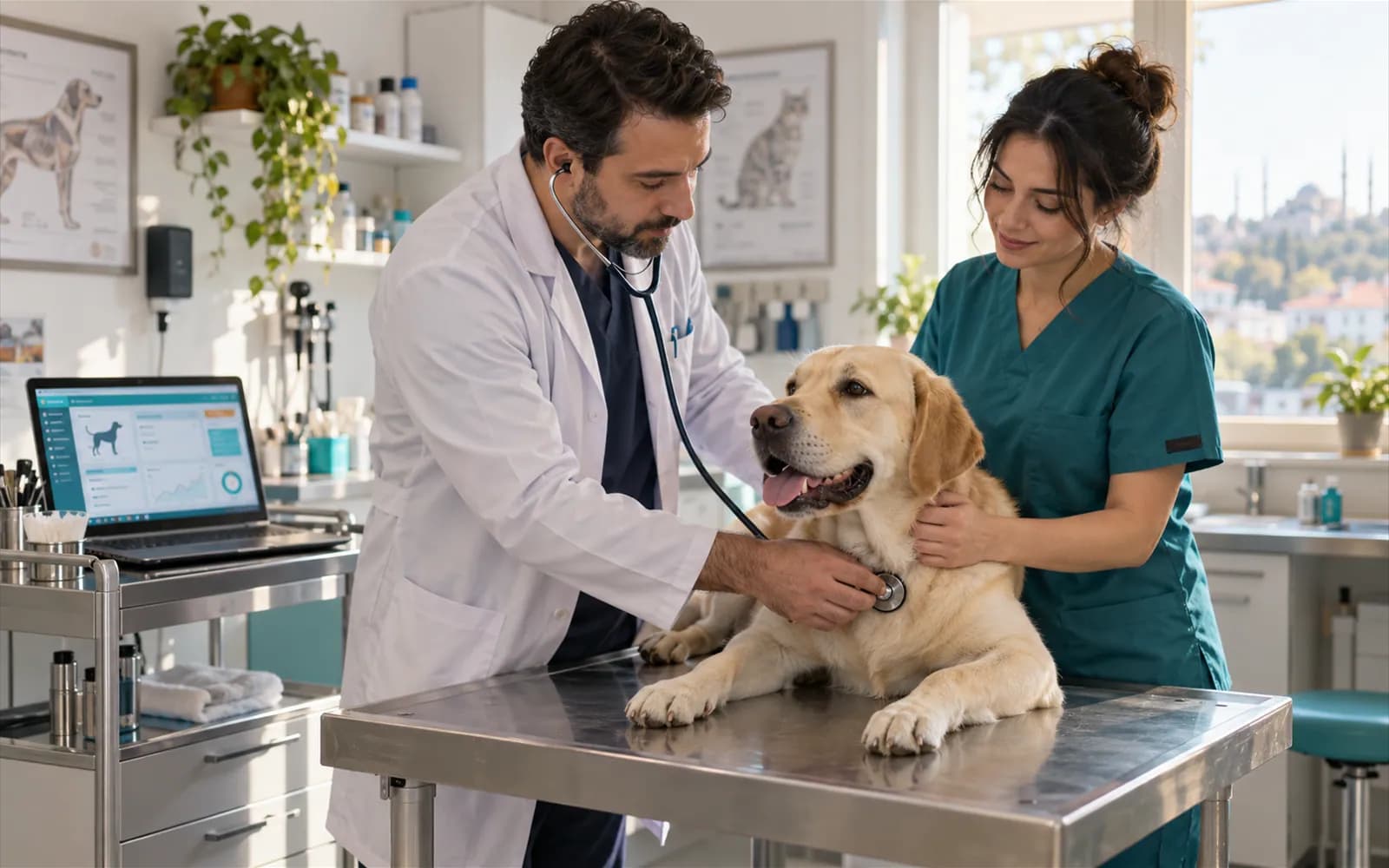
The exam record follows the SOAP structure
Complaint, findings, diagnosis and plan go into the patient file; the record links to billing and stock in the same action.
Explore clinical management featuresExam · Karabaş
- Complaint (S)
- Limping, left front leg
- Findings (O)
- Painful area, no swelling
- Plan (P)
- Imaging order, recheck in 1 week
Live flowPlan saved 3 / 3
Steps
- 1Complaint entered
- 2Findings added
- 3Plan saved
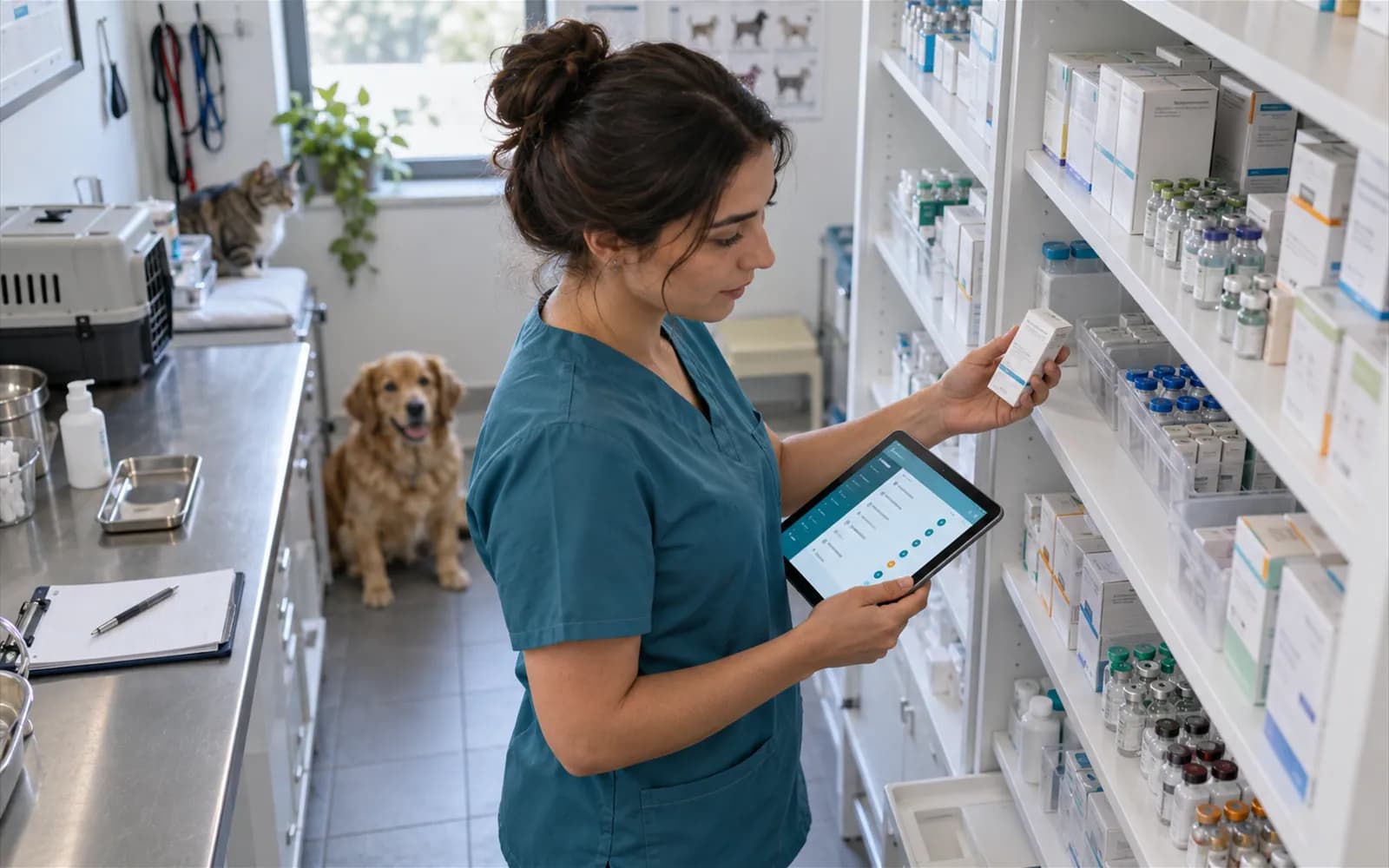
Critical stock and expiry dates in plain sight
Lot and expiry tracking, low-stock alerts and purchase suggestions work from the same record as the product used in the exam.
Explore inventory featuresProducts at critical stock
6
Sample data
Lots nearing expiry
3
Live flowAlerts appear 2 / 2
Steps
- 1Stock count
- 2Alerts appear
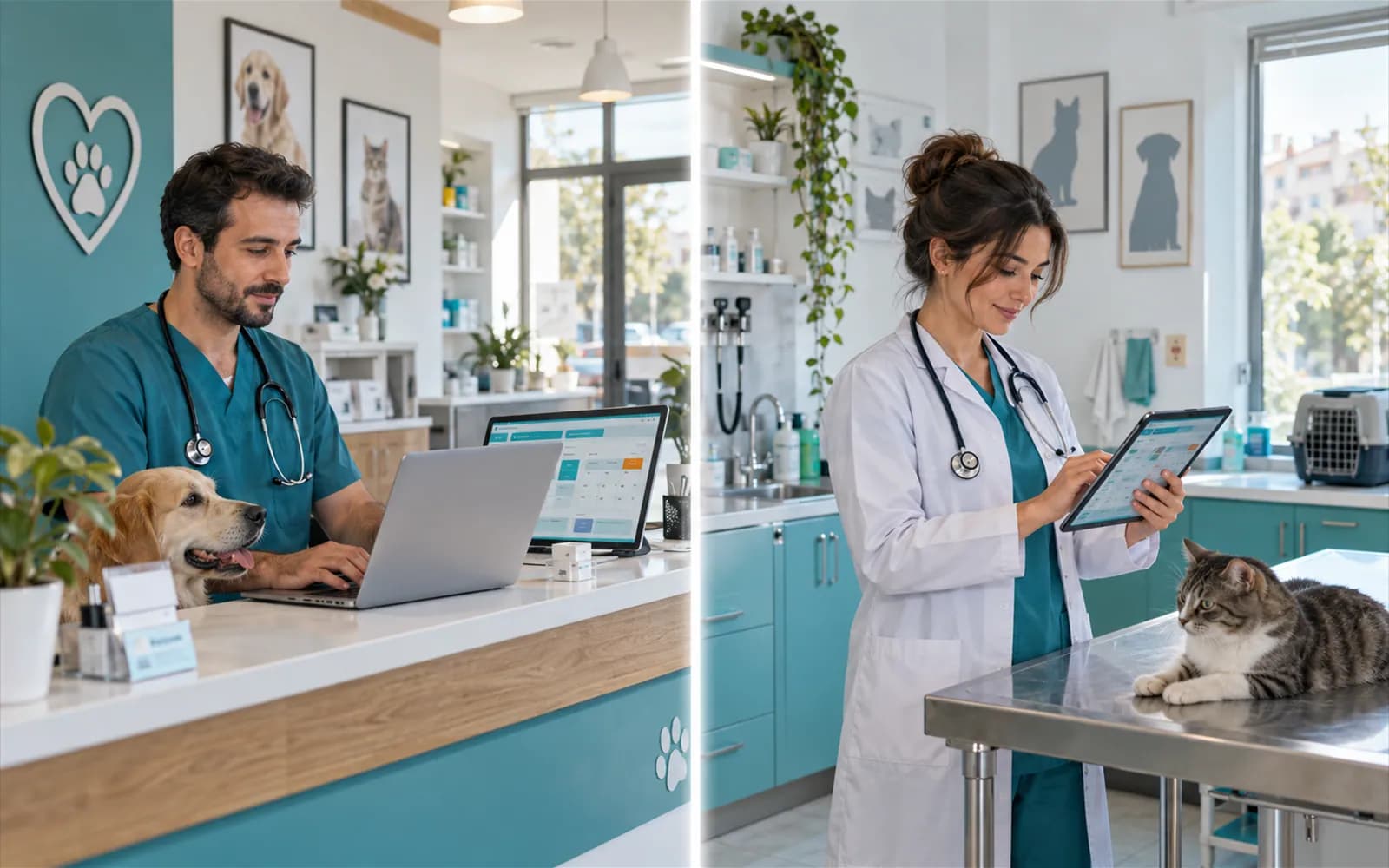
Branches share one software, with data kept apart per branch
The branch selector changes the scope of the screen: a user only sees the data of the branch they are authorised for.
See the solution for multi-branch clinicsSecond branch
Data is shown for the selected branch onlyAppointments today
12
Patients waiting
2
- MiaVaccine
- ZeytinWaiting
Live flowSecond branch selected 2 / 2
Steps
- 1Main branch selected
- 2Second branch selected
For your kind of clinic
From a solo practice to a clinic with a pet hotel
We explain which modules matter most for your clinic size on separate pages.
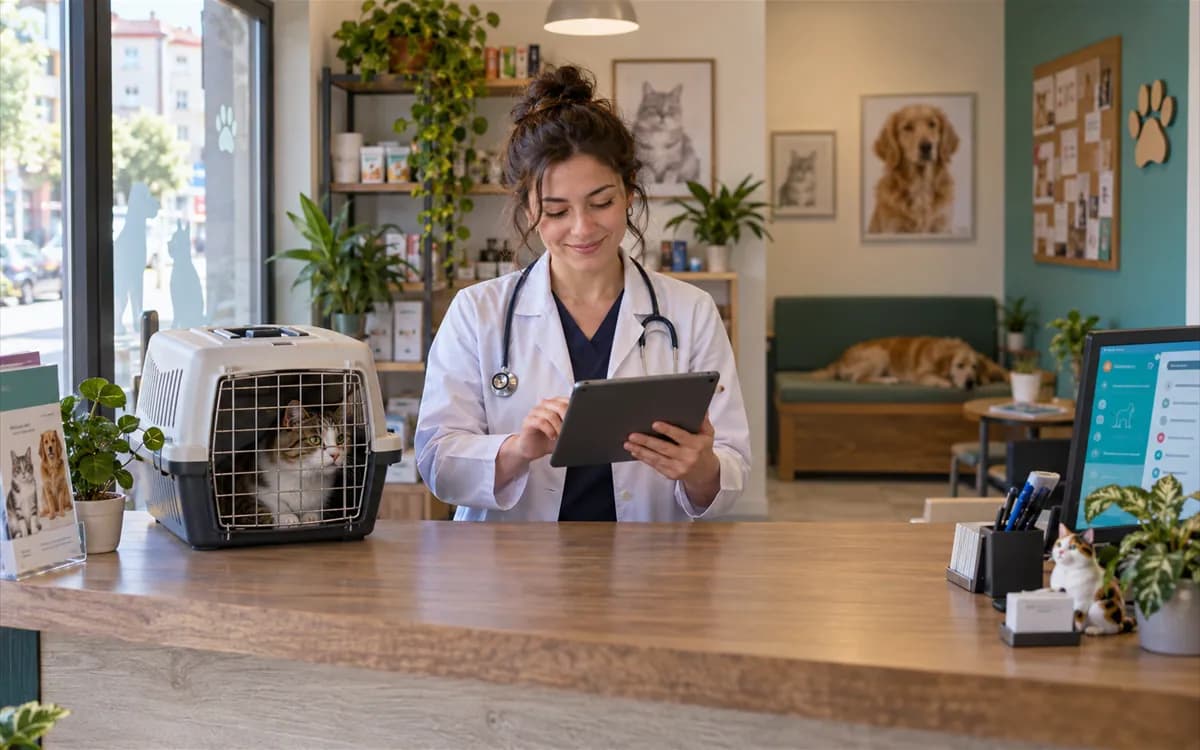
Solo practice
Reception, exam and cash desk sit with one vet; appointments, records and payments stay on one screen.
Explore the solo practice solution- Main
- Branch 2
- Branch 3
Multi-branch clinics and animal hospitals
Branch-based permissions, branch reports and a head-office view let you run several locations from one place.
Explore the multi-branch solution
Clinics with a pet hotel
Room occupancy, daily care logs and boarding invoices run together with the clinical record.
Explore the pet hotel solutionWhat sets it apart
Modules standard veterinary software does not offer
Pet taxi, an online shop and an owner portal reach beyond the clinic door. The readiness of each module is stated on its card.
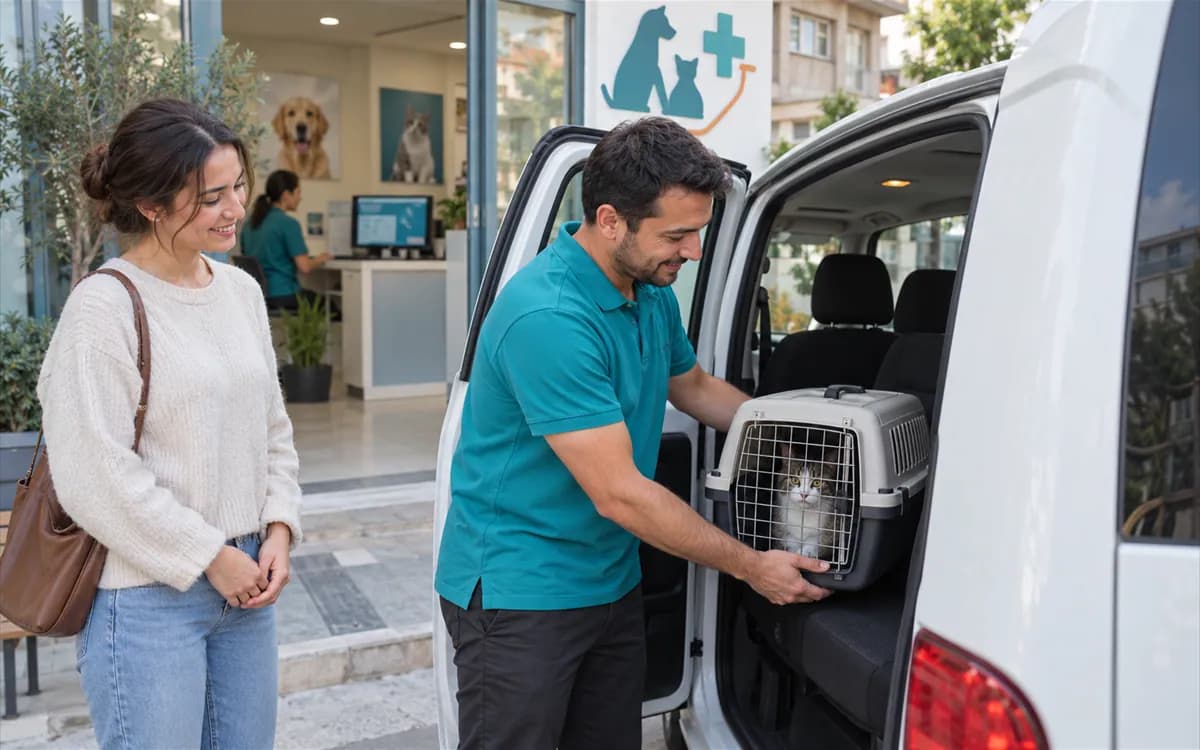
Pet taxi
In usePickup and drop-off addresses, manually recorded location and fare calculation are kept in one record. Automatic route planning and live vehicle tracking are not available.
Vehicle on the way
Owner → Waypoint → Clinic
Live flowAt the clinic 3 / 3
Steps
- 1Pickup point
- 2On the way
- 3At the clinic

Online shop
BetaThe shop module that ties food and product sales to clinic stock is in beta.
- Cat food 2 kg (sample)Stock item14 in stock
- Listing: 420 TL → 380 TLFeaturedPublished
- Order 1001 (sample)2 × 380 TL · 760 TLPending
Orders are recorded by the clinic; status changes are manual. There is no storefront app and no online payment.
Live flowOrder 3 / 3
Steps
- 1In stock
- 2Listing
- 3Order

Pet owner portal
BetaOwners see their pet's vaccine calendar and appointments on their phone. Sign-in, appointment requests, the care calendar and per-patient asynchronous messaging screens are in beta.
Explore the portal module
Data security
Four concrete mechanisms for clinic data
We describe security by its mechanisms, not by claims.
Branch and clinic data separation
Each clinic's and branch's data is kept in its own scope.
Roles and permissions
Users reach only the screens and branches they are authorised for.
Audit log
Important actions are recorded with who changed what and when.
Account security
Password policy and account security are managed from the security settings screen.
Data migration
Moving from your current veterinary software
You prepare your patient and owner list as a file; column mapping and validation are done together with our team. Faulty rows are flagged before the import.
See how the migration works- Upload
- Map
- Validate
- Import
Importing
Live flowImport completed 4 / 4
Steps
- 1File uploaded
- 2Columns mapped
- 3Rows validated
- 4Import completed
Pricing
Start with a trial, pick a plan later
Current plans and prices live on the pricing page; here we only summarise the trial terms.
14-day free trial
All modules open; up to 1 branch and 5 users.
Plans and prices
Compare plans for your clinic size on the pricing page.
Larger setups
Contact us for a quote on multi-branch setups.
Frequently asked
Short answers about veterinary software
Veterinary software is the system a clinic uses to run patient records, appointments, exams, stock, invoicing and payments in one place. VetBis delivers this as veterinary clinic software in the cloud that works from the browser.
Yes. There is nothing to install; you sign in from the browser and the data is kept in the cloud. Clinic data is separated by branch and user permission.
Your patient and owner list is prepared as a file; you complete column mapping and validation together with our team. The process is described on the migration page.
The trial lasts 14 days; all modules are open, limited to 1 branch and 5 users.
Yes, you can reach it from a tablet or phone browser. A separate mobile app is in beta.
Try your clinic on VetBis free for 14 days
All modules open; up to 1 branch and 5 users. During the trial you can follow the whole flow from patient record to invoice with your own data.
Modules still in preparation are marked on their own pages.