
Prescription
- Patient
- Mia, cat
- Medicine
- Amoxicillin + clavulanic acid
- Duration
- 7 days
Exam and treatment record
VetBis veterinary exam software keeps the whole visit in one record: the SOAP note and four vital signs, the prescription, the treatment plan and the vaccine plan. The lines of the visit flow into the invoice from the same record; the vet writes, reception bills.
Exam record: Mia, cat
Steps
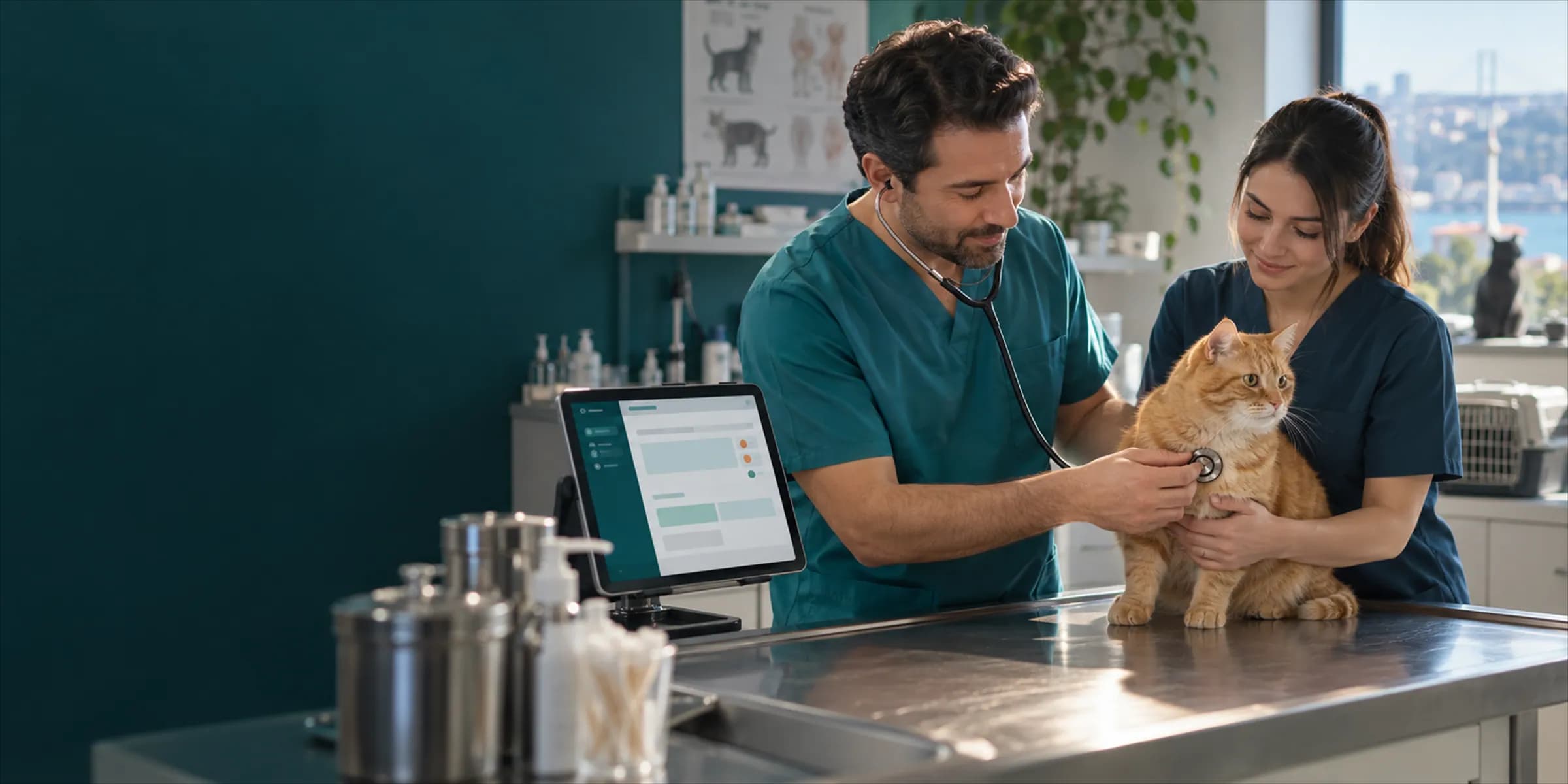
Vitals are entered, a deviation is flagged, the prescription and treatment plan are written, vaccines are planned and the lines flow into the invoice. One record for the same patient runs from start to finish.
Vital signs
Exam invoice
| Examination | TRY 600.00 |
|---|---|
| Injection and fluid support | TRY 250.00 |
| Combo vaccine, dose 1 | TRY 400.00 |
| Total | TRY 1,250.00 |
Sample patient and values are for illustration only.
Live flowInvoice 6 / 6
Steps
The exam record follows the order a vet thinks in: history, findings, assessment and plan. Measurements, problems and procedures are tied to the same record.
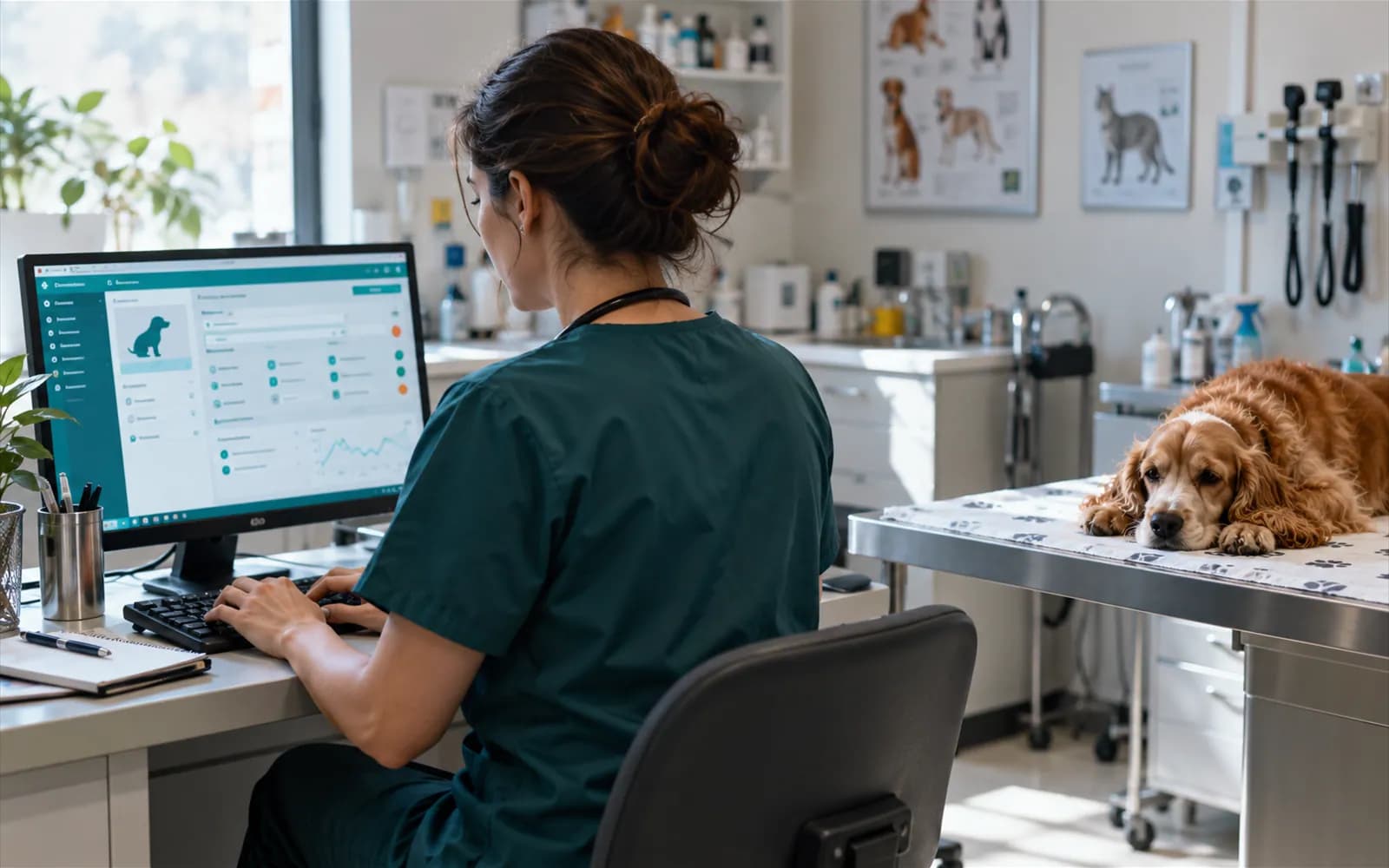
History, findings, assessment and plan are written in separate fields. Weight, temperature, heart rate and respiratory rate go into the record.
The patient's problems are followed with three statuses; a resolved problem is not deleted, it stays as resolved.
Procedures performed in the exam are picked from your catalogue and show in the cost of the visit.
Templates are prepared for frequent exams; the clinical defaults of the selected template are applied to the visit.
Imaging, referrals, diet, consent and prescription refills sit in the same patient file as the exam record.
X-ray, ultrasound, CT, MRI and endoscopy records are opened from the visit and the patient chart; body region, finding note and requesting doctor are recorded.
A patient is referred internally or externally; the referral record stays in the patient's file.
A diet plan is written for the patient and follow-up checks are recorded as check-ins.
Seven consent types are recorded with a signature and a timestamp.
A refill request is followed through Pending, Approved, Rejected and Dispensed.
Form templates are prepared and completed forms are kept in the patient's file.
A vaccine given during the exam is recorded as a dose; the prescription and the exam summary are printed with your clinic's template.
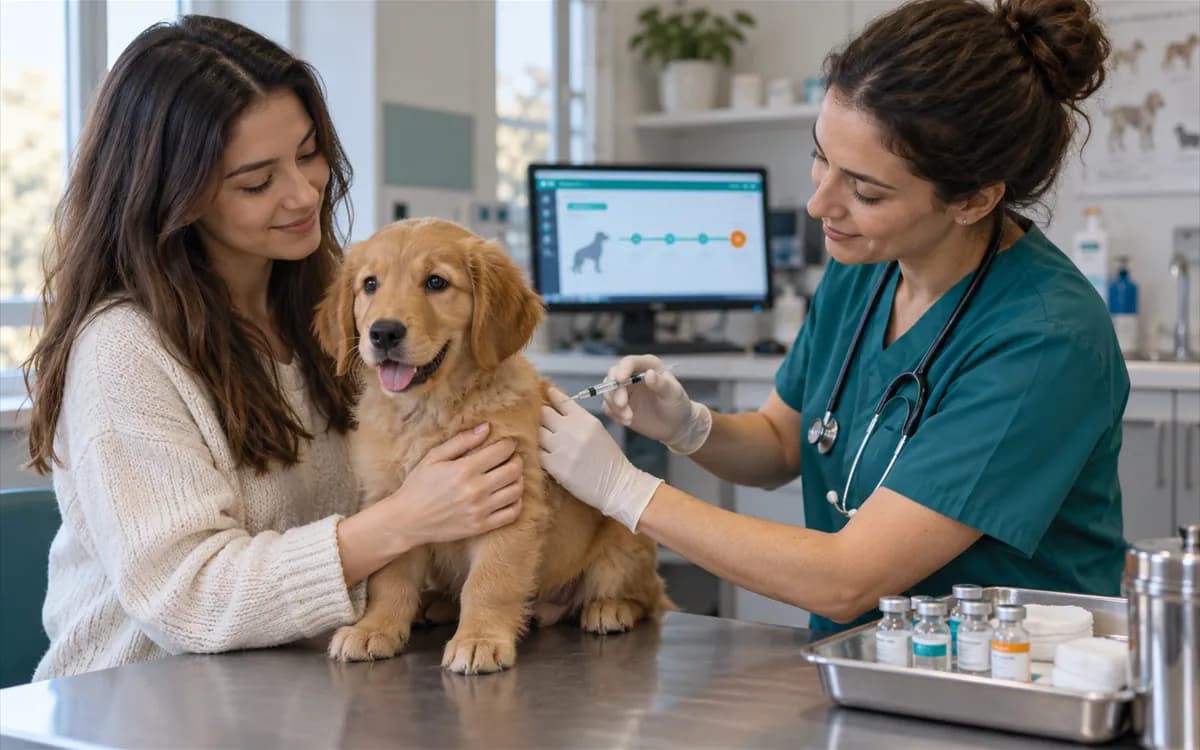
A vaccine given in the exam is written to the matching dose of the patient's vaccine plan. Packages, the plan and compliance tracking are covered in the vaccination tracking page.
Go to vaccination tracking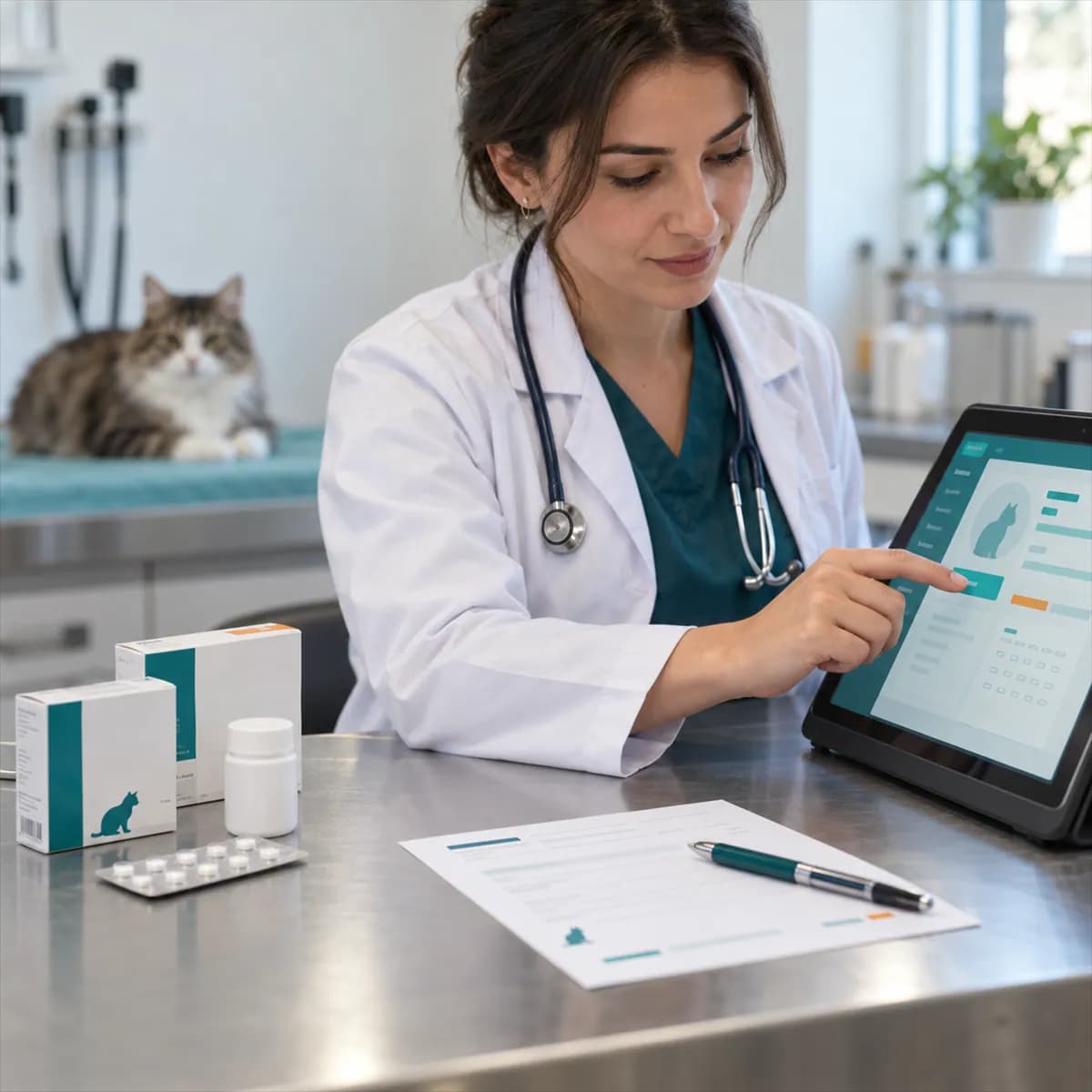
A prescription is followed as Active, Completed or Cancelled. You prepare the printout from your own templates.
Forms and print templatesSteps
Write one prescription for several animals of the same owner.
One prescription can hold up to ten patients of the same owner; each patient has their own drug lines and doses. A patient of another owner or another clinic cannot be added.
The prescription carries one number and produces one printout; its lines carry the patient's name.
Stock is deducted for each patient separately. If stock is short, the prescription is still saved and the missing quantity is marked as not covered; stock does not go negative.
When the prescription is cancelled, each patient's stock goes back on the shelf; repeating the operation returns it once. Cancelling a single-patient prescription also returns stock.
Weight, body temperature, heart rate and respiratory rate. There is no field for blood pressure or a pain score; you can write those findings in the SOAP note.
Yes. Exam templates are prepared and applied to a visit; imaging records for five methods are opened from the visit and the patient chart. They work today alongside the SOAP record, prescription, treatment plan and vaccine plan.
The interaction check is a beta feature of the AI assistant and only offers a suggestion. The medicine and dose decision always stays with the vet.
It is written to the matching dose in the patient's vaccine plan and shows in the history. Vaccine packages and the plan are managed in vaccination tracking.
Procedures and service lines performed in the exam flow into the invoice as lines. Invoicing, collections and customer accounts are managed in the billing area.