
Grooming consent
- Animal
- Cotton (sample)
- Service
- Full groom
Pet grooming and care
Bath, trim, nail and ear care appointments are scheduled; the groomer, notes and fee stay in the grooming record in the animal's patient file. A digital consent can be taken before the service.
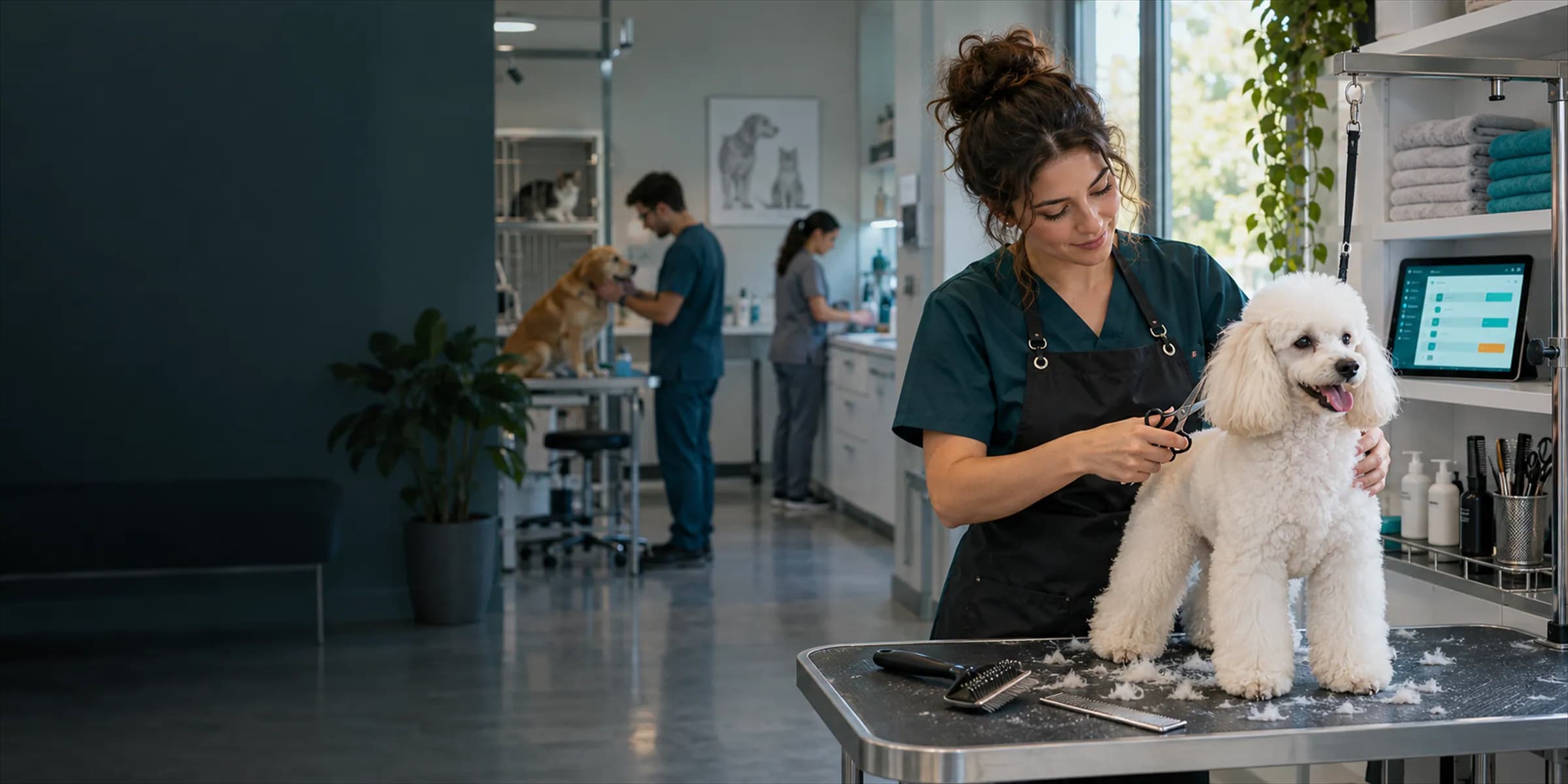
Grooming completed
Sample record · Full groom
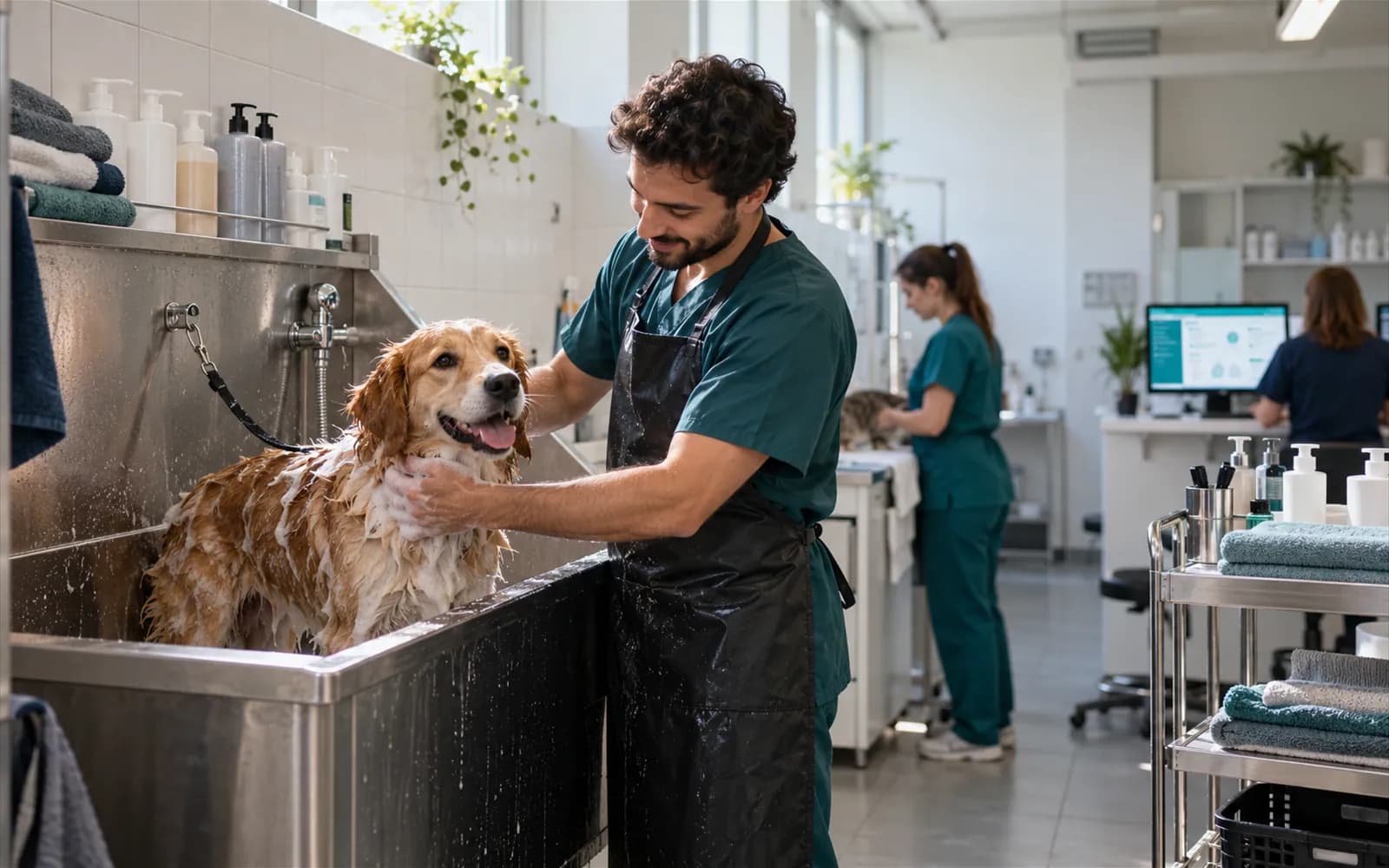
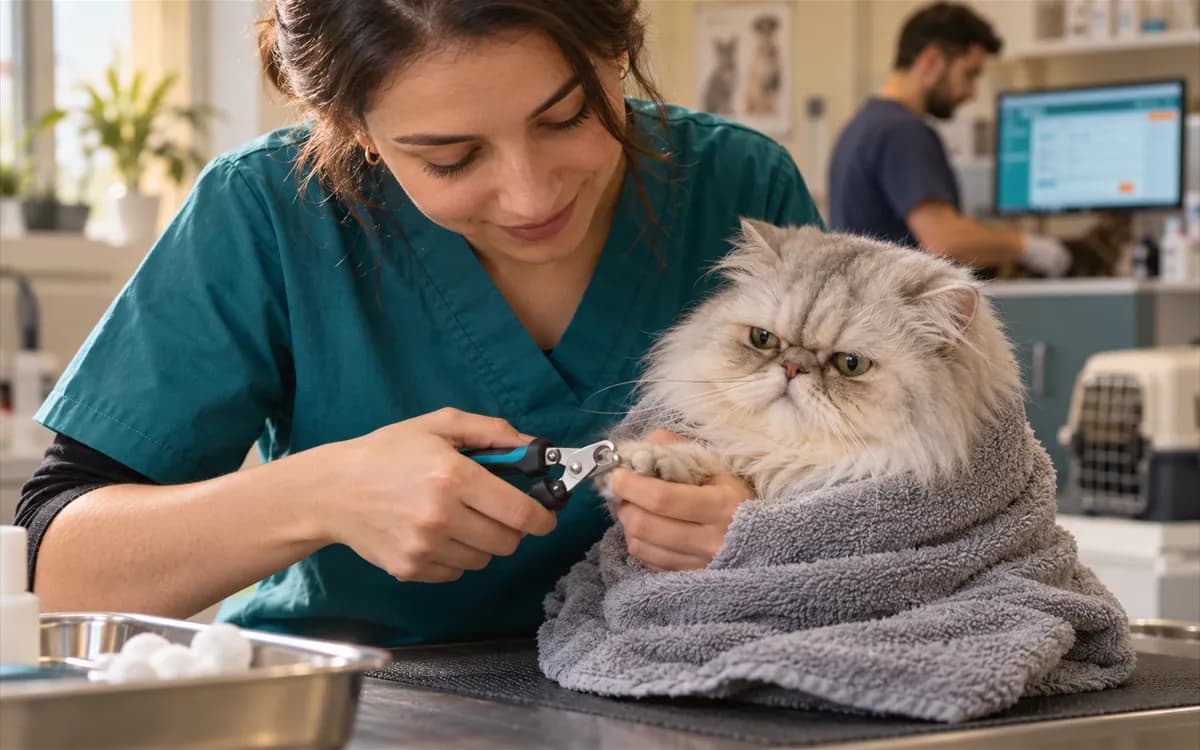
In VetBis a grooming is a dated record linked to the animal's patient file. The groomer is picked from the staff record, and the owner's consent can be taken before the service with the grooming consent type in forms and consent. You plan the same team's day together with the clinic calendar in appointment scheduling. Status, start and end time stay on the record.
Grooming record (sample)
Fee on the grooming record
| Full groom | TRY 600.00 |
|---|---|
| Ear cleaning | TRY 150.00 |
| Grooming fee | TRY 750.00 |
It does not turn into an invoice by itself; collection and invoicing are done in the cash desk and billing modules.
Live flowGrooming completed 4 / 4
Steps
Six service types in one record layout; the grooming list and new grooming screen are the same on web and mobile.
Pick the animal, groomer, service type and appointment date; add a note and fee. The status moves through scheduled, in progress, completed or cancelled.
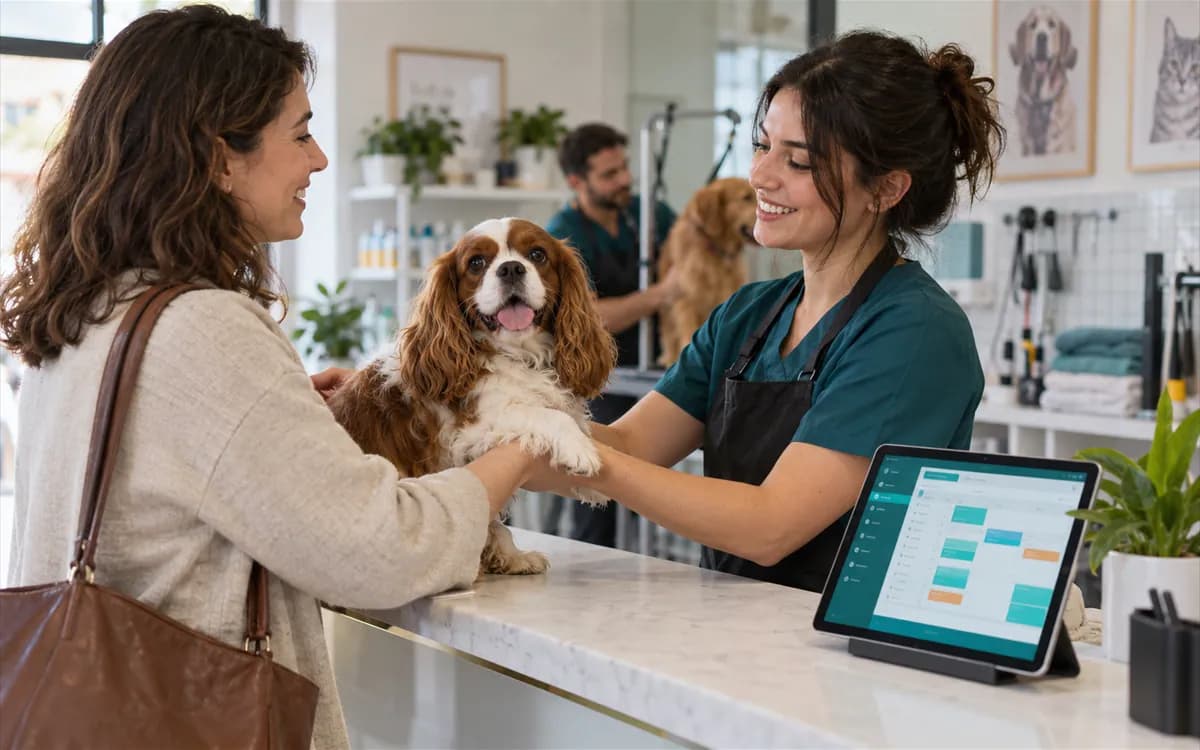
The amount is kept on the grooming record; collection and invoicing are done in the cash desk and billing modules.
The clinic team enters grooming appointments; there is no screen where owners book on their own.
Selling packages or campaign rules such as points per grooming are out of scope.
Pet boarding for the stay and grooming for the care link to the same animal and owner; details are not typed again.
The grooming list and new grooming screen are also in the mobile clinic app, so the groomer can update the record at the table. The mobile app is currently in beta.
Bath, trim, nail clipping, full groom, ear cleaning and teeth brushing.
No. The fee is kept on the grooming record; collection and invoicing are done in the cash desk and billing modules.
Yes. There is a separate digital consent type for pet grooming.
Yes. The grooming list and new grooming screen are also in the mobile clinic app. The mobile app is currently in beta.