
Laboratory result report (PDF)
- Test
- Complete blood count
- Abnormal
- Flagged
- Patient file
- Visible
Laboratory
In VetBis a lab request is opened from the exam and tracked as Pending, In progress and Completed; the result is entered with its unit and reference range, and the abnormal flag is set by hand. The record shows in the patient file, and the AI assistant can suggest a comment.
Result sheet (sample)
Live flowAbnormal flag 4 / 4
Steps
A request is opened, taken into work, the result is written and the report file is attached. The AI comment is optional, in beta, and never written to the record without the vet's approval.
The white cell count is flagged above the reference range. Infection and stress can be considered in the differential; the decision is the vet's.
Suggestion · nothing is written without vet approval
Add as noteDismissLive flowAI comment (beta) 5 / 5
Steps
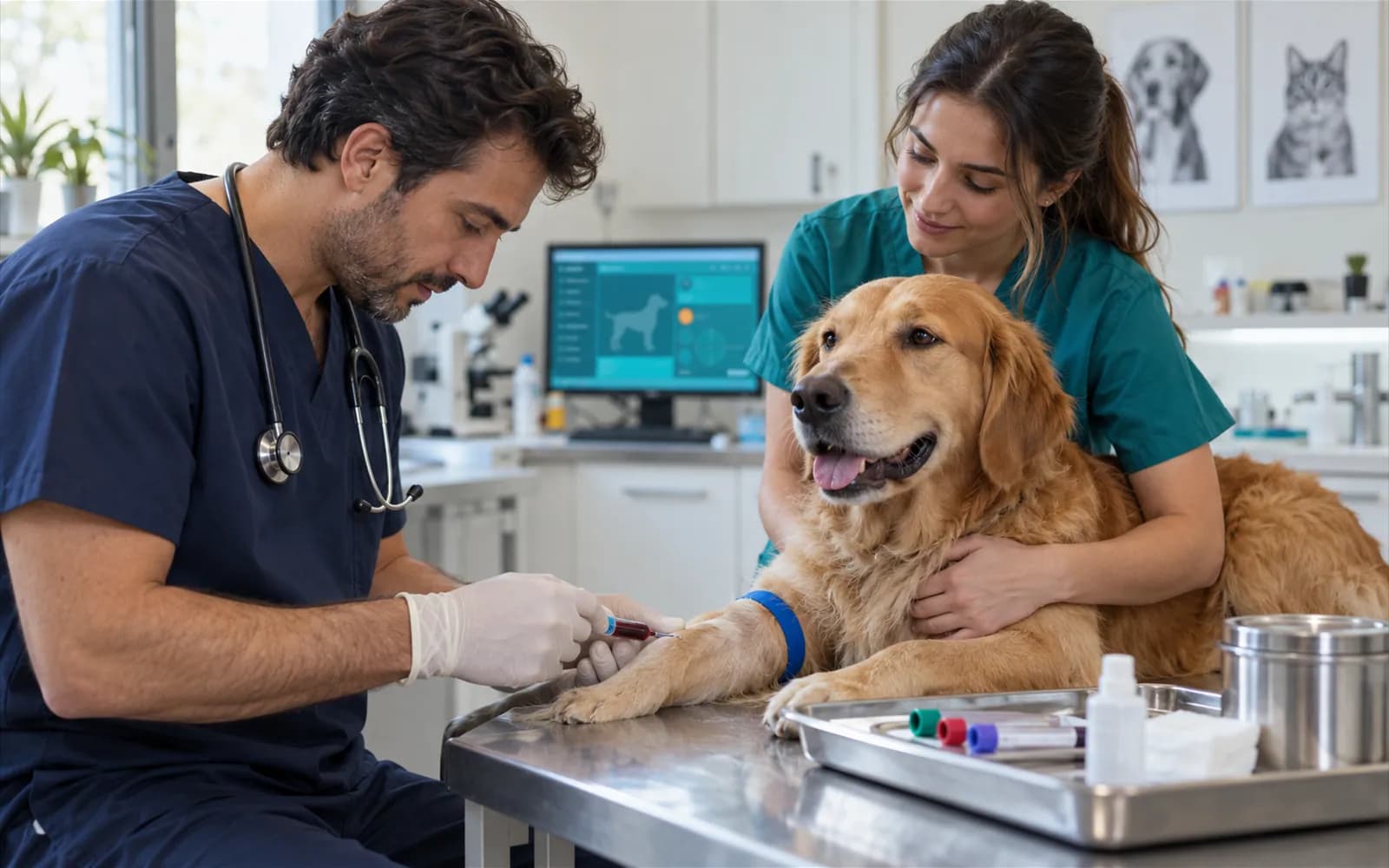
The request is opened during the exam; what was asked, for whom and at which stage stays in the patient file.
Each result line is a record of its own; the vet sets the abnormal flag.


The imaging screens are not finished. The five methods below are within the record scope but are not counted as available.
Exposure record and a finding note.
Exam finding and record.
Record of the CT study.
Magnetic resonance record.
Record of the endoscopic exam.

No. There is no outside lab integration. You write the lab's name on the request and enter the result by hand or attach it as a PDF.
No. The vet ticks the abnormal box by hand. There is no automatic threshold or critical-value alert.
No. The reference range is written as text on each result; there is no ready reference database.
Yes. The report file from the lab is attached to the result and shows in the patient file.
It is in beta. When the AI provider is configured it offers a suggestion; nothing is written to the record without the vet's approval.
Open a free account and enter your first lab request today.