
report.xlsx
- Format
- Excel
- Rows
- 4
Reporting
VetBis reporting gathers your clinic's revenue, visit and stock data in one catalog. Owners compare branch performance and see the best-selling product, the busiest appointment hour and the customers drifting away. Staff commission and stock value reports run from the same place. Every report narrows by date and branch and downloads as XLSX or PDF.
Clinic overview (sample data)
Daily revenue
TRY 18,450.00
Sample data
Daily visits
42
Sample data
Vaccine compliance
87%
Sample data
Lapsing customers
23
Sample data
Weekly revenue trend
| Revenue | Mon 12,400 | Tue 14,800 | Wed 13,900 | Thu 16,700 | Fri 15,200 | Sat 18,450 | Sun 17,100 |
|---|

The catalog holds more than 70 reports (the list you see depends on your role's permissions). The 12 example reports below answer the questions clinics ask most. Each one runs by date range and branch, and the result table downloads as XLSX or PDF.
| Report | Question it answers | Who usually looks |
|---|---|---|
| Best-selling products | Which products sell the most? | Purchasing, owner |
| Branch performance | How much revenue and how many visits did each branch produce? | Owner |
| Branch summary | What does a branch's period look like at a glance? | Owner, manager |
| Busiest appointment hours | On which days and hours do appointments pile up? | Manager, front desk |
| Lapsing customers | Which owners have not visited the clinic for a long time? | Manager |
| Staff commissions | Who earned how much commission this period? | Owner, accounting |
| Stock value | How much product value is sitting on the shelf? | Purchasing, accounting |
| Stock movement | When and why did a product come in or go out? | Warehouse lead |
| Customer activity | How many active and new owners and patients are there? | Manager |
| Doctor performance | How do visits and revenue look per veterinarian? | Owner, head vet |
| Vaccine compliance | How many planned vaccines were given and how many are late? | Vet, manager |
| Daily revenue | How much revenue came in today? | Owner, cash desk |
No forecasts or customer-loss scores are produced. Reports show the real data in your clinic's records.
Choose a report from the catalog, narrow the date and branch, watch the table fill row by row and download the result as a file. Pick another report on the left to try the flow yourself.
Live flowXLSX or PDF downloads 4 / 4
Steps
With the branch performance and branch summary reports, owners see each branch's revenue, visits, best seller and busiest hour side by side. When the branch selector changes, the figures narrow to that branch.
Coast branch
Figures are shown for the selected branch only.Monthly revenue
TRY 271,400.00
Sample data
Visits
139
Live flowSwitch to the Coast branch 3 / 3
Steps

Turn a report into a file to share with your accountant or bring to a meeting on paper. For daily tracking, the clinic dashboard is ready when you sign in.
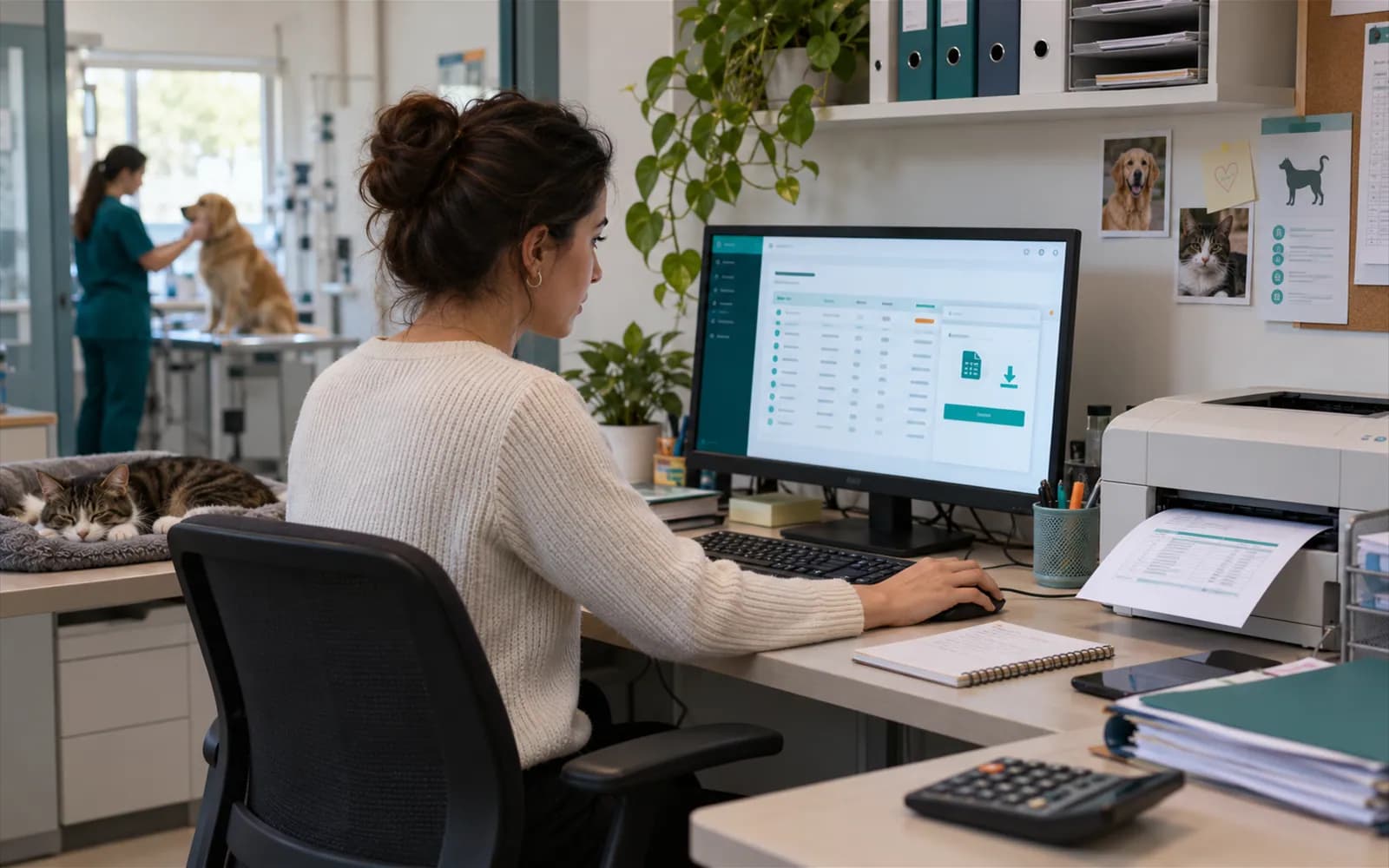

Reports download as XLSX or PDF. Filter in Excel, share with your accountant or print them.
On sign-in, the revenue trend, critical stock alerts, upcoming appointments, vaccine compliance and quick actions appear on one screen.
Keep the day's tasks in a list the whole team can see.
Pick a report as daily, weekly, monthly, quarterly or yearly; the report for the period that just closed arrives at 06:00 (clinic time) at the start of each period, as XLSX or PDF, in the e-mail of the staff you choose. The report is prepared with the permissions the definition's creator has at that moment and goes out through the clinic's own e-mail route.
Needs the clinic's e-mail routeCommission rules are defined by date. A commission preview is taken for the period, the period is locked and approved, and the commission report follows the approved period. Month-end figures do not drift afterwards.
A commission rule is defined with its effective date.
The period's commission is visible before approval.
The period is locked and approved.
The report follows the approved period.
See which regions your clients come from and how many examinations and collections each neighbourhood has.
Clients, new clients in the period, patients, examinations and collections are shown by city, district and neighbourhood. The region comes from the client's default address, or else their newest active address. Collections are shown separately per currency.
Examinations and collections are filtered by date range and branch; with no branch selected, all branches are counted. City and district have a contains filter. Turkish letters and letter case are folded (Istanbul and istanbul are the same). Export to Excel or PDF.
The adoption, lost-and-found and breeding listing reports sit in the report catalogue; take them for a date range and export to Excel or PDF.
Send a report to your team by e-mail automatically every period.
Only your clinic's own active staff can be chosen as recipients. Sending to an outside e-mail address does not exist.
The e-mail goes out through the route you chose under Settings > Message accounts (your own SMTP server or VetBis mail). If the route is unavailable nothing is sent and the reason shows on the Reports page.
The report for the closed period is sent at 06:00 clinic time at the start of each period. Of missed periods only the latest is sent; older periods are not piled up.
The format is XLSX or PDF. There is no CSV attachment.
The report is produced with the permission and branch scope the definition's creator has at the time of sending.
The catalog has more than 70 reports. Best-selling products, branch performance, branch summary, busiest appointment hours, lapsing customers, staff commissions, stock value, stock movement, customer activity, doctor performance and vaccine compliance are among them.
Yes. Reports download as XLSX or PDF. You can share the same result with your accountant or print it.
Yes. The branch performance and branch summary reports show branches on the same measures. To see every branch, the user needs manager-level access.
No. VetBis does not produce forecasts or risk scores. The lapsing customers report lists owners who have not come in for a long time, based on the last visit in your records.
Yes. Only your clinic's own active staff can be recipients; sending to an outside e-mail address does not exist. If your e-mail route under Settings > Message accounts is ready, the report goes out once per period; if the route is unavailable it goes out for the same period once the route is fixed, missed older periods are not piled up and only the latest period is sent. The format is XLSX or PDF, there is no CSV. The send status and likely reason show on the Reports page. It has not been verified with a real mail provider.
Yes. Commission rules are defined by date, the period is locked and approved, and the commission report follows the approved period.
Try free for 14 days. Revenue, visit and stock reports run on your own records.