
Vaccination card: Max
- Combo vaccine, dose 1
- Nov 2
- Combo vaccine, dose 2
- Nov 23
- Rabies
- Dec 21
Vaccination tracking and schedule
VetBis veterinary vaccination tracking turns your clinic's vaccine packages into a dated dose plan for each patient. The vet administers and records the dose, reception sees upcoming and overdue vaccines in one list, and the manager follows the whole clinic with the vaccine compliance report.
Puppy package
Target species: dog
4 doses
Package price
₺1,800
Combo vaccine, dose 1
Combo vaccine, dose 2
Combo vaccine, dose 3
Rabies
Sample package; name, doses and price are for illustration only.
Steps
A vaccine package for a puppy is picked; VetBis previews the doses with their dates, the plan is written to the patient, the administered dose is completed and the clinic-wide picture shows on the compliance card.
Sample patient Max; package, dates and counts are for illustration only.
Live flowReminder 6 / 6
Steps
You define the vaccines your clinic uses and the packages made from them once. From then on, every patient's plan comes from those definitions.
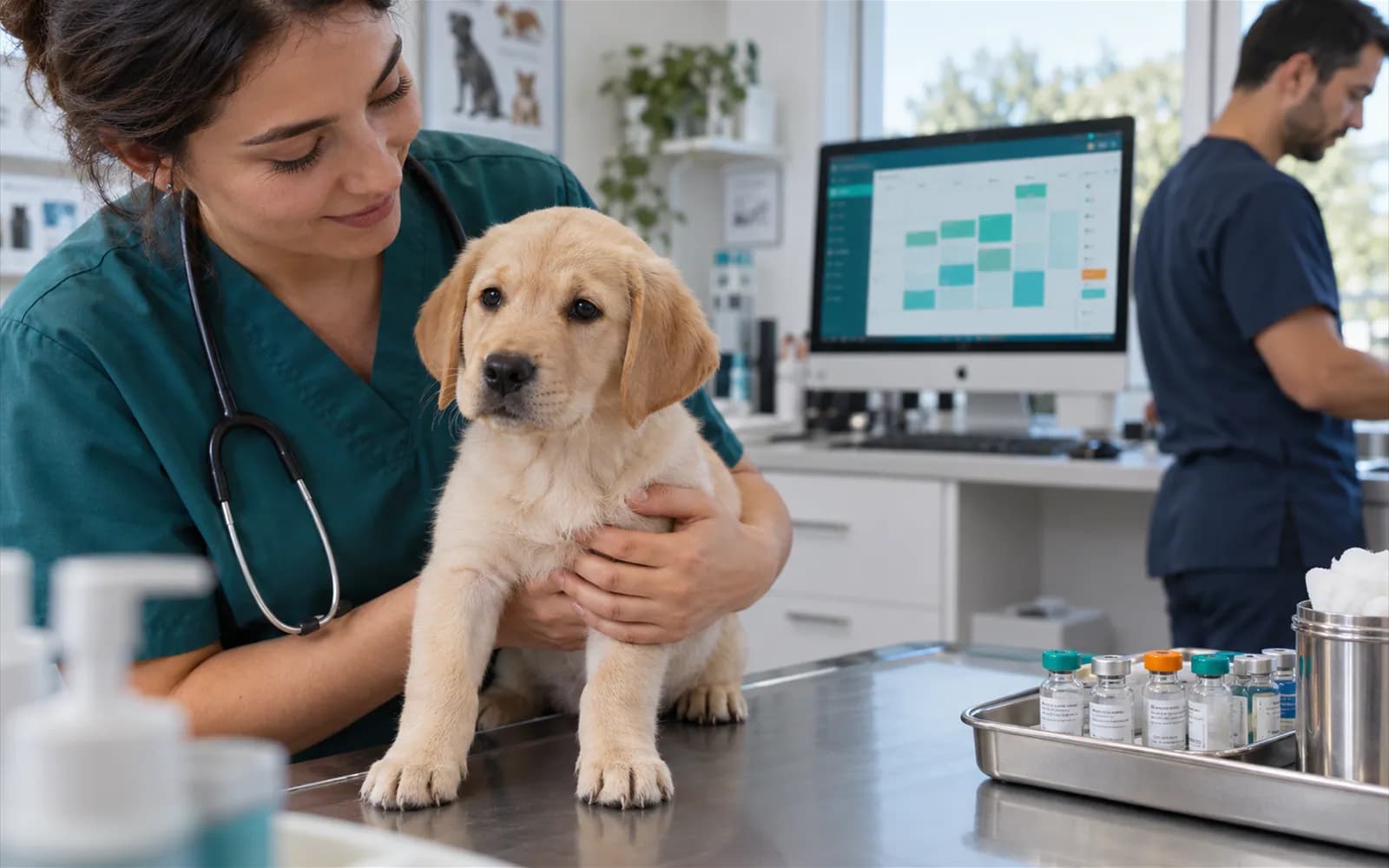
The vaccines your clinic uses are defined and administration is written to the patient's file.
You group doses such as a puppy series or an annual booster into a package. A package has a target species and a package price, so you can see the difference from the single prices.
When a package is picked the doses are previewed with their dates. The confirmed plan is written to the patient and each dose takes its place on the calendar.
A dose that is given is completed, a dose that will not be given is cancelled. The plan always shows the current state.
A vaccine given in the exam is written to its dose. The tracking summary lists upcoming and overdue doses; the dashboard card and the report give the same information for the whole clinic.
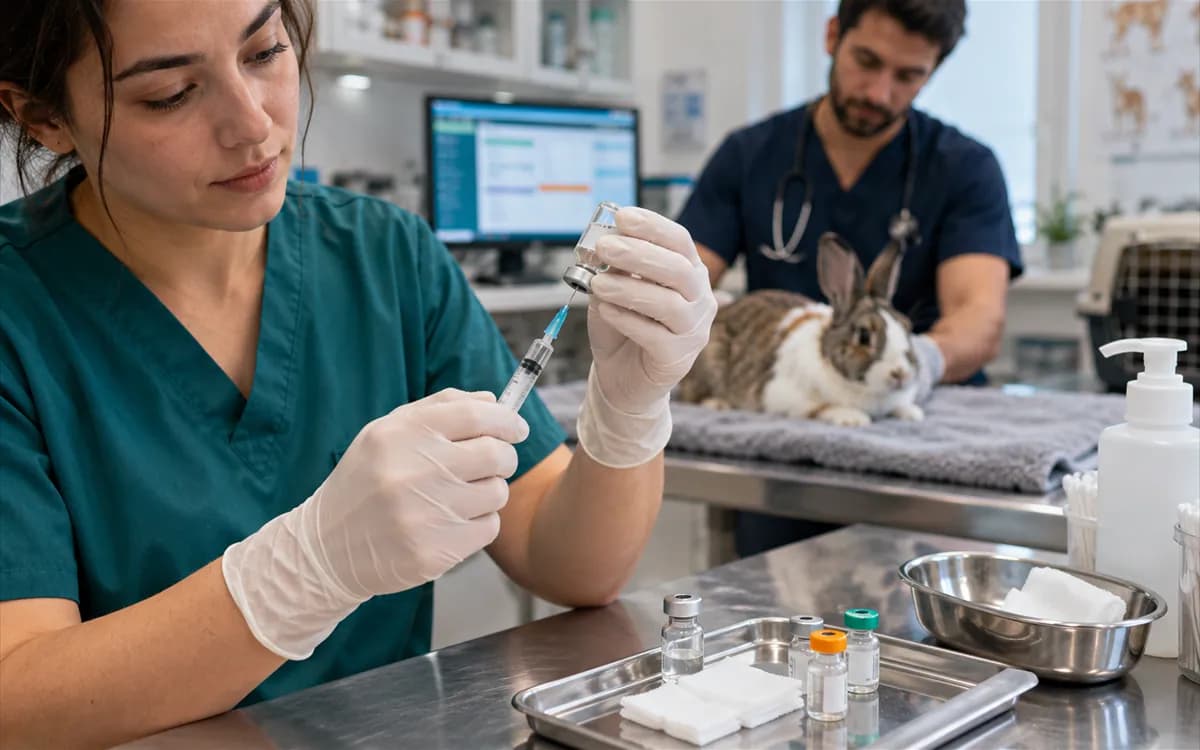
When the vaccine is given during the exam the matching dose is completed and the record is written to the patient's history. A dose that cannot be given is cancelled.
Exam management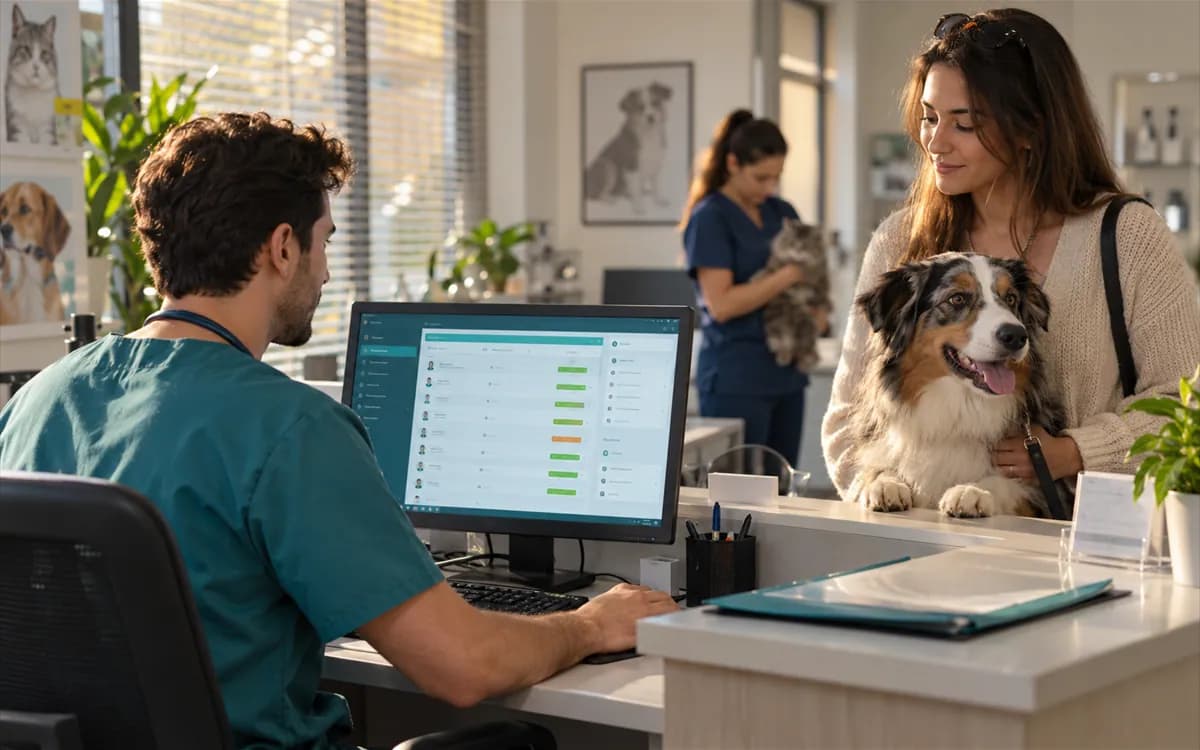
Reception sees whose vaccine is due without opening the patient file. The vaccine compliance card sits on the clinic dashboard and the vaccine compliance report in the reporting area.
Reporting and the vaccine compliance reportThe vaccination card is printed as a ready printout with print templates, and you can edit the template to suit your clinic. The vaccine plan and tracking are in the mobile clinic app as well.
Steps

The vaccine plan and vaccine tracking can be managed from your phone too. The app is in beta.
BetaNot today. Reminder rules can be defined; SMS, WhatsApp and email sending starts once a messaging provider is connected. For now you see overdue and upcoming vaccines in the tracking list and call the owner yourself.
No. The plan comes from the vaccine package you defined. The vet picks the package for the patient, previews the dates and confirms them. Which vaccine to give stays the vet's decision.
A package is a group of doses sold and given together, for example a puppy series. You enter a name, target species, package price and the doses in it, so the difference between the package price and the single prices is visible.
Yes. The data migration wizard can import vaccine history from your current software as a CSV file. A preview and row validation show faulty rows before anything is imported.
The vaccine tracking summary lists upcoming and overdue doses. The vaccine compliance card on the clinic dashboard and the vaccine compliance report in the reporting area show the same picture for the whole clinic.
Yes. A vaccination card is available among the print templates. You can change the template to match your clinic's name and layout.