
Clinical decision support
Veterinary AI assistant: preliminary diagnosis suggestions, the vet decides
The VetBis AI assistant is clinical decision support that suggests a preliminary diagnosis to the vet during the exam. Suggestions are listed with a confidence level; the vet approves or rejects each one, and nothing is recorded without approval. It is in beta and does not work unless an AI provider is connected. It sits alongside clinical management, laboratory and surgery screens.
Dog, 6 years old. Cough and loss of appetite for 3 days, temperature 39.6.
10:42Consider kennel cough; rule out pneumonia with a chest X-ray.
Suggestion 1 · confidence 58%
Waiting for vet approval. Nothing is recorded until approved.
ApproveRejectLive flowWaiting for vet approval 3 / 3
Steps
- 1Symptoms entered
- 2Suggestion listed
- 3Waiting for vet approval
Three principles: approval, decision, safe failure
The assistant does not replace the vet. Its output is a draft that the vet reads and decides on.
No record without vet approval
A suggestion is never written to the patient record on its own. The vet approves or rejects every suggestion.
The vet decides
A suggestion is a preliminary assessment, not a diagnosis. Diagnosis and treatment always remain the vet's decision.
No provider, no feature
If no AI provider is configured, the feature returns an error. A made-up suggestion is never shown in its place.
One exam, five steps
The flow runs on a fictional case. Confidence levels and drug names are sample data, not medical advice.
Dog, 6 years old. Cough, loss of appetite for 3 days, temperature 39.6.
10:42Consider kennel cough.
Suggestion 1 · confidence 58%
Bronchitis is also worth considering.
Suggestion 2 · confidence 27%
Rule out pneumonia with a chest X-ray.
Suggestion 3 · confidence 15%
Waiting for vet approval. No patient record is created until approved.
ApproveRejectSuggestion 1 approved. Meloxicam and prednisolone added to the prescription.
10:49Using meloxicam together with prednisolone calls for a warning. The vet decides.
Interaction check
Owner summary draft: Your dog's cough is most likely a respiratory infection. Give the medicine at the times shown and come back for a check in 5 days.
The vet reads and approves
Live flowA plain summary for the owner 5 / 5
Steps
- 1The vet types the symptomsSpecies, age and findings are entered during the exam.
- 2The assistant lists suggestionsPossible assessments are ranked with a confidence level. The level is not a guarantee of accuracy.
- 3The vet approves or rejectsEvery suggestion depends on the vet's decision. A suggestion that is not approved is not recorded.
- 4Interaction warning for a drug pairA drug pair on the prescription is marked with one of four severity levels. It runs from the "Check interactions" button on the prescription screen; an unknown drug is shown as "could not evaluate".
- 5A plain summary for the ownerThe visit summary is turned into everyday language. The screen is on the visit SOAP tab; sending directly to the owner is not offered, you pass the text on yourself.
A second pair of eyes at triage
The triage assistant on the exam screen helps classify how urgent a case is from the findings entered. The classification supports ordering; the vet and team decide the priority.
- Findings are entered during the exam
- An urgency class is shown as a suggestion
- The vet can change or ignore the class

Drug interactions: four severity levels
Drug pairs on a prescription are marked Minor, Moderate, Major or Contraindicated according to the rules in the system. Species-specific restrictions are part of those rules.
Runs from the "Check interactions" button on the prescription screen.
A plain summary for the owner
The visit note is turned from technical language into everyday language to draft a summary for the pet owner. The vet reads and approves it.
The screen is on the visit SOAP tab; direct sending to the owner is not offered, you pass the text on yourself.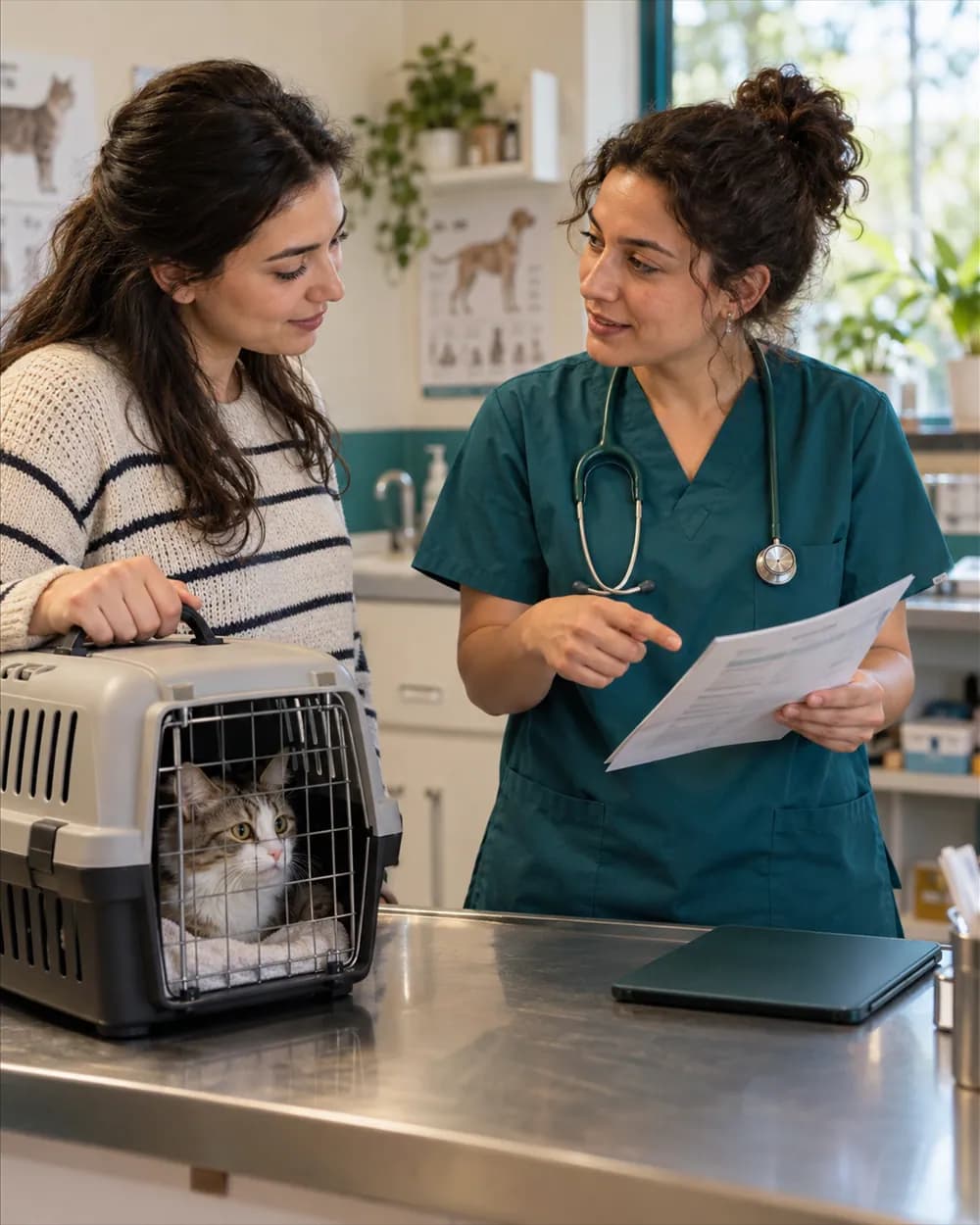
Where the assistant lives
The same decision support sits on the screens where the vet already works.
Lab result interpretation
On the lab result screen you can request an interpretation suggestion based on the results.
Surgery assistant
Offers the vet preliminary assessment support in the surgery record.
Preliminary diagnosis on mobile
The exam screen of the mobile app has a preliminary diagnosis suggestion card.
Monthly quota indicator
Usage is tracked against a monthly quota per clinic. See the pricing page for scope.

Data: conversation history and quota
Conversations with the assistant are recorded, and usage counts against the monthly quota of the clinic. See the pricing page for scope and plans.
See pricingThe general chat assistant is a separate feature
Separate from pre-diagnosis
The pre-diagnosis and triage assistant on the examination screen is clinical decision support. The chat assistant that clinic staff use for general questions is a separate feature: the clinic administrator switches it on, it masks personal data and deletes conversations after 90 days. Neither works if the AI provider is not connected.
The AI quota belongs to the clinic
Monthly AI usage is counted separately for each clinic.
When one clinic's quota runs out only that clinic stops
In a clinic whose quota is used up requests are refused and nothing is stored; other clinics are not affected and their counters run separately.
The per-minute question limit is per user
A colleague in the same clinic does not use up your limit.
Clinics cannot see each other's usage
A clinic cannot see, continue or delete another clinic's usage, AI attempts or chat history.
Questions about the AI assistant
No. The assistant offers a preliminary assessment suggestion. Diagnosis and treatment are the vet's decision, and no patient record is created without vet approval.
The feature is still evolving. Preliminary diagnosis suggestions and triage can be used; drug interactions work on the prescription screen and the owner summary on the visit SOAP tab; sending the summary directly to the owner is not offered.
The feature does not work and returns an error. A made-up suggestion is never shown without a provider.
The exam screen of the mobile app has a preliminary diagnosis suggestion card. The mobile app is also in beta.
Yes, a monthly quota per clinic is tracked. How much usage each plan includes is shown on the pricing page.
Try the AI assistant in the exam room
Try VetBis free for 14 days. The assistant is in beta; write to us with any questions.