
Patient and owner management
Veterinary patient management software: pet and owner file on one card
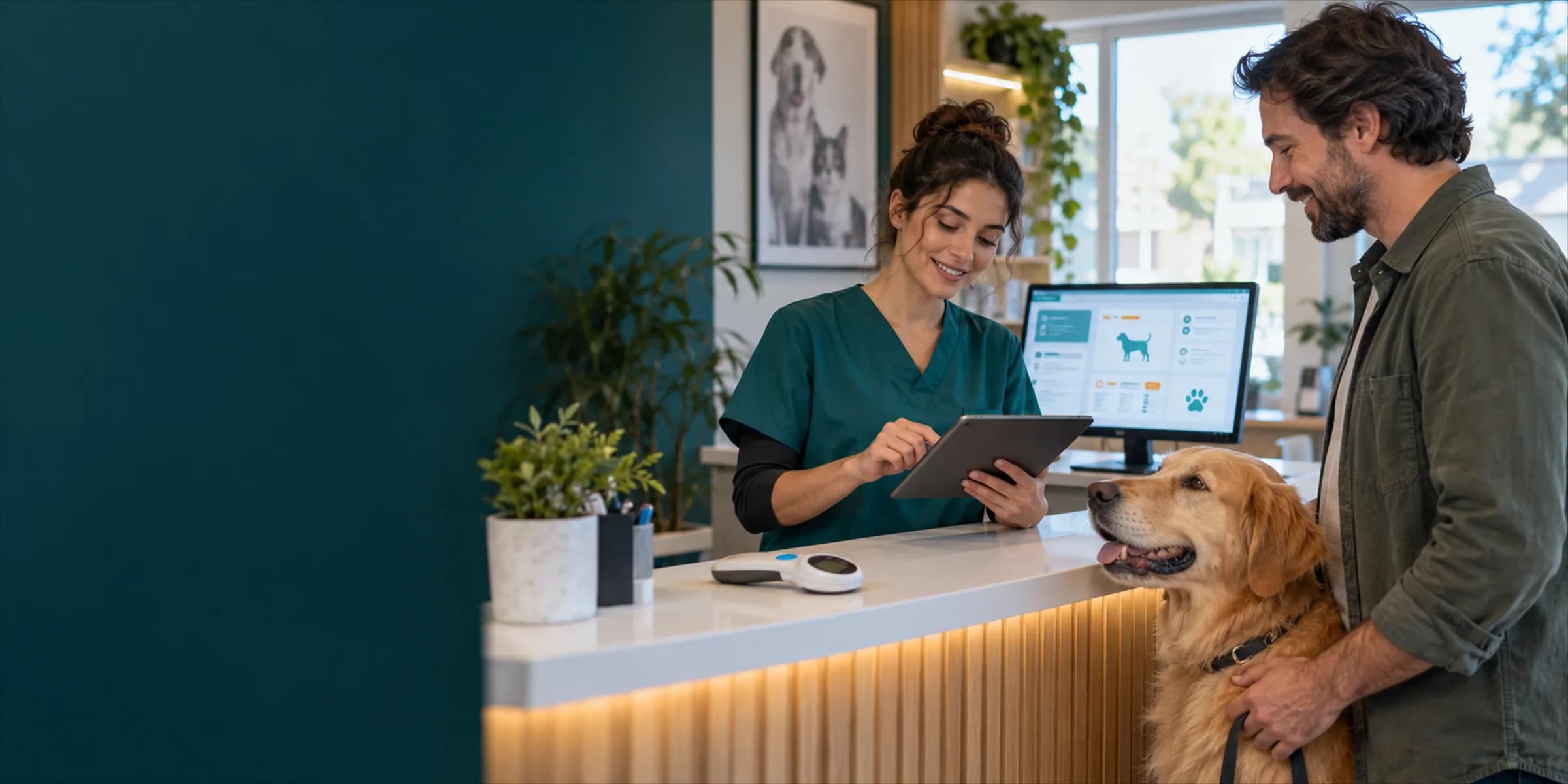
VetBis veterinary patient management software joins the patient and the owner in one file. Species and breed, microchip, allergies and chronic conditions, weight history, insurance, files and the owner's contact consents all sit on the patient card. Reception opens the record and the vet carries on from the same card.
New patient
- Owner
- Ayşe Örnek
- Species
- Dog
- Breed
- Golden Retriever
- Microchip no.
- 985 120 000 000 000
Steps
- 1Owner and species
- 2Breed and microchip
The patient card fills in 6 steps
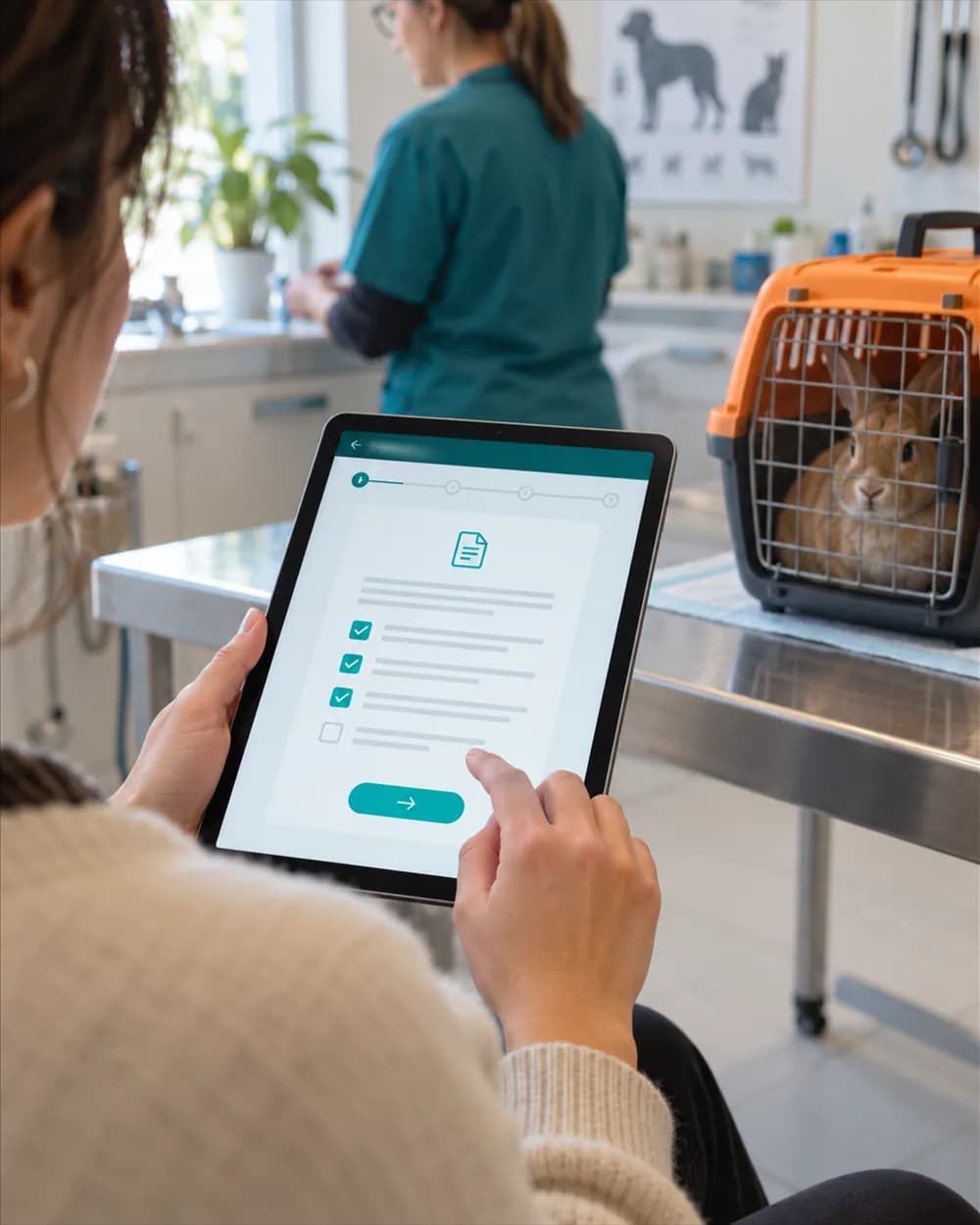
A new patient is registered at reception. The owner is matched, species and breed are picked, the microchip is entered; allergies, weight and alerts gather at the top of the card.
Alert: Temperament note: nervous, may need a muzzle during the exam.
Patient card: Max
- Owner
- Ayşe Örnek
- Species
- Dog
- Breed
- Golden Retriever
- Microchip no.
- 985 120 000 000 000
- Allergy
- Chicken protein
- Chronic condition
- Allergic dermatitis
Weight history
| Weight history | Jun 28.4 | Jul 29.1 | Aug 29.6 | Sep 30.2 |
|---|
Sample patient and owner; values are for illustration only.
Live flowAlert banner 6 / 6
Steps
- 1Find the ownerType the owner's name and the registered owner is matched; the patient opens under that owner.
- 2Species and breedSpecies and breed are chosen from lists. Sex, date of birth and colour go into the same form.
- 3Microchip numberThe microchip number goes on the record. If the same number exists on another patient, the system warns you.
- 4Allergies and chronic conditionsAllergies and chronic conditions show as badges on the card, so the vet sees them before the exam.
- 5Weight historyEvery weigh-in is added to the weight history and plotted as a line chart. VetBis does not calculate an ideal weight; the call stays with the vet.
- 6Alert bannerA lost flag, temperament and alert notes appear in a banner on top of the card for everyone who opens it.
Everything recorded about the patient sits on one card
The patient card is the one place where everyone in the clinic looks at the same information. The record reception opens is the same record the vet completes during the exam.
4
Contact consent channels per owner: SMS, email, push and WhatsApp
8
Patient file categories: lab result, X-ray, photo, video, document, consent form, invoice and other
2
Owner types: individual and corporate (with tax number and tax office)
Identity and physical details
Species, breed, sex, date of birth, colour, blood group, protocol number, distinguishing mark, neutering status and photo.
Allergies and chronic conditions
Allergies and chronic conditions are separate records and appear as badges on the patient card.
Owner card
Individual or corporate owner, customer group, acquisition channel, occupation and contact details live on the owner card.
Diet plan and check-ins
A diet plan is written for the patient and follow-up checks are logged as check-ins in the diet history.
KVKK and consents
Owner, channel consent and KVKK approval
The owner card keeps a separate consent for SMS, email, push and WhatsApp, and the KVKK approval time is written to the record. Click the cells in the matrix below to change a consent yourself.
Effect
- WhatsApp consent removed
- Row added to the consent history
Live flowEmail consent withdrawn 3 / 3
Steps
- 1Channel consents on
- 2WhatsApp consent withdrawn
- 3Email consent withdrawn
Weight and health history
Weigh-ins are added to the patient's weight history and plotted as a line chart. VetBis does not comment on ideal weight or obesity; the assessment stays with the vet.
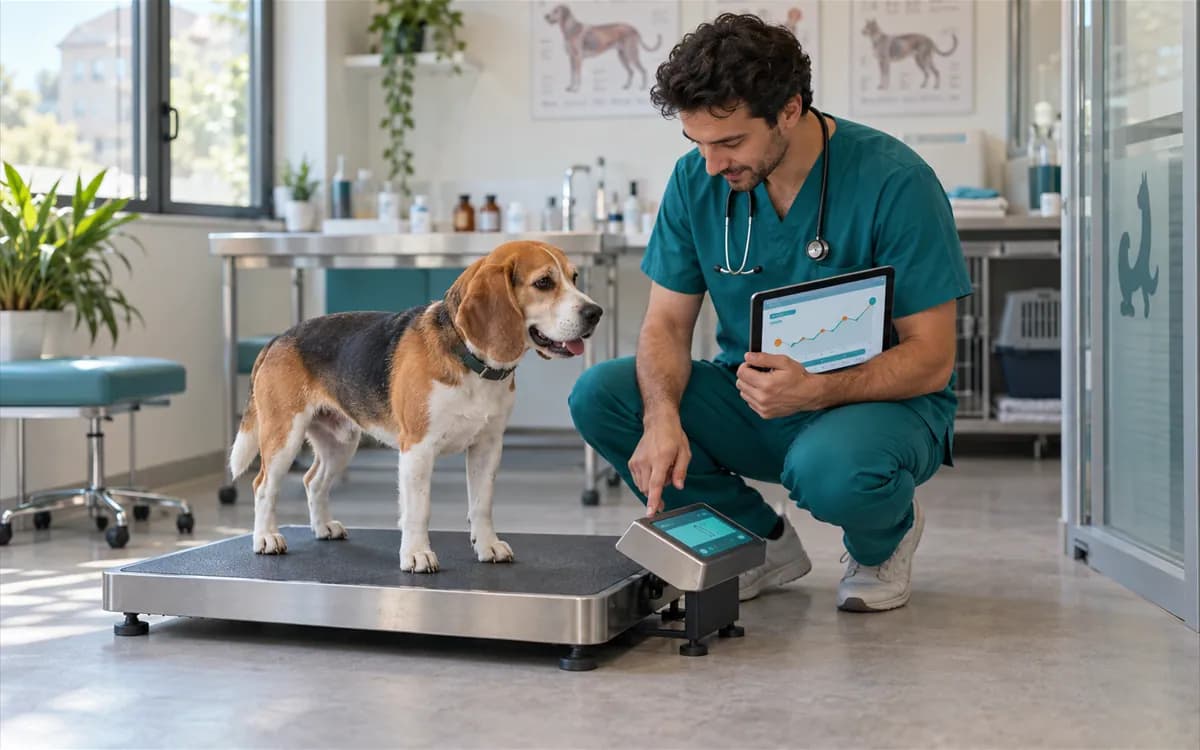
Weight history: Luna
| Weight history: Luna | Jan 3.6 | Mar 3.9 | May 4.1 | Jul 4.2 | Sep 4.4 | Nov 4.5 |
|---|
Pet insurance
The insurance record is kept in the patient's file and visible from the card.
Patient files
Results, images, documents and photos are uploaded into eight categories, listed and downloaded.
Clinical notes
Free clinical notes for the patient and the owner stay inside the card, so nothing is lost when the team changes.
From visitor to customer, every record in one search
Someone who asks for prices or drops in for the first time is saved as a visitor and converted to a customer in one step at the exam stage. The command palette searches owners, patients and visitors from a single box.
Live flowVisitor becomes a customer 3 / 3
Steps
- 1A name is typed
- 2Results in one list
- 3Visitor becomes a customer
Visitor records
A person who asks for prices or visits for the first time is recorded, and converting to a customer takes one step.
Global search and microchip check
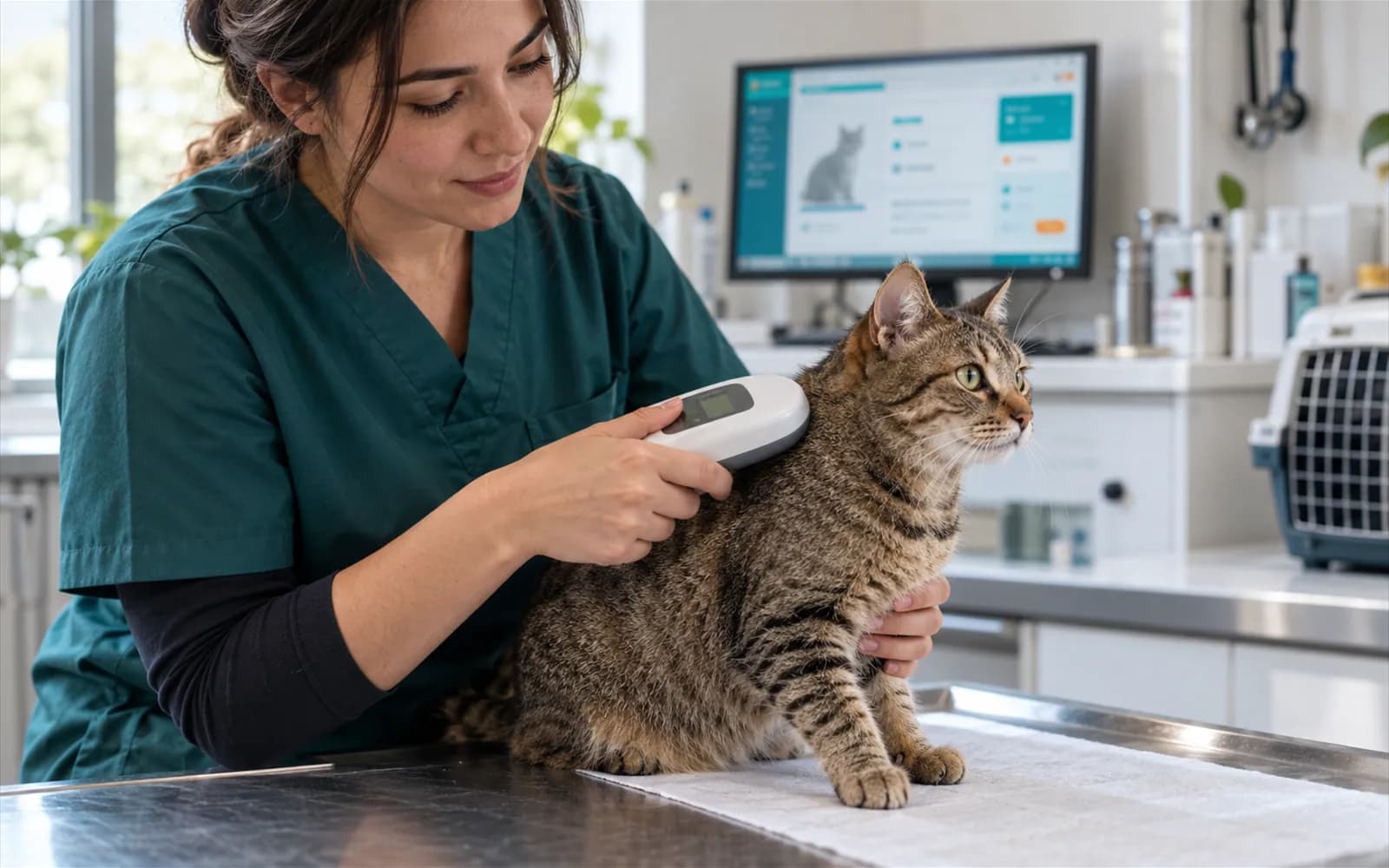
The command palette searches owners, patients and visitors. It warns when a microchip number exists on another patient.
Migration from your current software
Your patient and owner records are imported from a CSV file; rows are validated in a preview.
Mobile clinic app
You can manage patient and owner records from your phone too. The app is in beta.
Beta
Features used alongside patient records
Veterinary appointment software
Book from the patient card and move arrivals to the waiting room board with check-in.
Veterinary vaccination tracking
The vaccine package and dated dose plan stay in the patient's file.
Forms and print templates
Consent forms and patient printouts are prepared to match your clinic.
Frequently asked questions
No. Each patient record is linked to a single owner. The owner card holds the contact details, channel consents and KVKK approval.
No. Weigh-ins are added to the weight history and shown in a line chart; no ideal weight range or obesity assessment is calculated. The interpretation belongs to the vet.
The owner card keeps a separate consent for SMS, email, push and WhatsApp plus the KVKK approval time. SMS and email sending works when the route the clinic chose (its own account or the VetBis package) is connected and WhatsApp when the clinic's own Meta account is connected; if it is not, no message is sent. Not verified with a real account.
Yes. The data migration wizard imports a CSV file, maps the columns and shows faulty rows in a preview before anything is imported.
Bring your patient records onto one card
Open your account and create the first patient card this week. We can help you move your old records.