

Artificial insemination record software: records, follow-up plan and mobile entry
Insemination date, method, sire details and the vet who performed it live in one record. The pregnancy check and expected birth date follow from the same record, and you can enter it in the field from a phone.
Follow-up: day 21
Sample record · pregnancy check
Check pendingOne insemination record from entry to result
In VetBis an insemination is a single clinical record linked to the animal's patient file: date, method, sire details and the staff member who performed it stay together. The pregnancy check date and result are followed from the same record. A record entered in the field with the mobile clinic app shows on the web screen when you are back; the performer is picked from the staff record.
Insemination record (sample)
- Animal
- Daisy (sample)
- Insemination date
- 3 Oct 2026
- Method
- Artificial
- Sire
- Sample sire A
- Performed by
- Sample vet
- Check date
- 24 Oct 2026Check pending
- 3 Oct 2026Planned
Record opened
Artificial · Sample sire A
- 3 Oct 2026Applied
Insemination performed
Performed by: Sample vet
- 24 Oct 2026Check pending
Pregnancy check planned
Check date is on the record and tracked in the list
- 24 Oct 2026NowPregnant
Check result recorded
Expected birth date shows in the record detail
- PlannedCancelled
- AppliedNot pregnant
- Pregnant
Live flowResult recorded 4 / 4
Steps
- 1Record openedAnimal, date, method, sire and performer are entered.
- 2Insemination performedThe record moves to the applied status.
- 3Check date arrivesThe planned pregnancy check date is followed in the list.
- 4Result recordedThe check result is saved as pregnant or not pregnant.
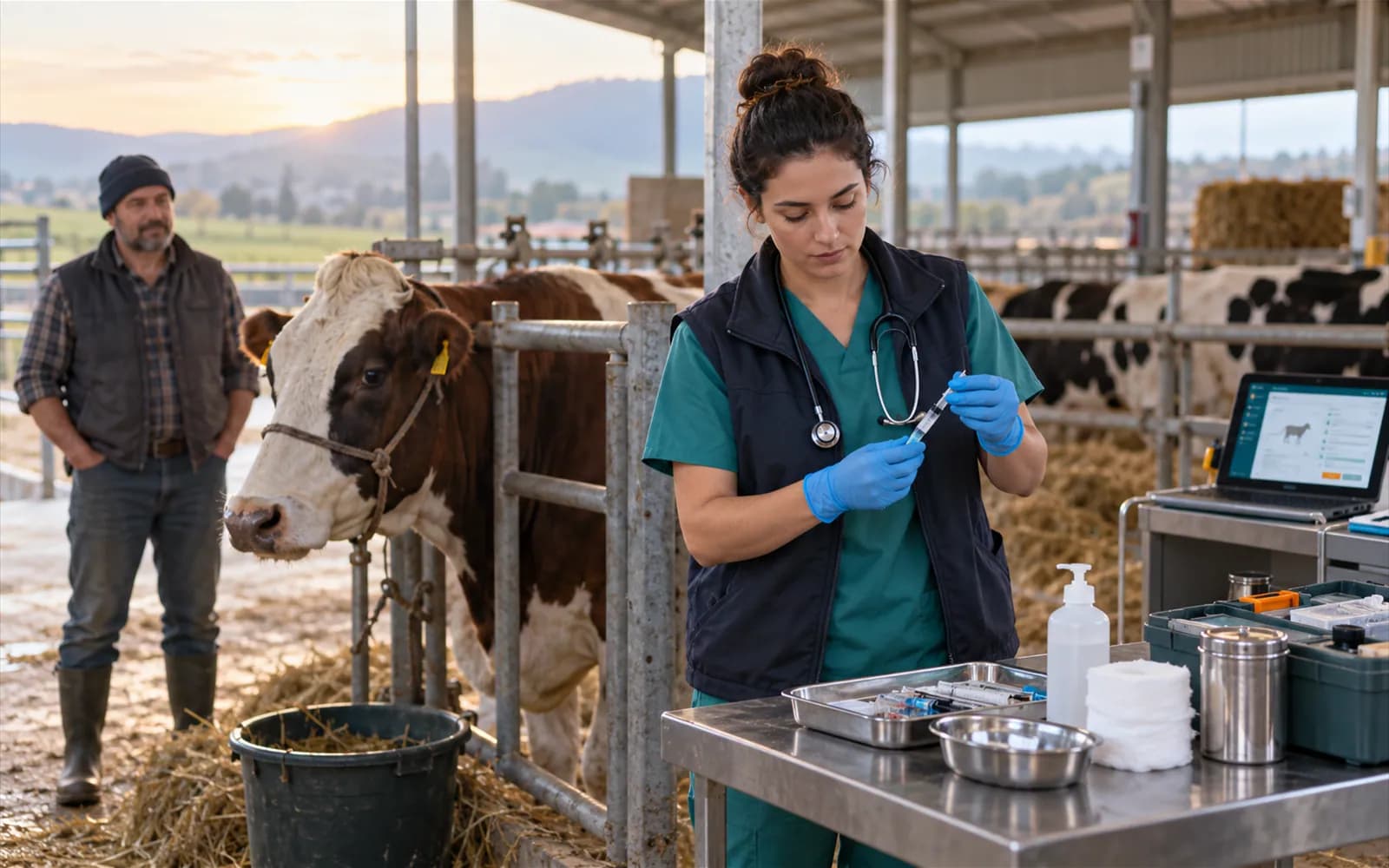
What an insemination record holds
The web clinic screen and the mobile clinic app carry the same fields.
Date and method
Artificial or natural method, insemination date and notes.
Sire details
Which sire was used for which animal is kept on the record as text.
Performing staff
The vet or technician who performed it is picked from the staff record.
Pregnancy check
The planned check date and the date the check was done are kept apart; a check date cannot be earlier than the insemination date.
Expected birth date
The expected birth date is added to the record and shown in its detail.
Edit and cancel
A record can be corrected after it is applied. A cancelled record is not deleted; it stays with its reason.
Record entry and follow-up plan
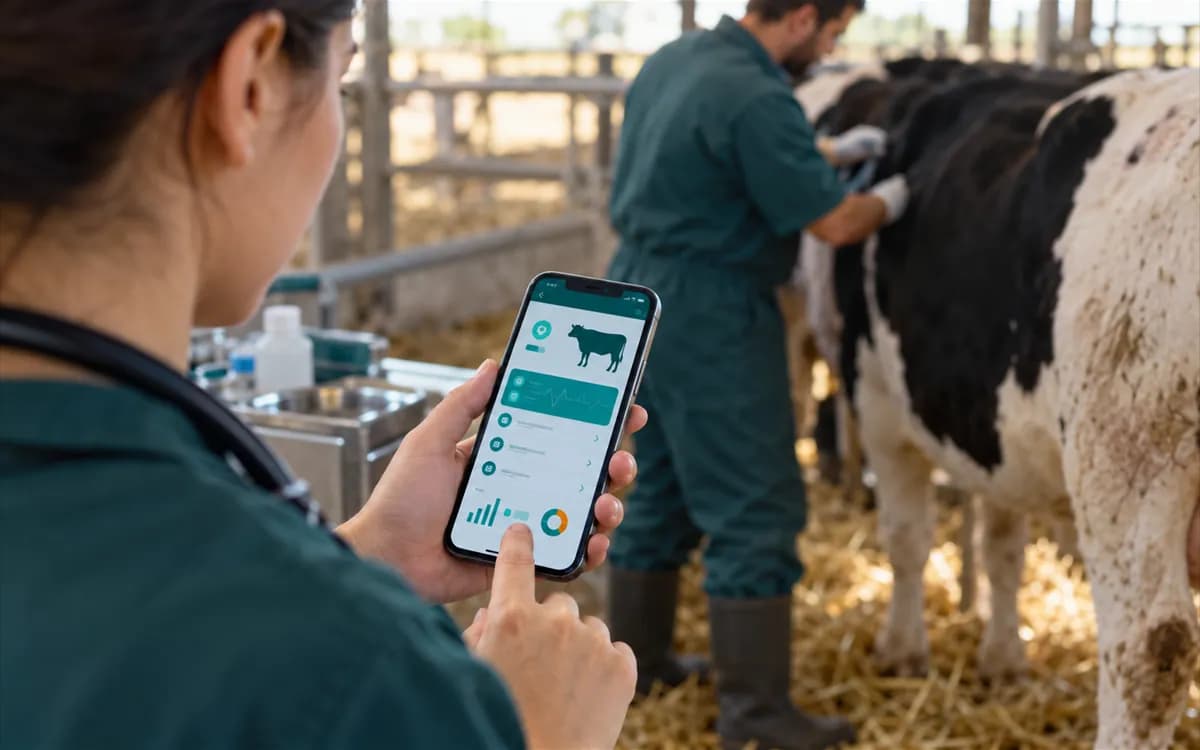
Record entry
Pick the animal, then enter the date, method and sire details. The record links to the animal's patient file, so owner details are not typed again.
- List and detail view
- Entry from a phone in the field
- Performer selection

Follow-up plan
Add the pregnancy check date to the record. The list shows which inseminations are waiting for a result; once the check is done, the result and date are recorded.
- Planned and actual check dates kept apart
- Pregnant or not pregnant result
- Expected birth date
Records from the mobile app
Insemination screens are also in the mobile clinic app. A record entered in the field shows in the same patient file when you are back at the clinic.
New insemination
- Animal
- Daisy (sample)
- Method
- Artificial
- Date
- 3 Oct 2026
Insemination records
- Spot (sample)
- Planned
- Daisy (sample)
- Applied
- Record reached the clinic
Live flowSame record at the clinic 2 / 2
Steps
- 1Entry in the fieldAn insemination record is entered from the phone.
- 2Same record at the clinicThe web screen shows the up-to-date list and detail.
Frequently asked questions
The animal, insemination date, method (artificial or natural), sire details, performing staff, pregnancy check date, expected birth date and notes.
When the check is done you record the result as pregnant or not pregnant. The planned check date and the actual check date are kept apart; a check date cannot be earlier than the insemination date.
Yes. Insemination screens are also in the mobile clinic app. The mobile app is currently in beta.
No. Insemination is a clinical record tied to a patient. Herd lists, milk yield and feed tracking are outside this module.
Keep insemination records in one place
Try VetBis free for 7 days. Open an insemination record, enter the pregnancy check date and follow it through.