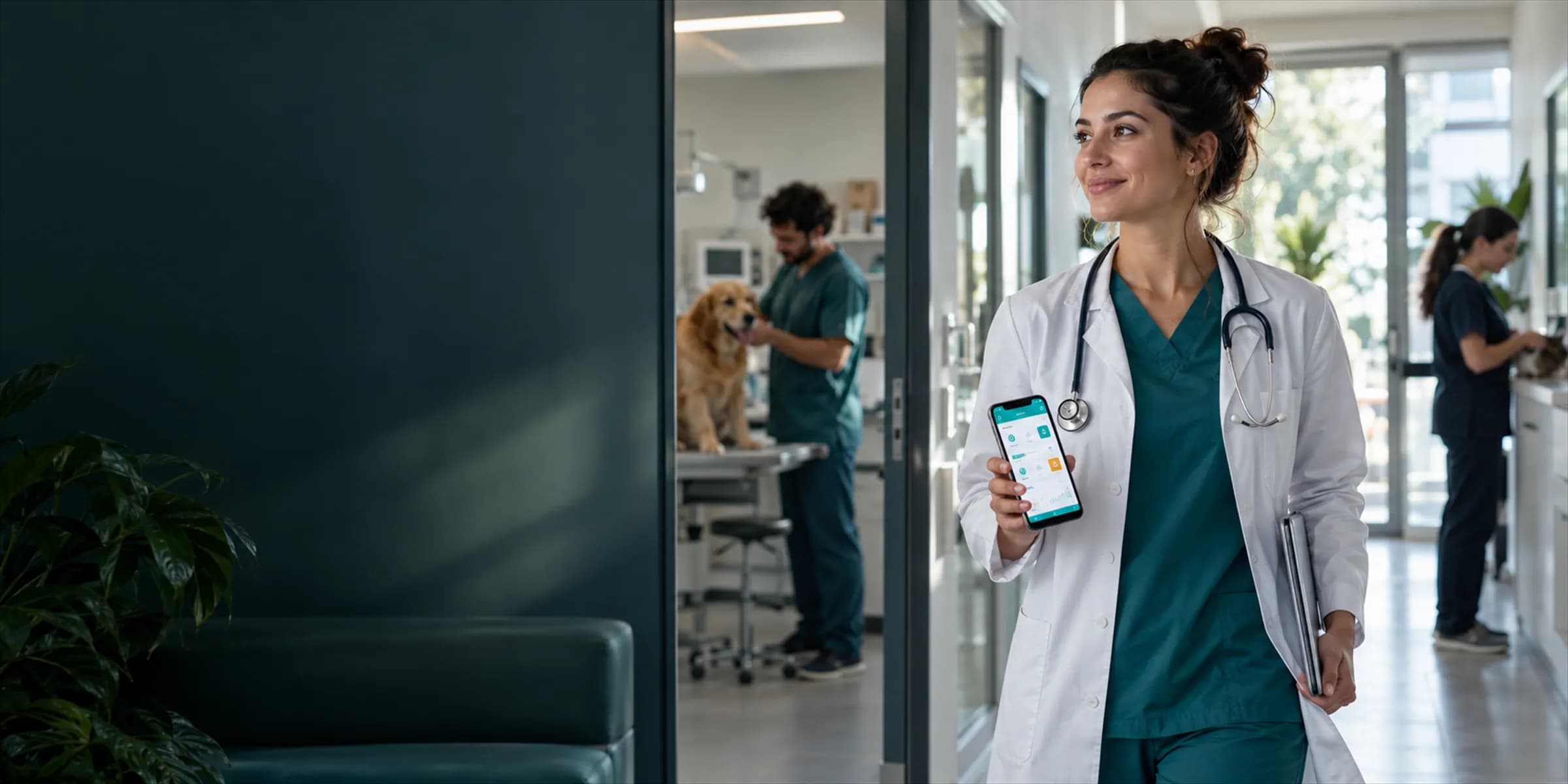
Mobile clinic app
Mobile clinic app for veterinarians (beta)
The VetBis mobile app lets vets and clinic staff do their work from a phone. Exams, vaccine plans, the cash desk and stock operations use the same account and the same data as the web app. The app is in beta, has been tested on Android and is not published in the app stores.
Pati (sample)
Cat, 4 years
Exam note
Itchy ear for two days. Slight redness inside the ear.
AI preliminary diagnosis suggestion
BetaWaiting for vet approval
Pati (sample) · patient record
- Exam recordEntered on the phone
- Appointment · Tue 11:00Added on the web
- The exam record entered on the phone reaches the web screen
- An appointment created on the web appears on the phone
Sample screens. All values are fictional.
Live flowA web appointment reaches the phone 4 / 4
Steps
- 1The patient opens on the phoneThe vet opens the record from the appointment or patient list.
- 2The exam note is enteredFindings are typed on the phone in the exam room; an AI preliminary diagnosis card is offered to the vet.
- 3The record shows up on the webThe record entered on the phone opens on the desktop web screen with the same data.
- 4A web appointment reaches the phoneAn appointment created at the front desk appears on the vet's phone.
How it works
The mobile app connects to the same account and the same branches as the web clinic app; roles and branch permissions apply on mobile too.
Sign in and pick a branch
Sign in with your clinic account. If you have several branches, choose the one you are working in.
Open the job on your phone
Reach the appointment, patient, exam, prescription, vaccine, lab, surgery and hospitalization screens from the bottom tabs and the menu.
Enter the record on the spot
Enter the exam note, vaccine, insemination or grooming record where the work happens.
See the same record on the web
A record entered on the phone also appears in the web app; the team works with the same data.
Third branch
Data shows only the selected branch.Appointments today
15
Pending sales
5
- 10:00 Duman (sample)Vaccine
- 12:00 Fındık (sample)Check-up
Live flowSwitch to another branch 3 / 3
Steps
- 1A branch is selectedThe vet picks the branch to work in.
- 2Data follows the branchAppointment and sales lists are limited to the selected branch.
- 3Switch to another branchAnother branch the user has access to is selected from the same screen.
Notes are entered right in the exam room
When notes are written on paper or from memory and typed in at the end of the day, detail is lost. In the mobile app the exam, prescription and vaccine screens are within the vet's reach.
Appointments and waiting room, patient file, exam record, prescription and vaccine plan screens are in the app.
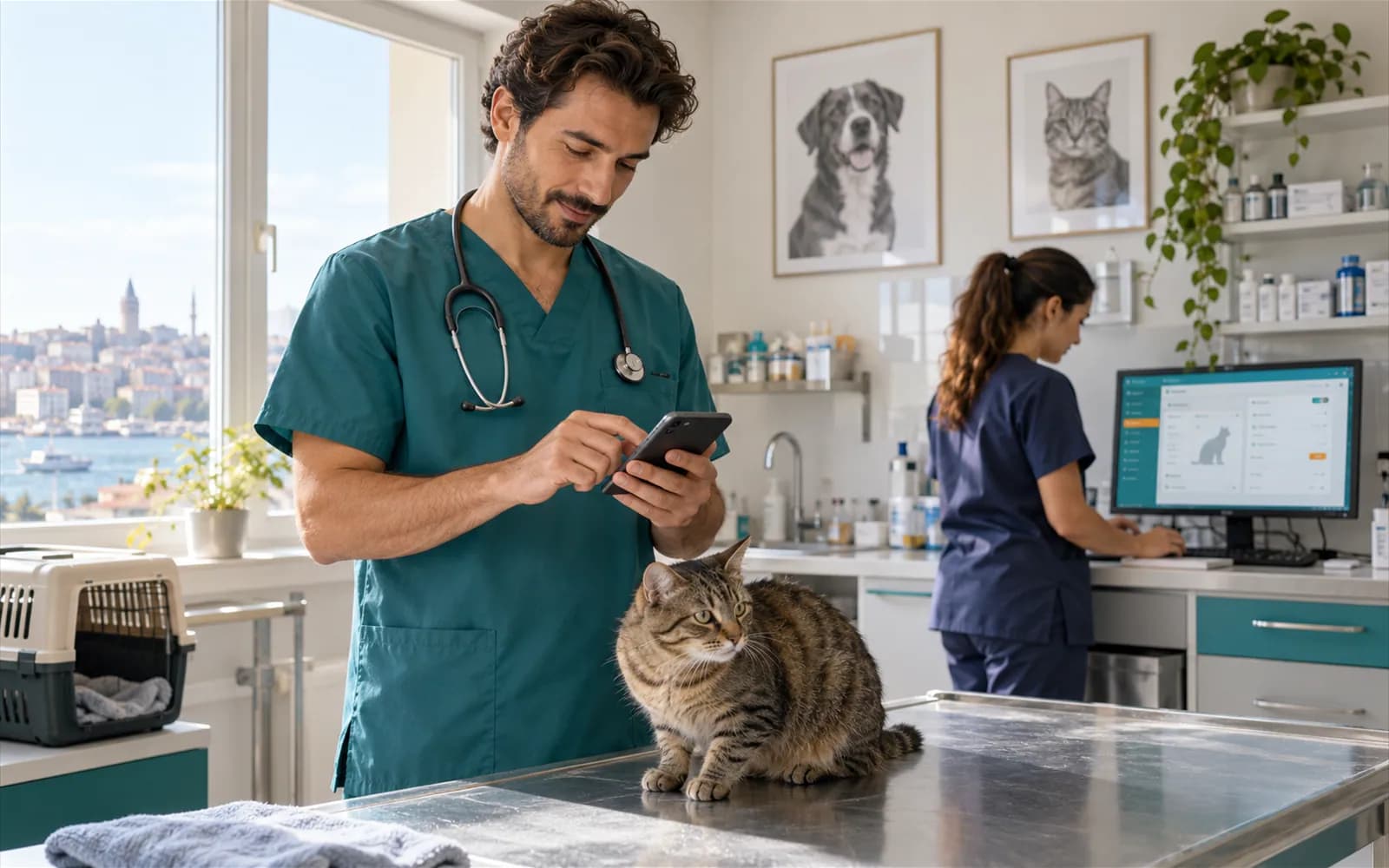
The hospitalized patient round from one list
During the round, the records of hospitalized patients are reachable from a phone or tablet; there is no separate paper list to keep.
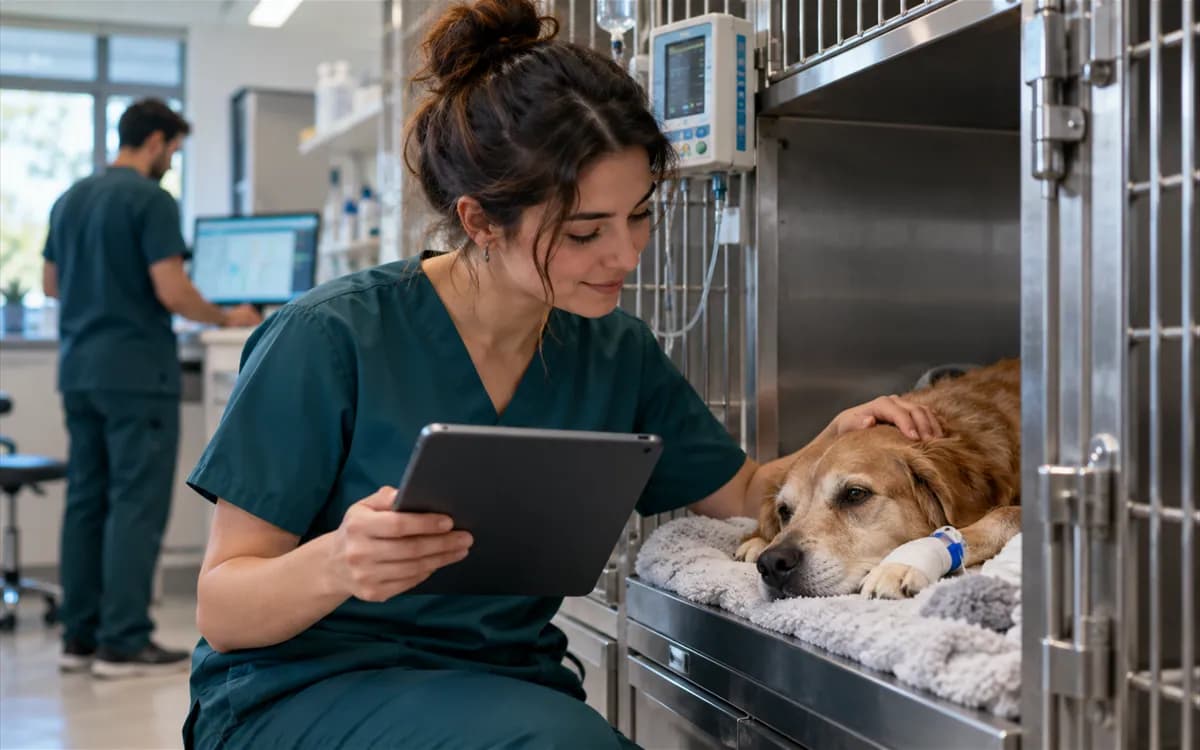
Payment without the front desk
Quick sale, cash desk, invoice and payment screens are on the phone, so a transaction no longer depends on the computer at the desk. Products are picked on screen; there is no camera barcode scanning.
Offline capture is limited to insemination
On a device with an existing signed-in session, an insemination entry can be saved to an encrypted local queue when there is no connection. After connectivity returns and the session is restored, the app rechecks the active branch and management permission before syncing. Internet is required for the first sign-in and to restore a session after restarting the app. Other field records are not queued offline. This flow has not yet passed device acceptance.
24 screen groups in the app today
Only screens that exist in the app are listed.
- Appointments
- Patients and owners
- Exams
- Prescriptions
- Vaccine plan and tracking
- Laboratory
- Surgery
- Hospitalization
- Pet hotel
- Pet grooming
- Insemination
- Cash desk
- Quick sale
- Invoices
- Payments
- Stock
- Pet taxi
- Commission
- Support
- Notifications
- Campaigns
- Branch selection
- AI preliminary diagnosis
- Tasks
Screens that depend on a provider or are in beta are shown with a dashed outline.
What this app is not
Let us set expectations up front.
It is not an app for pet owners
The app is for the clinic team; it is not an app for pet owners.
It is not published in a store
The app is not on Google Play or the App Store. There is no download link.
iOS is not verified
Testing was done on Android. We do not guarantee it works on iOS.
Notification and message delivery depends on a provider
SMS, WhatsApp and push notification delivery does not work without a provider connection.
Frequently asked questions
No. The app is in beta and is not published on Google Play or the App Store. Contact us for mobile access.
The app has been functionally tested on Android. The iOS version has not been verified yet.
The app has screens for appointments, patients and owners, exams, prescriptions, vaccines, lab, surgery, hospitalization, pet hotel, pet grooming, insemination, cash desk, quick sale, stock, pet taxi, staff and support.
Yes. Mobile and web use the same clinic account and the same data.
The exam screen has an AI preliminary diagnosis suggestion. This feature is in beta and depends on provider configuration; the diagnosis is the vet's.
No. The app is for the clinic team; it is not an app for pet owners.
Tell us what you need on mobile
The app is in beta. Try VetBis free for 7 days and write to us about your mobile needs.