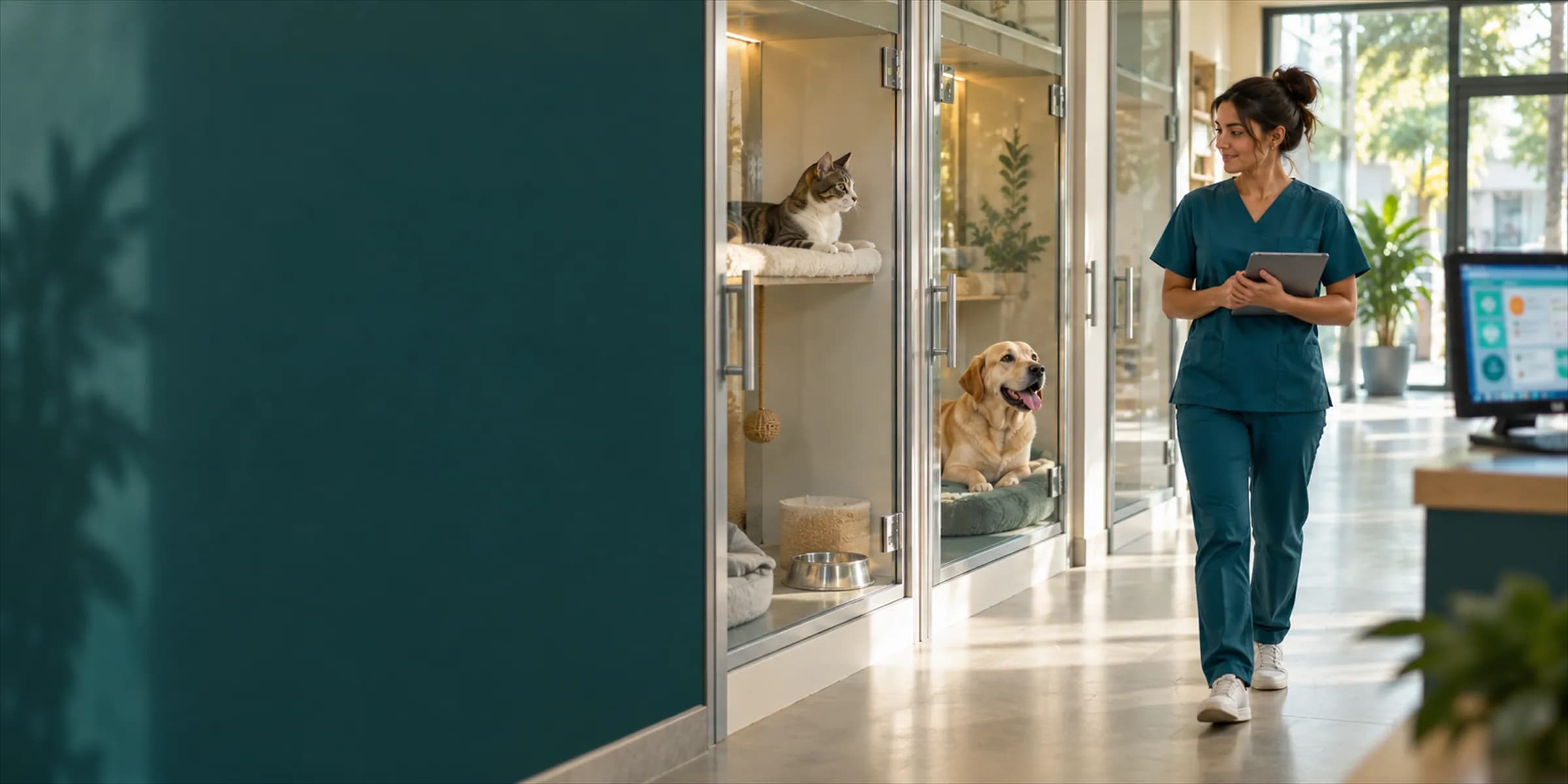
Pet hotel and boarding
Pet hotel software: room board, bookings and a daily care log
VetBis opens a booking for each boarding guest, assigns the room from a board, keeps a care log every day and issues the invoice at check-out from one screen. Combine it with grooming services and billing, and enter records from the mobile app too.
Room board (sample data)
Dog room 1
Boarding · 2
Cat room
Boarding · 1
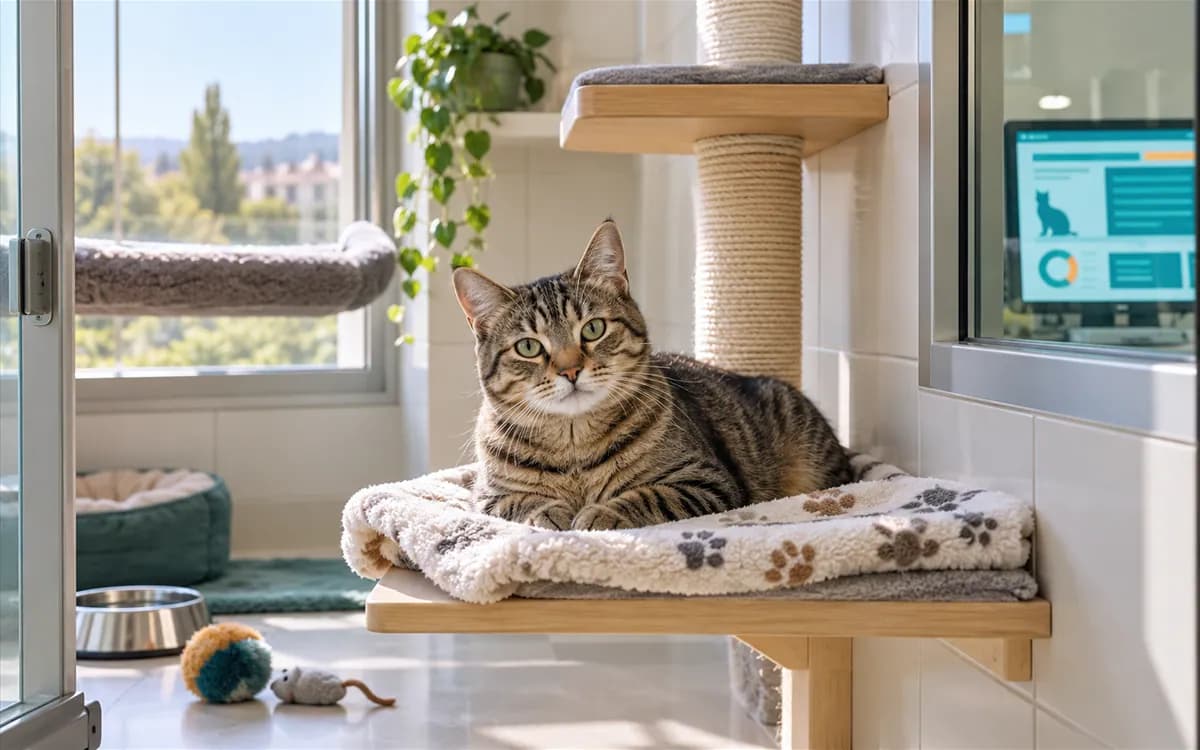
Duman
Cat · day 4
Dog room 2
Boarding · 2
Isolation room
Isolation · 1
Karamel
Dog · isolation
Standard room
Standard · 1
- Reserved
- Checked in
- In care
- Ready for pickup
Live flowInvoice 6 / 6
Steps
- 1BookingCheck-in and check-out dates, the room and the daily rate are written. Status: Reserved.
- 2Checked inThe guest settles into the room; diet, medication and emergency contact stay on the record.
- 3In careA care log is entered for each day, and a photo can be attached to it.
- 4Ready for pickupThe guest is prepared for pickup; the status changes on the room board.
- 5Checked outCheck-out is recorded and the total is calculated from the daily rate and the days.
- 6InvoiceThe stay and the extra services land on the invoice tied to the booking.
From booking to invoice: six steps of one stay
The flow below shows what happens in VetBis during a guest's stay. The statuses match the real record statuses one to one; the amounts are examples.
- ReservedCancelled
- Checked in
- In care
- Ready for pickup
- Checked out
- Day 0
Booking opened
Pamuk · Dog room 1 · 2 nights
- Day 1 · 09:10
Checked in
Diet and medication instructions, emergency contact on record
- Day 1 · 19:00
Care log: day 1
Ate two meals, 40-minute walk
Photo added to the log - Day 2 · 19:00
Care log: day 2
Calm in the play room, medication given on time
Photo added to the log - Day 3 · 10:00
Ready for pickup
Ready to tell the owner
- Day 3 · 11:30
Checked out
Total calculated automatically
Check-out invoice
| Stay: 2 nights × daily rate | TRY 900.00 |
|---|---|
| Extra: medication | TRY 150.00 |
| Extra: additional walk | TRY 100.00 |
| Total | TRY 1,150.00 |
Live flowInvoice 6 / 6
Steps
- 1BookingCheck-in and check-out dates, the room and the daily rate are written. Status: Reserved.
- 2Checked inThe guest settles into the room; diet, medication and emergency contact stay on the record.
- 3In careA care log is entered for each day, and a photo can be attached to it.
- 4Ready for pickupThe guest is prepared for pickup; the status changes on the room board.
- 5Checked outCheck-out is recorded and the total is calculated from the daily rate and the days.
- 6InvoiceThe stay and the extra services land on the invoice tied to the booking.
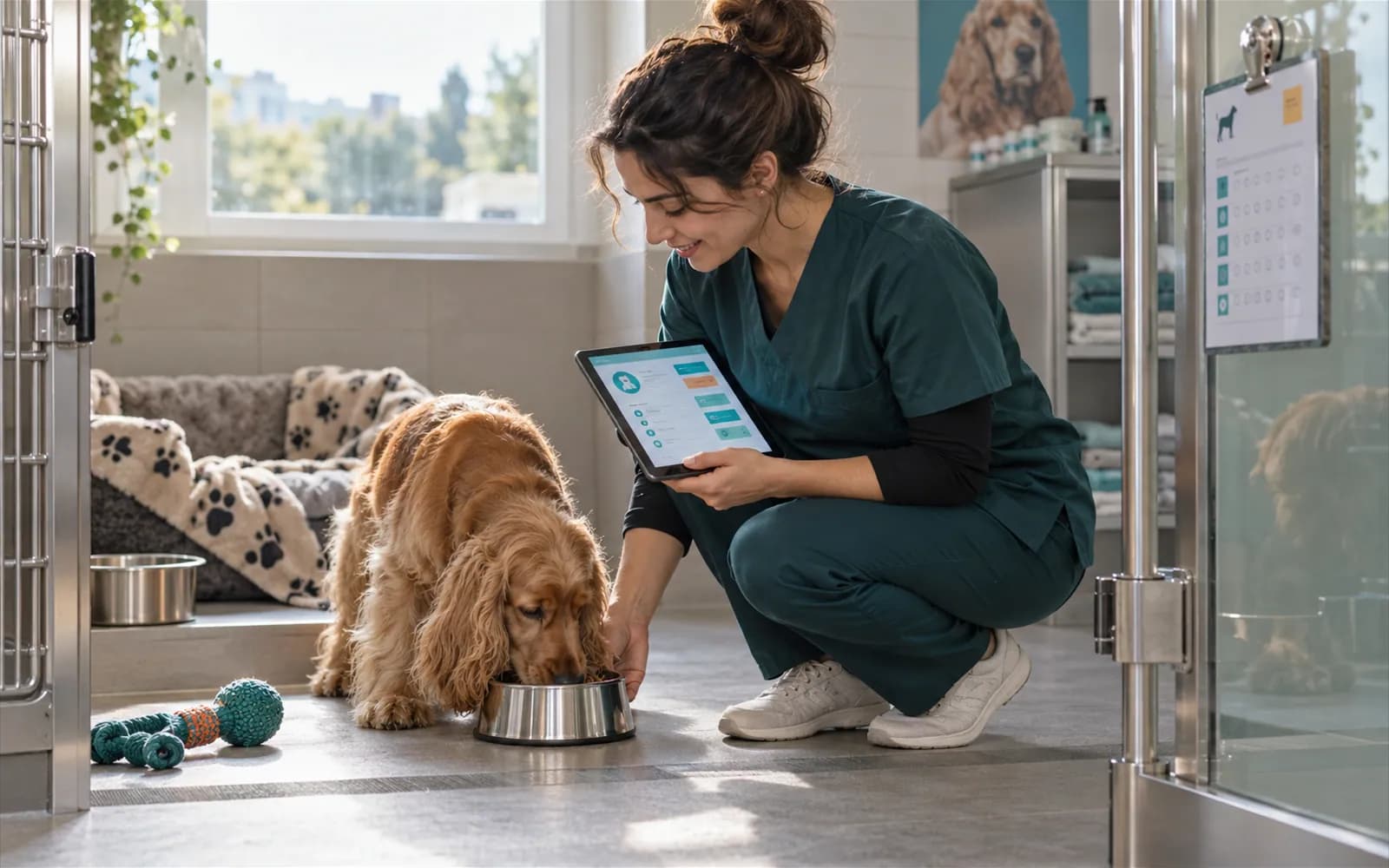
Daily care log and each guest's special instructions
Each boarder's instructions stay with the booking; the caregiver enters the log day by day and attaches a photo.
Special instructions
Behaviour, room and care notes on the booking record.
Dietary needs
Food type and meal routine written per guest.
Medication instructions
Which drug is given when, in front of the care team.
Emergency contact number
A second number to call when the owner cannot be reached.
Boarding consent form
Boarding is one of the consent types; a separate consent is taken for the stay.
Extra services, occupancy view and a grooming package
Add every service outside the stay to the record, and follow occupancy from the board.
Extra services
Items such as medication or an extra walk are added to the booking and land on the check-out invoice.
Occupancy view
See which room is full and which is free on the room board and the occupancy view.
Package with grooming
Add grooming to a stay; the customer and patient record stay the same.
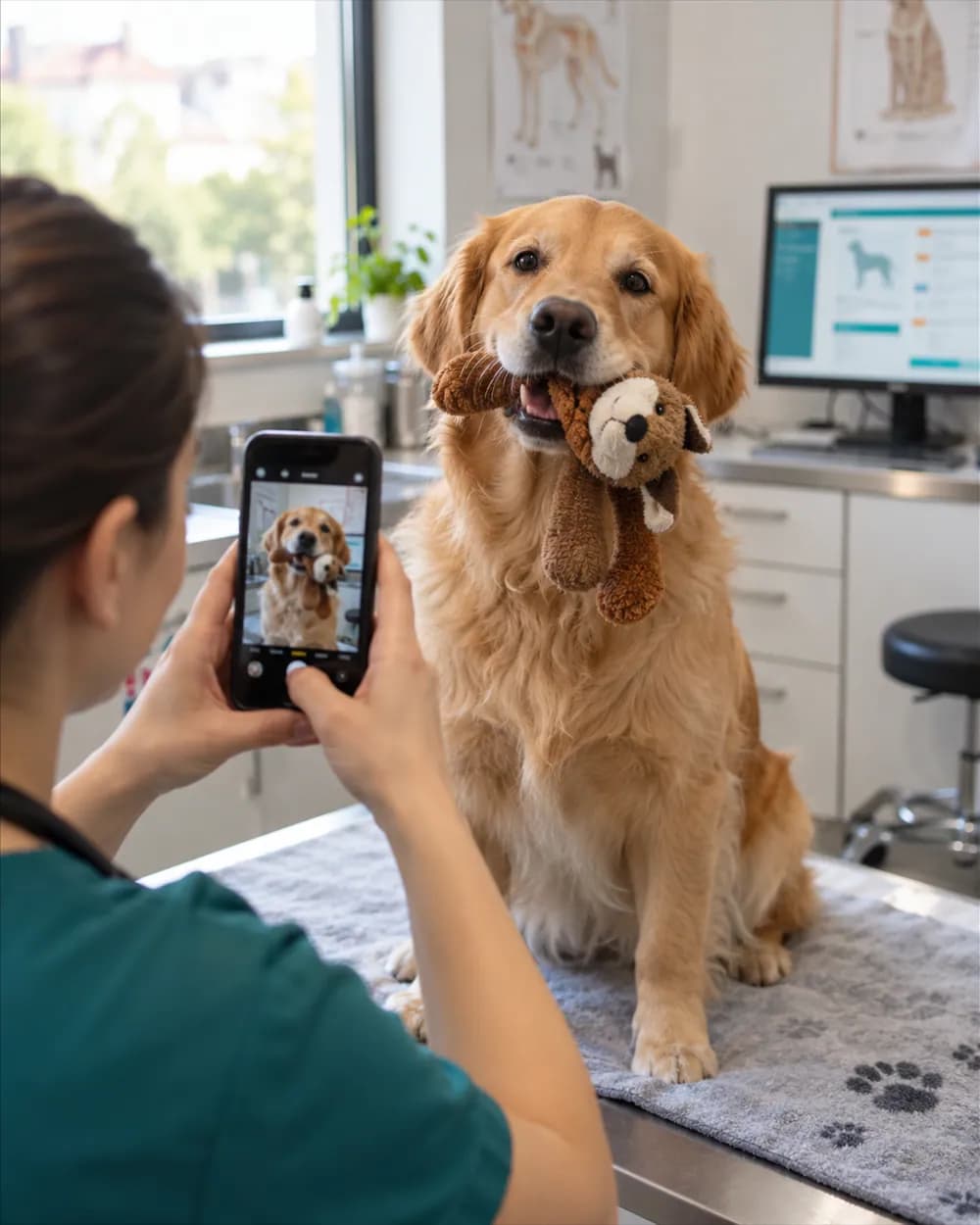
Photos for the owner: what is recorded today, what is waiting
A photo is attached to the care log and stored on the record. Sending it to the owner automatically will open once the messaging provider is connected.
- The photo and note are part of the daily care log.
- You can also enter the boarding record from the mobile app.
- Automatic daily summaries and check-in or check-out notices are off for now.
Frequently asked questions about pet hotel software
Bookings, room assignment, check-in and check-out statuses, the daily care log, extra services, special instructions, an emergency contact number, the boarding consent and the check-out invoice run in one place.
Standard, intensive care, isolation, recovery and boarding room types are ready. You can also define your own room categories.
The log and photo are kept in VetBis. Sending them to the owner as an automatic message will open once the messaging provider is connected; we do not promise it today.
The daily rate, the number of days and the extra services are added up, and an invoice tied to the booking is created from a checked-out stay.
Yes. Both a stay and grooming can be delivered on the same customer and patient record.
Take your pet hotel off the paper notebook
Open a free account and enter your first booking today.