
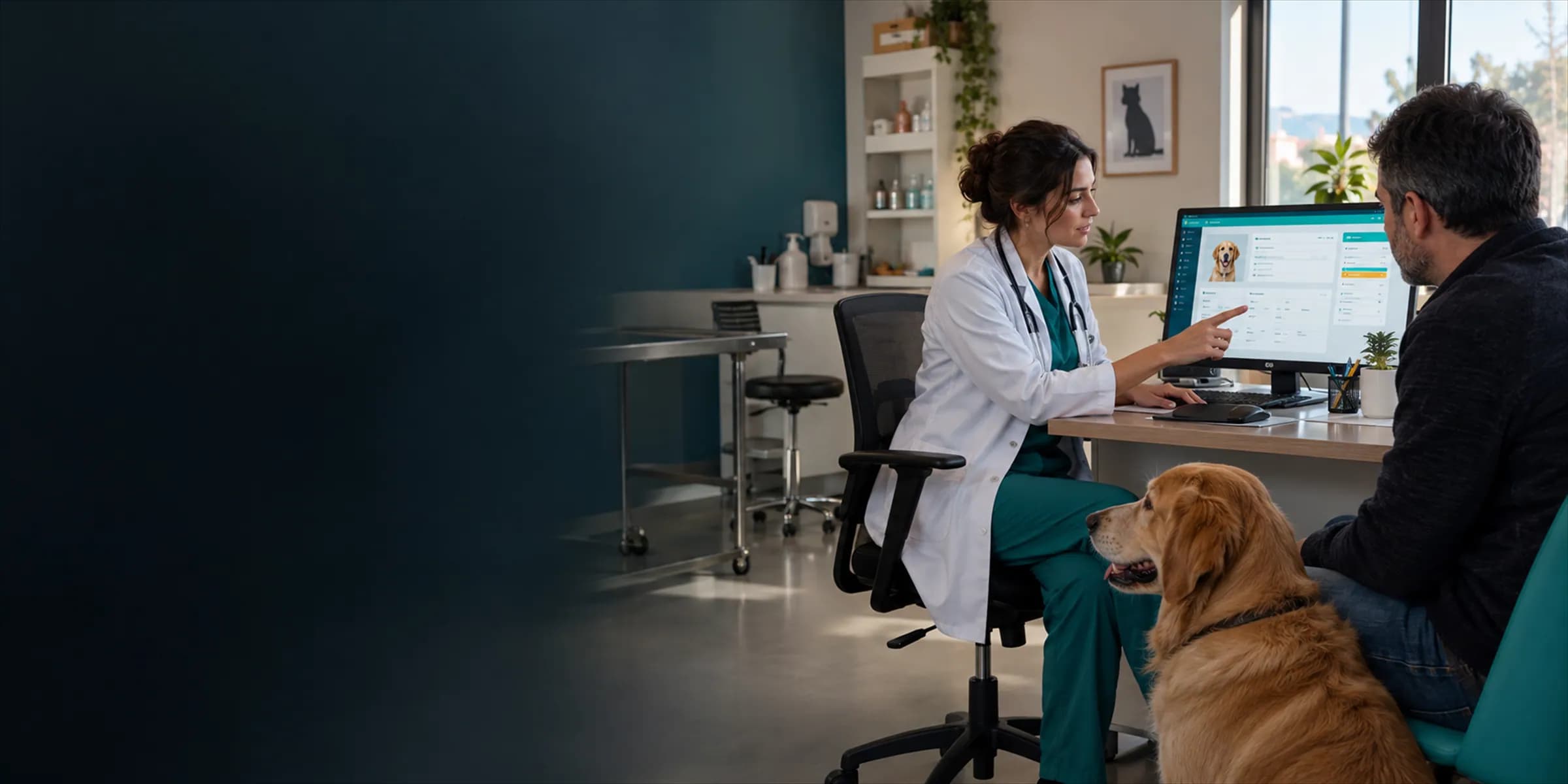
Veterinary practice software brings patient and owner records, appointments, exam notes, vaccination tracking, inventory, invoicing and the cash desk into one system. The aim is to run the clinic's daily routine without scattering it across paper files, spreadsheets and separate notebooks. In a cloud-based clinic management system such as VetBis, all of this runs in one interface you can open from a browser, tablet or phone. This article explains what the software actually does, who uses it and when a clinic needs one.
What exactly is it?
A vet clinic runs three jobs at once: patient care, business management and client relations. Practice software joins them on the same data. A patient's vaccination history, today's invoice, the stock deducted for the drug used and the next appointment are all read from one record.
"Veterinary patient management software", "vet software" and "veterinary clinic management system" mostly mean the same thing. The difference is scope: a simple program that only stores patient cards is very different from a system that also handles cash, stock and branches.
What does it do?
Patient and owner records
An owner may have several animals. The software keeps the owner's contact details and each animal's species, breed, birth date, weight, allergy and chronic-condition notes on one card. Reception finds a record in seconds by phone number. See patient and owner management for more.
Appointments
The calendar shows by vet or room. Double bookings and appointments on a vet's day off become rare. A waiting list makes walk-ins easier to queue.
Examination and treatment records
During the exam, the vet records the complaint, findings, assessment and plan in a structured way. Vitals (temperature, weight, heart rate, respiratory rate), the problem list and the treatment plan sit in the same patient file. We cover this structure in our guide to patient records and SOAP notes.
Vaccination tracking
This is one of the most visible benefits for a clinic. A schedule is generated by species and breed, administered vaccines are recorded, and upcoming or overdue vaccinations appear as lists. The vaccination tracking page walks through the flow. The status of notification integrations needed for automatic reminders to owners is stated openly on that page.
Inventory and purchasing
Product lots and expiry dates are tracked, items that fall below a threshold raise an alert, and materials used in an exam are deducted from stock. Counts, warehouse transfers and purchase orders are part of the same module.
Invoicing, cash desk and payments
The exam ends, services and products become an invoice, the payment is recorded to the cash desk, and the session is closed at day end. The customer's account and open balances are visible. We walk through it step by step in cash desk and end-of-day closing in a vet clinic.
Reporting
Daily cash, revenue per vet, best-selling products and services let you manage the clinic with data rather than hunches.
Who uses it?
| Role | What they do in the software |
|---|---|
| Veterinarian | Exams, diagnoses, treatment plans, vaccinations, prescriptions |
| Technician / assistant | Entering vitals, inpatient monitoring, procedure records |
| Reception | Registration, appointments, payments, cash desk |
| Owner / manager | Reports, stock, staff and branch management |
| Accounting | Invoice, account and cash data |
A well-configured system means everyone sees only the screens they need for their job. That is why permission management matters.
What happens without it?
A clinic without software typically looks like this:
- Patient details in a paper file, vaccine dates in a diary, accounts in a ledger.
- Vaccine dates are missed and owners are not called back, so they do not return.
- Materials used in exams are not deducted, and counts do not match.
- The cash total and invoices disagree at day end and nobody knows why.
- When a vet leaves or the clinic grows, knowledge stays with individuals.
None of this is impossible without software, but each item is a small daily loss of time and revenue.
When does a clinic need it?
You do not need to be a large clinic. These signs say the time has come:
- You write the same information in more than one place.
- Finding a patient's history takes minutes.
- You track vaccination and recheck reminders by hand.
- Stock counts keep showing differences.
- You are adding a second vet, a second branch or a new service such as boarding.
For a solo practice, a lean setup is enough; the solo vet practice solution page is written for that need.
A day in the software: a sample flow
The value of the software shows best in one patient's journey through the day:
- Appointment: The owner calls; reception sees the vet's free slot in the calendar and books it against the patient card.
- Arrival: The record opens on arrival; allergy and chronic-condition alerts show on the first screen.
- Exam: The vet enters vitals, the SOAP note and the treatment plan, and administers a vaccine if needed.
- Stock: Products and materials used in the exam are deducted from inventory.
- Payment: Services become an invoice and the payment is recorded to the cash desk.
- Follow-up: The next vaccine or recheck date is recorded; patients whose dates are approaching appear in a list.
Kept in separate notebooks, the same information is written four times; in software it is written once and used everywhere.
- Appointment
- Exam
- Vaccine
- Invoice
- A 10:30 appointment was opened for Pamuk (cat).
- Exam: weight, temperature and plan written to the patient card.
- Vaccine dose given; the next dose date landed on the calendar.
- Services became an invoice; payment posted to the cash desk.
Live flowInvoice 4 / 4
Steps
- 1AppointmentPick the patient and owner record, the appointment enters the calendar.
- 2ExamThe vet writes the exam note on the same record.
- 3VaccineThe vaccine plan is stored as dated doses.
- 4InvoiceExam and products are invoiced; the cash desk closes at day end.
The patient and entries are made up; everything works on the same patient record.
What the software does not do
To set expectations correctly, know the limits as well:
- The software does not take clinical protocol or decision responsibility away from the vet; it organizes records and process.
- Features that are not ready (for example some notification and official-filing integrations) are labelled separately on product pages; read those labels before you buy.
- No program can produce clean reports without data-entry discipline. If the same patient is opened twice, there are two records.
How to tell a good one apart
The word "veterinary" in the name is not enough. Check:
- Is every feature on the product page really ready for use, or marked "in development"?
- Can you export your own data?
- Is there a way to bring over your old records?
- Is pricing clearly written by number of users and branches?
Our guide on how to choose veterinary clinic software takes you through selection step by step.
How does setup go?
The usual flow:
- Clinic details, users and roles are defined.
- The service and product catalog and prices are entered.
- Existing patient and owner records are imported.
- The team runs a real-day scenario after short training.
- Old and new methods run in parallel for a few days, then you switch fully.
Duration depends on the number of records and the size of the team. Ask the provider for a written plan.
Frequently asked questions
Are veterinary practice software and vet software the same thing? In everyday use, yes. Both mean the software that manages a clinic's patients, appointments, stock and cash.
Do I need an IT specialist? No. Cloud-based systems have no server to install; your team only needs to use a browser.
Can I move my paper records to the new software? Digital files such as spreadsheets can be imported. For paper, it is realistic to prioritize what you need most: active patients, vaccination history and open balances.
Can I try it for free? VetBis offers a 7-day free trial and requires no credit card.
Conclusion
Veterinary practice software lets you run the clinic's daily work in one place on the same data. To see the whole flow from patient record to cash desk, browse VetBis features and try it with your own team for 7 days.