
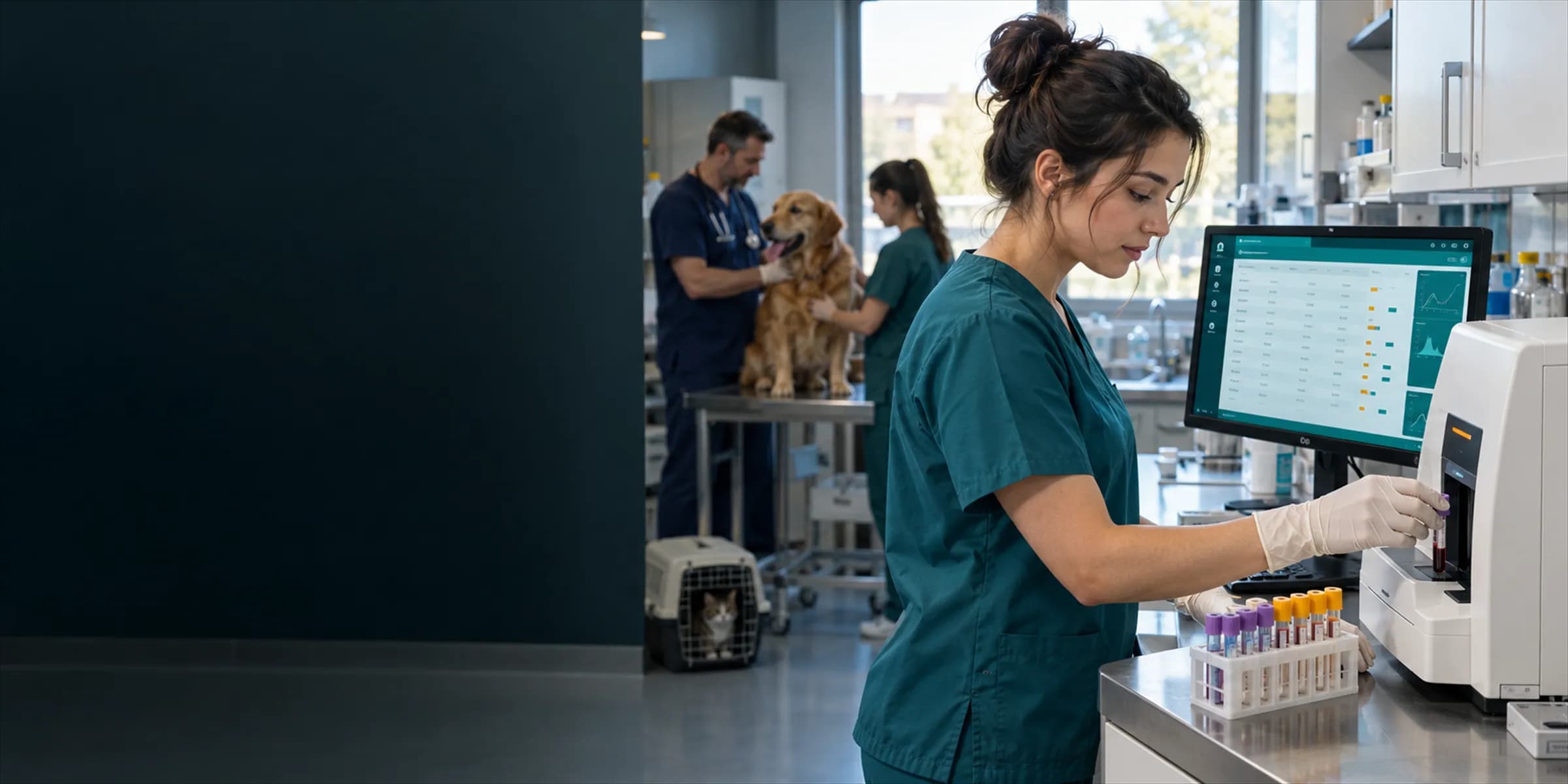
The test result is back, but the vet is busy with another patient, and the result sits on a sheet of paper, in an email or on an analyser screen. The real risk in veterinary lab result tracking is not a wrong result; it is a result that waits without being seen or acted on. VetBis laboratory keeps the lab request, result and reference range in the patient record and flags a result that falls outside its range. This guide shows how to organise the request-to-result flow with any tool.
Note: this article is about record-keeping and process. Clinical interpretation and the choice of reference values are the vet's responsibility; no numeric reference values are given here.
The lab workflow, start to finish
A test takes six steps. Information lost at any step weakens trust in the result.
| Step | Question | Risk |
|---|---|---|
| 1. Request | Which test, and why? | Unnecessary or missing request |
| 2. Sample | From whom, when, in which tube? | Wrong patient or wrong label |
| 3. Analysis | In-house analyser or outside lab? | Delay and lost samples |
| 4. Result entry | Are the values in the patient record? | Manual entry errors, lost paper |
| 5. Review | Has the vet seen it, and what was decided? | A result waiting unseen |
| 6. Communication | Has the owner been told, did the plan change? | An abnormality nobody was told about |
1. The request: why and what for?
Every request should carry three things: the patient, the test and the reason (clinical suspicion or a recheck). With the "why" filled in, the vet remembers what they were looking for when the result arrives, and the information survives a change of shift.
Request checklist
- Correct patient and owner selected
- Test name and panel are clear
- Reason for the request is on record
- Conditions that affect the result, such as fasting status and current medication, are noted
- Owner has been told the expected time and cost
2. Labelling samples
Most sample errors begin with the label. Include at least these three things: patient name or number, the owner's surname, and collection date and time. If two patients of the same species are in on the same day (two Golden Retrievers, two cats), add a further identifier such as the file number.
Label at the point of collection; labelling after carrying the sample to another room is the classic route to a mix-up.
3. In-house versus outside laboratory
| Topic | In-house analyser | Outside laboratory |
|---|---|---|
| Turnaround | Short | Usually longer |
| Data entry | Manual or transferred from the device | From the report |
| Tracking risk | Result stays on screen and never reaches the record | Expected result is delayed |
| Reference range | Depends on device and manufacturer settings | The range printed on the lab report |
An important distinction: automatic data integration with outside laboratories is not available in every system. In VetBis, requests and results are recorded inside the clinic; check the current status of outside-lab integration on the integrations page. When an outside report arrives, entering the values in the patient record and keeping the report as an attachment is a common and safe practice.
Track pending outside tests separately: a "sent but not returned" list catches lost results.
4. What is a reference range and why does it matter?
A reference range is the band of values expected in a healthy population. Whether a result is read as "normal" or "abnormal" depends on that band, and the band itself is not fixed:
- It varies by species: dogs, cats and other species use different ranges.
- It can vary by age: young, adult and senior patients may have different expected values.
- It varies by device and method: the same value may be read against a different range on two analysers.
- It varies by laboratory: an outside lab's report reflects that lab's method.
So copying a reference range into the system once and forgetting it creates false confidence. Use the range of the device or laboratory you actually rely on, confirm it with your vet and update it when it changes. In VetBis, a reference range is defined for each test parameter, and a result outside it is flagged as abnormal. The accuracy of those ranges remains the clinic's responsibility.
The limit of the abnormal flag
A flag is not a diagnosis; it is only a "the vet should look" signal. Some results fall outside the range yet mean nothing clinically, and some within range show an important change against the patient's earlier values. So do two things together: use the range flag and compare with history.
Result record
- Test
- Sample test
- Sample
- Pamuk, blood
- Result (entered by hand)
- 41unitsOutside the reference range: flagged for the veterinarian
- Reference range
- 10 - 30units
Live flowDeviation flag 4 / 4
Steps
- 1SampleThe test is linked to the patient record.
- 2Test selectionOrder and sample details are kept on the record.
- 3Value entryThe value from the report is typed in with its reference range beside it.
- 4Deviation flagAn out-of-range value is flagged for the veterinarian, who interprets it.
Fictional value and range; the real reference range is set by the lab and the veterinarian. External lab integration is not automatic.
5. Result entry: reducing typing errors
Every manually typed value is a chance for error. These habits cut the risk:
- After entering a value, check it side by side with the report.
- Always write the unit (for example mg/dL or g/L); unit confusion is a common source of misreading.
- Watch the decimal separator (comma or point); the difference between 7.5 and 75 is large clinically.
- Attach the original report (PDF or photo) to the patient file.
- Keep the name and time of the person who entered the result.
6. Never leave a result unseen
Three simple rules for result follow-up:
- A pending-results list: review requested tests with no entered result every day.
- An abnormal-result rule: a result flagged abnormal is not "done" until the vet has opened it and made a note.
- A named person: assign someone to check results at least once a day and pass them to the vet.
Daily result-check routine
| Time | Task |
|---|---|
| Morning | Overnight results, tests for inpatients |
| Midday | Reports from the outside lab |
| Evening | Pending and overdue tests, list for tomorrow |
Inpatient tests come first; a delayed result in these patients can directly affect treatment. For the related process, see the guide on hospitalized patient monitoring.
7. Giving results to the owner
Passing a result to the owner is the vet's job and should not be done with numbers alone. Keep in mind:
- Explain what the result means and what happens next.
- For an abnormal result, do not just say "high"; relay the vet's assessment.
- Record what you told whom and when.
- If an owner asks for a written copy, provide it within your clinic's own rules.
Patient information is personal data; when sharing a result by phone or message, verify identity and follow the clinic's data-protection rules.
8. Comparing over time
A single test is a photograph; a series of tests on the same patient is a film. For chronic patients (kidney, liver, endocrine follow-up), seeing the course of the same parameter over time is worth more than any single result. If results are kept in the patient record in date order, the comparison is easy. This is where scattered paper files are weakest.
Lab record checklist
- Every request has patient, test and reason written down
- Samples are labelled at the point of collection
- A pending list exists for tests sent to outside labs
- Reference ranges are defined for the device or lab actually used
- Results are entered with units and checked against the report
- Abnormal results are opened by the vet and noted
- Information given to owners is on record
- Series are compared for chronic patients
FAQ
Is VetBis integrated automatically with outside laboratories? No. Requests and results are recorded inside the clinic; see the integrations page for the current status of outside-lab integration.
Do reference ranges arrive automatically correct? Ranges change with device, method and laboratory, so the clinic must define the range it actually uses and confirm it with its vet.
Does the abnormal flag make a diagnosis? No. It draws the vet's attention; interpretation and decisions belong to the vet.
Can AI interpret results? An AI assistant for clinical decision support is in beta; it is a helper that supports the vet, not a diagnostic tool. The decision is always the vet's.
Next step
This week, do two things: start a pending-tests list and write down the reference ranges of the device and laboratory you use. Then try VetBis free for 7 days and see requests, results and the abnormal flag with your own cases.