
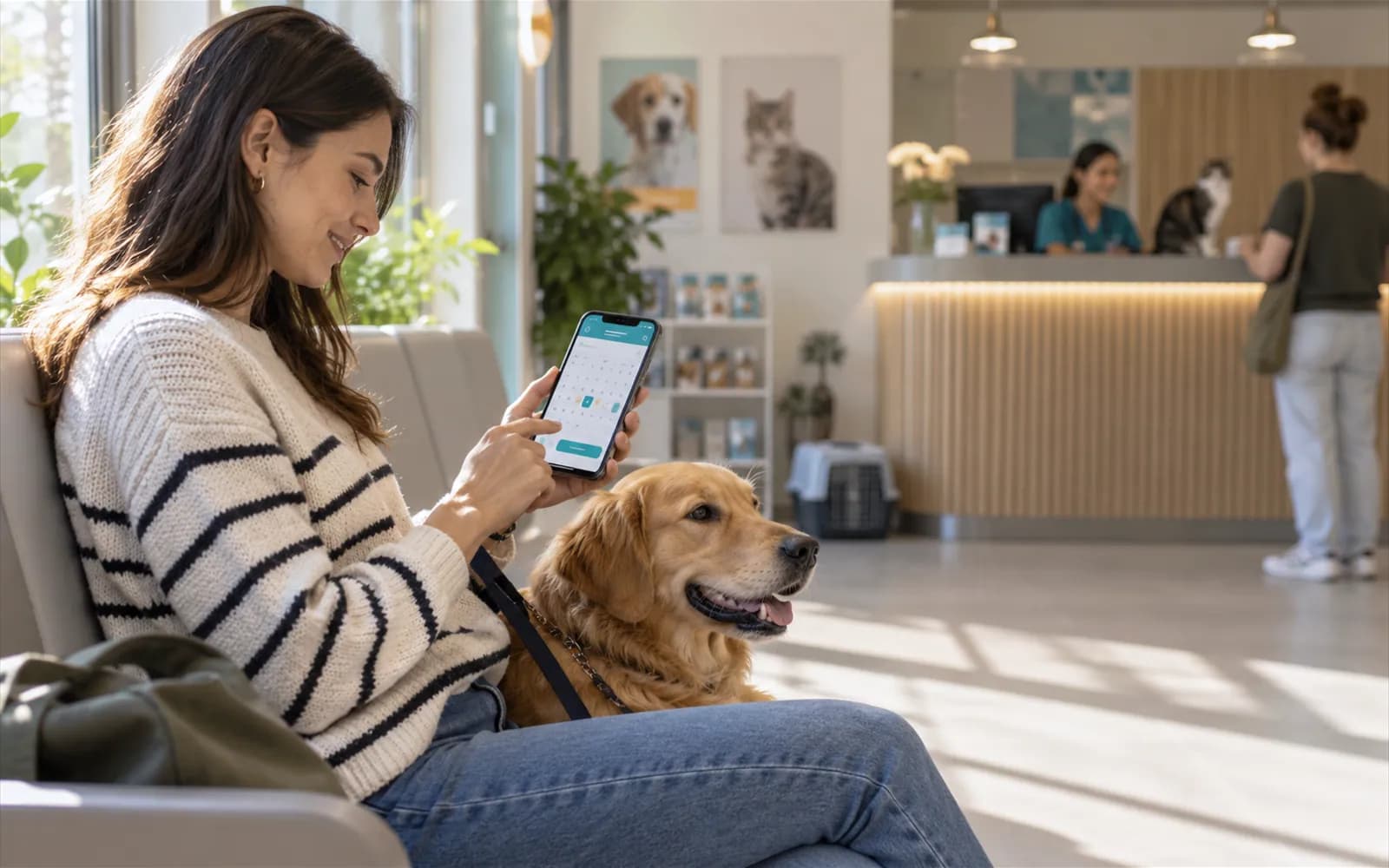
A patient who does not show up is an empty consultation slot that cannot be won back. This article covers seven things your clinic can do to reduce no-shows. Keeping the calendar in software such as VetBis makes most of them easier; for the product side, see the appointment scheduling page.
Note: measure how many appointments are missed from your own records. There is no reliable single rate for the whole sector; your figure is specific to your clinic.
Measure first: how to calculate your no-show rate
Measure what you want to fix first. For a month, write down three numbers each day: appointments scheduled, appointments attended, appointments cancelled. Then look at them like this:
| Measure | How to find it |
|---|---|
| No-show count | Scheduled - attended - cancelled in advance |
| No-show rate | No-show count / scheduled appointments |
| Late cancellation | Cancellations notified a few hours before |
| Split by appointment type | Vaccine, check-up, pre-surgical, non-emergency consult |
On which days and hours, and in which appointment types, are no-shows concentrated? Which owners miss repeatedly? The answer tells you which of the seven methods to prioritise.
Why are appointments missed?
- The owner forgets the date.
- The appointment is made by phone but written nowhere, or written wrongly.
- The appointment length does not suit the procedure type, so the wait grows.
- The owner wants to cancel but has no easy way.
- The pet has recovered and the owner does not see why a check-up is needed.
Seven methods
1. Keep appointments in a single calendar
Appointments from the phone, in person and other channels should enter the same calendar. The system prevents conflicts for the same vet and time slot. If a notebook, a phone note and a calendar are all kept at once, one of them is always incomplete.
2. Define a length that suits the appointment type
A vaccine check and a pre-surgical consultation do not need the same time. When appointment type and length are defined, the calendar fills realistically; owners do not wait long, and waiting stops being a reason for no-shows.
3. Enter vet working hours and leave
Working hours must be defined in the calendar so appointments are not given for holidays and leave days. When a vet goes on leave, reschedule that day's appointments in advance; calling the owner at the last minute raises no-show risk.
4. Set a reminder rule
Write a reminder rule for one day before the appointment. In VetBis, reminder rules and the owner's contact permissions can be defined today. Delivery by SMS, WhatsApp and e-mail needs a connection to an external provider and is in preparation; until then reception can phone the next day's list. For channel rules see the WhatsApp article.
A reminder should contain: clinic name, pet name, day and time, and how to tell the clinic if they cannot come.
5. Use a waitlist
Do not leave a cancelled slot empty. Offer it to an owner on the waitlist. Because automatic notification depends on a provider, phoning is the method that applies today. Order the list by urgency: a patient whose vaccine is overdue or whose check-up was postponed should come first.
6. Open an easy way to cancel and reschedule
Making cancellation easy reduces silent no-shows. The pet owner portal is under development (see the portal page); today cancellation is done by phone or by the clinic. If the phone is hard to reach, tell owners a fixed cancellation number and its opening hours.
7. Report occupancy and no-show rate
Watch occupancy by hour and day. The busiest and emptiest hours shape team planning and appointment length. See the reporting page for reports.
- Scheduled
- Confirmed
- No-showThe freed slot opens to the waiting list.
- Rescheduled
Live flowRescheduled 4 / 4
Steps
- 1Appointment scheduledThe slot is held on the calendar.
- 2Owner confirmedConfirmation shows on the appointment status.
- 3Patient did not comeThe appointment is marked as a no-show.
- 4RescheduledThe freed slot opens up and the patient gets a new one.
Status names are illustrative.
How to talk to owners who repeatedly miss
Talk to a repeat no-show owner without blaming: "We could not see Pamuk last week. Shall we set a new time?" Ask why: are the hours inconvenient, is transport difficult, is cost a worry? If the reason is something the clinic can address (hours, location, waiting), the fix is yours. If needed, leave a short note on the owner record and make a confirmation call the day before when booking. That is not a penalty; it is record discipline.
A special case: vaccine and check-up appointments
Vaccine and check-up appointments matter for continuity of care, but because the owner sees no urgency they are the easiest to miss. Plan vaccine appointments in advance by dose date and spread the reminder rule over two steps instead of one (for example three days and one day before). For calendar and dose routines see the vaccination schedule article.
Frequently asked questions
Should we charge a penalty or a deposit for no-shows? That is a clinic policy and must be communicated to owners in advance. Measure first and try the easy methods (reminders, easy cancellation); a deposit scheme needs its own legal and commercial assessment.
Is overbooking a solution? Some clinics try it at busy hours, but if everyone comes the wait grows. Measure your own no-show rate first and keep the deviation small.
Can pet owners book online? The pet owner portal is under development. Today appointments are made by the clinic, by phone or in person, and the calendar is kept in the same software.
Do emergencies break the calendar? They can. Leave a small emergency capacity each day and define it as a separate appointment type in the calendar.
Weekly appointment checklist
- Next day's appointment list was phoned or confirmed by message
- Cancelled slots opened to the waitlist
- No-show patients marked
- Occupancy report reviewed
- Working hours and leave up to date
- Notes added to the records of repeat no-show owners
Conclusion
No-shows do not end with a single tool. When one calendar, the right length, reminders and a waitlist work together, empty hours shrink. For vaccine appointments see the vaccination schedule article.